

Feeling overwhelmed by complicated email marketing platforms? You’re not alone. Many beginners just want to create and send a simple newsletter without navigating through complex features they’ll never use. The good news is that several email marketing tools are specifically designed with simplicity in mind, making it easy for non-technical users to get started quickly.
In this guide, we’ll cut through the noise and focus on truly beginner-friendly email marketing platforms that prioritize ease of use. Whether you’re a small business owner, blogger, or just someone looking to stay in touch with a small audience, you’ll find the perfect solution that won’t require a tech degree to figure out.
Why Beginners Need Simple Email Marketing Tools
When you’re just starting with email marketing, the last thing you need is a platform with hundreds of advanced features that only confuse and intimidate. Many popular email marketing services are designed for marketing professionals who need sophisticated automation, complex segmentation, and detailed analytics.
As a beginner, your needs are much simpler. You likely want to:
- Create visually appealing newsletters without design skills
- Manage a small subscriber list without complicated segmentation
- Send emails without worrying about technical deliverability issues
- Get basic stats on who’s opening and clicking your emails
- Accomplish all this without spending hours learning a new platform
The right beginner-friendly email marketing tool should make these tasks intuitive and straightforward. It should offer pre-designed templates, a drag-and-drop editor, and a clean interface that doesn’t overwhelm you with options you don’t need yet.
What makes an email tool “easy” for beginners? Look for platforms with intuitive drag-and-drop editors, pre-designed templates, simple list management, and clear, jargon-free interfaces. The best tools for beginners hide complexity while still providing the essential features you need.
Mailchimp vs ConvertKit: Which is Easier for Non-Tech Users?
Mailchimp and ConvertKit (now Kit) are two of the most popular email marketing platforms, but they offer very different experiences for beginners. Let’s compare them specifically on ease of use for non-technical users.
Mailchimp
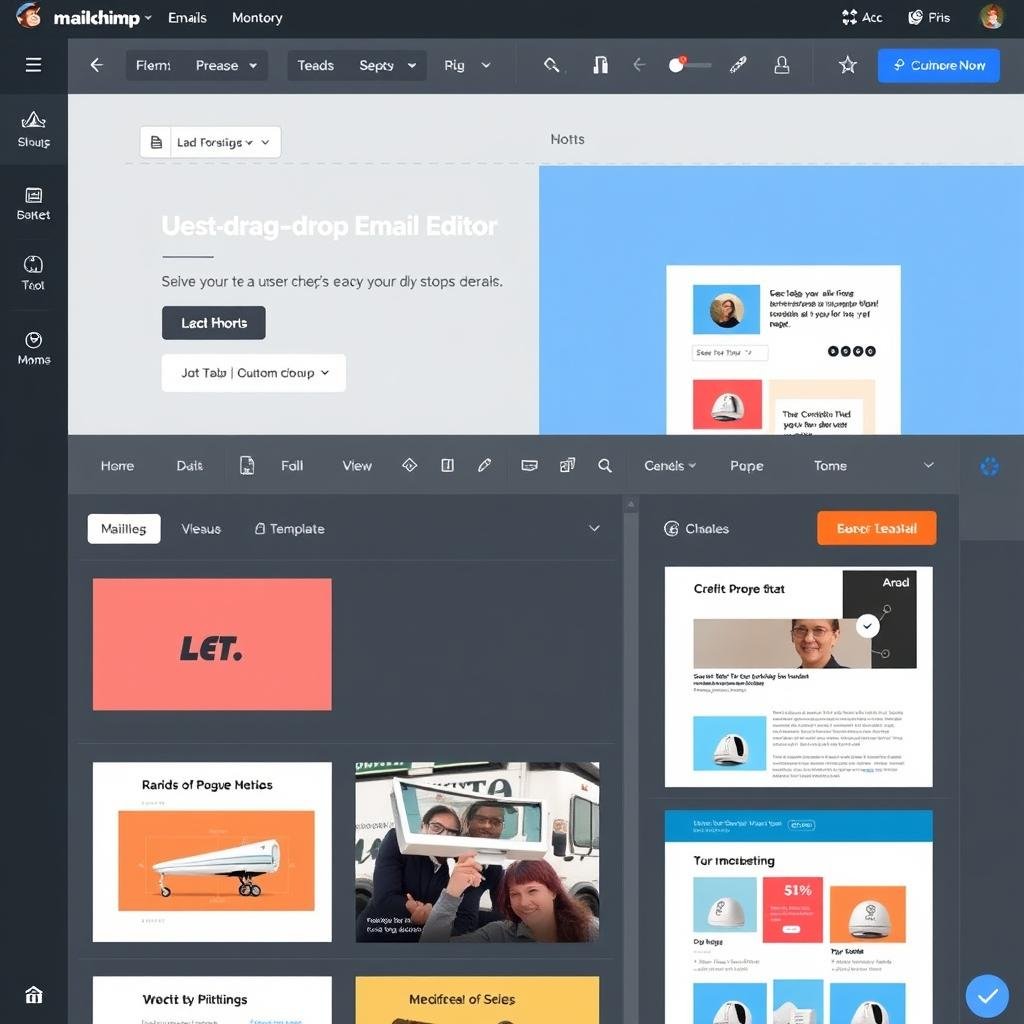
Mailchimp has long been known as a beginner-friendly option with its playful branding and simplified interface. It offers:
- A straightforward drag-and-drop editor that’s visual and intuitive
- Over 100 pre-designed templates for various industries
- Basic automation features that are easy to set up
- A free plan for up to 500 subscribers (with limited features)
However, Mailchimp has evolved over the years, adding more advanced features that have made the platform increasingly complex. Many beginners now report feeling overwhelmed by the number of options and the sometimes confusing navigation.
ConvertKit (Kit)
ConvertKit, now rebranded as Kit, takes a different approach with a cleaner, more minimalist interface. It offers:
- A simpler email editor focused on text-based newsletters
- Fewer but more focused template options
- Visual automation builder that’s surprisingly intuitive
- A free plan for up to 10,000 subscribers with unlimited emails
Kit was originally designed for content creators and bloggers, which means it prioritizes simplicity over advanced marketing features. This focus makes it less overwhelming for many beginners.
The Verdict for Non-Tech Users
For absolute beginners who just want to create and send a simple newsletter:
Mailchimp is better if you:
- Prefer visually rich, image-heavy newsletters
- Want more design flexibility and template options
- Need basic reporting and analytics
- Have a very small list (under 500 subscribers)
Kit (ConvertKit) is better if you:
- Prefer text-focused, clean newsletters
- Want the most straightforward interface
- Need a platform that can grow with you
- Have a larger list (up to 10,000 subscribers)
While both platforms are marketed as beginner-friendly, many non-technical users find Kit’s focused approach less overwhelming than Mailchimp’s feature-rich environment. However, your specific needs and preferences will determine which is truly “easier” for you.
5 Best Email Marketing Platforms for Absolute Beginners
Based on our analysis of user interfaces, template options, and overall simplicity, here are the five easiest email marketing tools for beginners who just want to create and send simple newsletters.
1. MailerLite: The All-Around Easiest Option
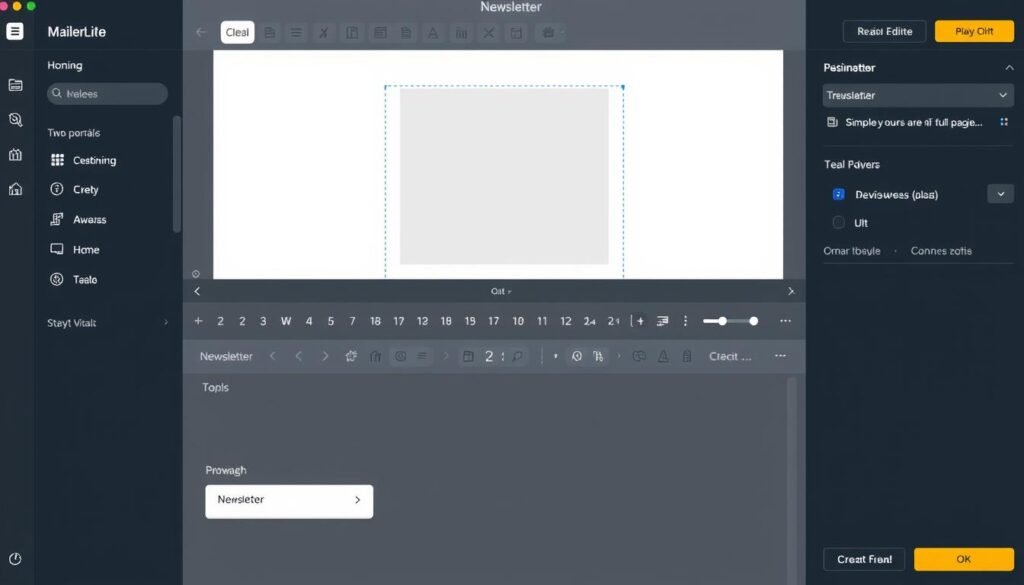
MailerLite consistently ranks as one of the easiest email marketing tools for beginners, striking the perfect balance between simplicity and functionality. Its clean, intuitive interface makes creating newsletters a breeze, even for those with zero technical experience.
Key Features for Beginners:
- Truly intuitive drag-and-drop editor with a gentle learning curve
- Clean, modern templates that are easy to customize
- Simple subscriber management without overwhelming options
- Basic automation features that are easy to understand
- Generous free plan with 1,000 subscribers and 12,000 emails per month
Perfect for: Complete beginners who want the shortest possible learning curve and a clean, modern interface.
Pricing: Free for up to 1,000 subscribers (12,000 emails/month). Paid plans start at $9/month for 500 subscribers with unlimited emails.
2. Sender: Simplicity with Advanced Features
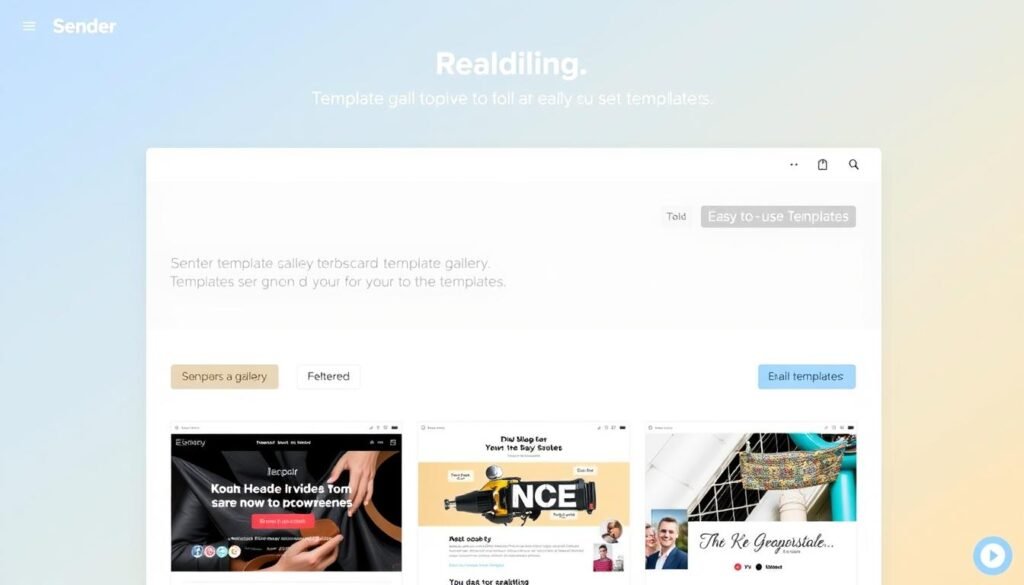
Sender stands out as an extremely user-friendly option that doesn’t sacrifice functionality. It offers one of the most generous free plans available, making it perfect for beginners who want room to grow without immediate costs.
Key Features for Beginners:
- Fast, responsive drag-and-drop editor that’s easy to master
- Rich template gallery with professional designs
- Pre-built automation workflows that require minimal setup
- Simple segmentation tools that are actually easy to understand
- Extremely generous free plan with 2,500 subscribers and 15,000 emails per month
Perfect for: Beginners who want a simple start but anticipate needing more advanced features as they grow.
Pricing: Free for up to 2,500 subscribers (15,000 emails/month). Paid plans start at $7/month for 2,500 subscribers.
3. Kit (formerly ConvertKit): Simplicity for Content Creators
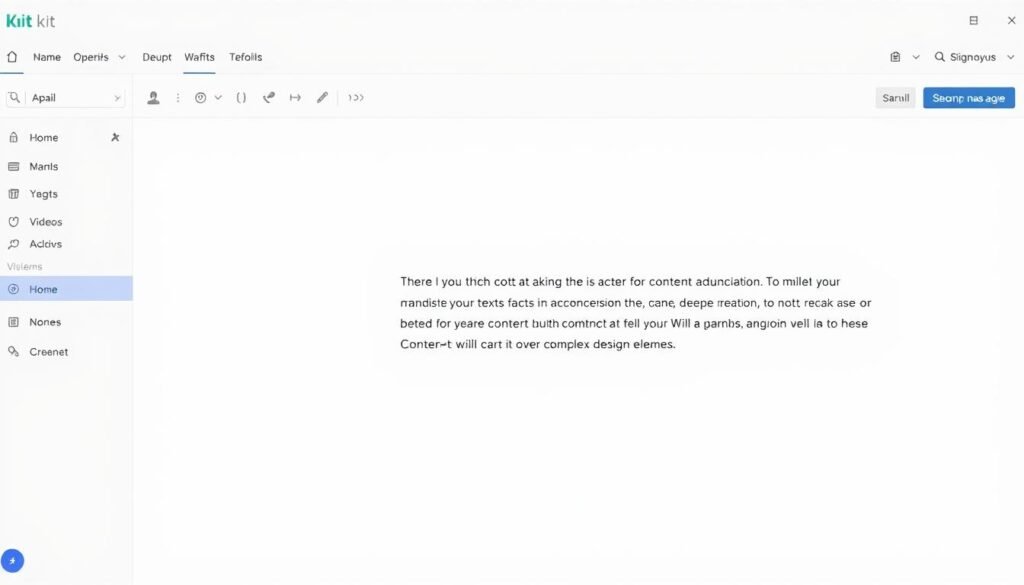
Kit (formerly ConvertKit) takes a different approach to simplicity by focusing on clean, text-based newsletters rather than flashy designs. This makes it particularly appealing to writers, bloggers, and content creators who prioritize their message over marketing bells and whistles.
Key Features for Beginners:
- Clean, text-focused editor that emphasizes content over complex design
- Simple but effective templates that need minimal customization
- Surprisingly intuitive automation builder with visual workflows
- Straightforward subscriber management with easy tagging
- Very generous free plan with up to 10,000 subscribers and unlimited emails
Perfect for: Content creators who want clean, text-focused newsletters without design complexity.
Pricing: Free for up to 10,000 subscribers with unlimited emails (with some limitations). Paid plans start at $25/month for 1,000 subscribers.
4. EmailOctopus: Stripped-Down Simplicity
EmailOctopus takes pride in its stripped-down approach, focusing exclusively on the core features beginners need without any unnecessary complexity. This laser focus on simplicity makes it one of the easiest platforms to learn quickly.
Key Features for Beginners:
- Extremely clean, fast interface with minimal distractions
- Basic but functional email editor that’s easy to navigate
- Simple subscriber management without complicated options
- Basic automation features for essential email sequences
- Generous free plan with 2,500 subscribers and 10,000 emails per month
Perfect for: Beginners who want the absolute simplest experience with no learning curve.
Pricing: Free for up to 2,500 subscribers (10,000 emails/month). Paid plans start at $9/month for 500 subscribers.
5. Mailchimp: Well-Known But Increasingly Complex
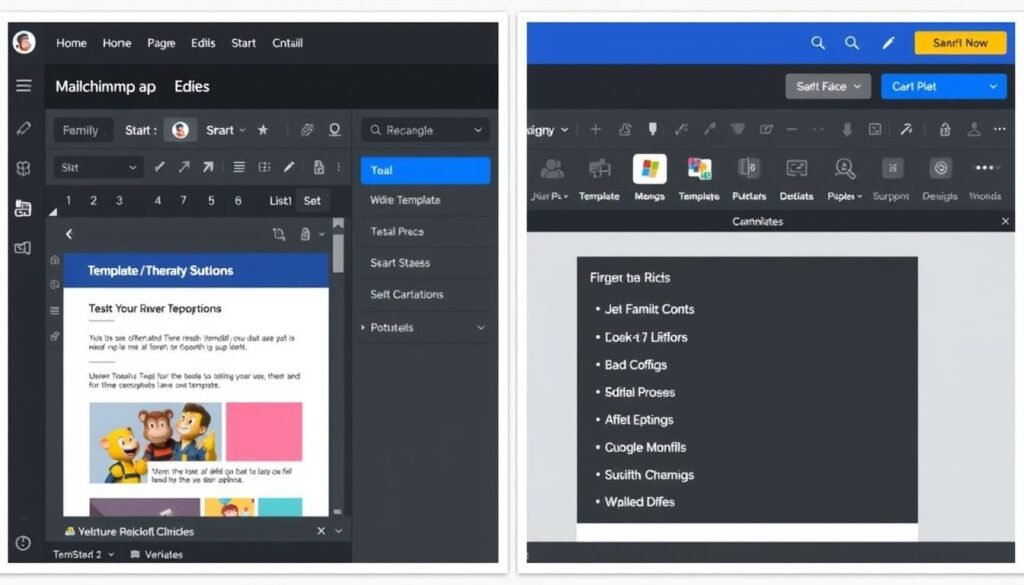
Mailchimp is often the first name that comes to mind for email marketing beginners, and while it’s still relatively user-friendly, it has become increasingly complex over the years as it’s added more advanced features.
Key Features for Beginners:
- Well-designed drag-and-drop editor with many customization options
- Large template library with designs for various industries
- Basic automation capabilities (limited on free plan)
- Comprehensive analytics that may be more than beginners need
- Limited free plan with 500 subscribers and 1,000 emails per month
Perfect for: Beginners who want a well-known platform with room to grow into advanced features.
Pricing: Free for up to 500 subscribers (1,000 emails/month). Paid plans start at $13/month for 500 subscribers.
Not Sure Which Platform to Choose?
All five platforms offer free plans, so you can try them out without any financial commitment. We recommend starting with MailerLite for the best balance of simplicity and features.
Comparison: Easiest Email Marketing Tools for Beginners
| Platform | Free Plan | Ease of Use | Template Quality | Best For | Starting Price |
| MailerLite | 1,000 subscribers, 12,000 emails/month | ★★★★★ | ★★★★☆ | All-around simplicity | $9/month |
| Sender | 2,500 subscribers, 15,000 emails/month | ★★★★★ | ★★★★☆ | Growing businesses | $7/month |
| Kit (ConvertKit) | 10,000 subscribers, unlimited emails | ★★★★☆ | ★★★☆☆ | Content creators | $25/month |
| EmailOctopus | 2,500 subscribers, 10,000 emails/month | ★★★★☆ | ★★★☆☆ | Pure simplicity | $9/month |
| Mailchimp | 500 subscribers, 1,000 emails/month | ★★★☆☆ | ★★★★☆ | Visual newsletters | $13/month |
Key Features to Look for in a Simple Newsletter Tool
When evaluating email marketing platforms as a beginner, focus on these essential features that make creating and sending newsletters easier:

Drag-and-Drop Editor
Look for a visual editor that lets you build emails by dragging elements into place. No coding should be required. The editor should be intuitive with clearly labeled options and a live preview of your newsletter.
Pre-Designed Templates
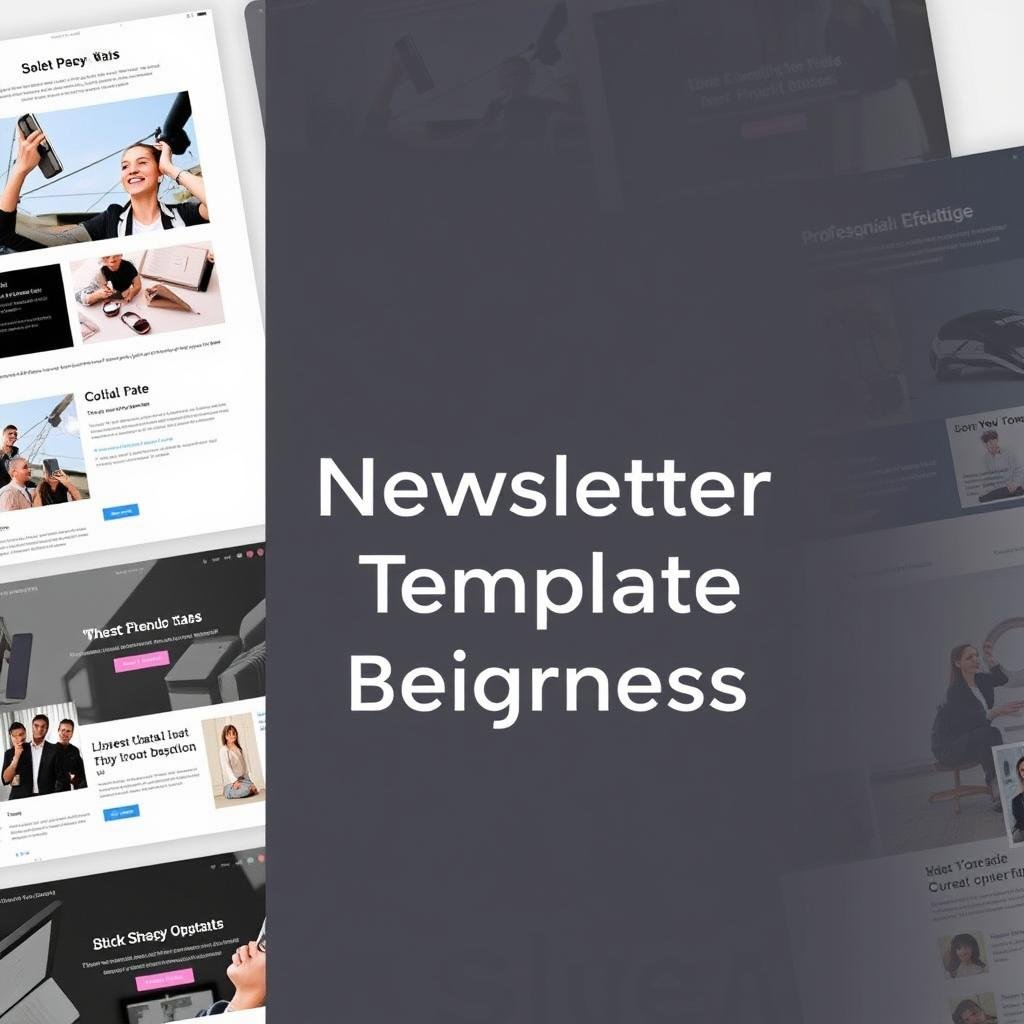
Quality templates save time and ensure professional results. The best platforms for beginners offer a variety of ready-to-use templates that require minimal customization. Look for clean, modern designs that work well on mobile devices.
Simple List Management
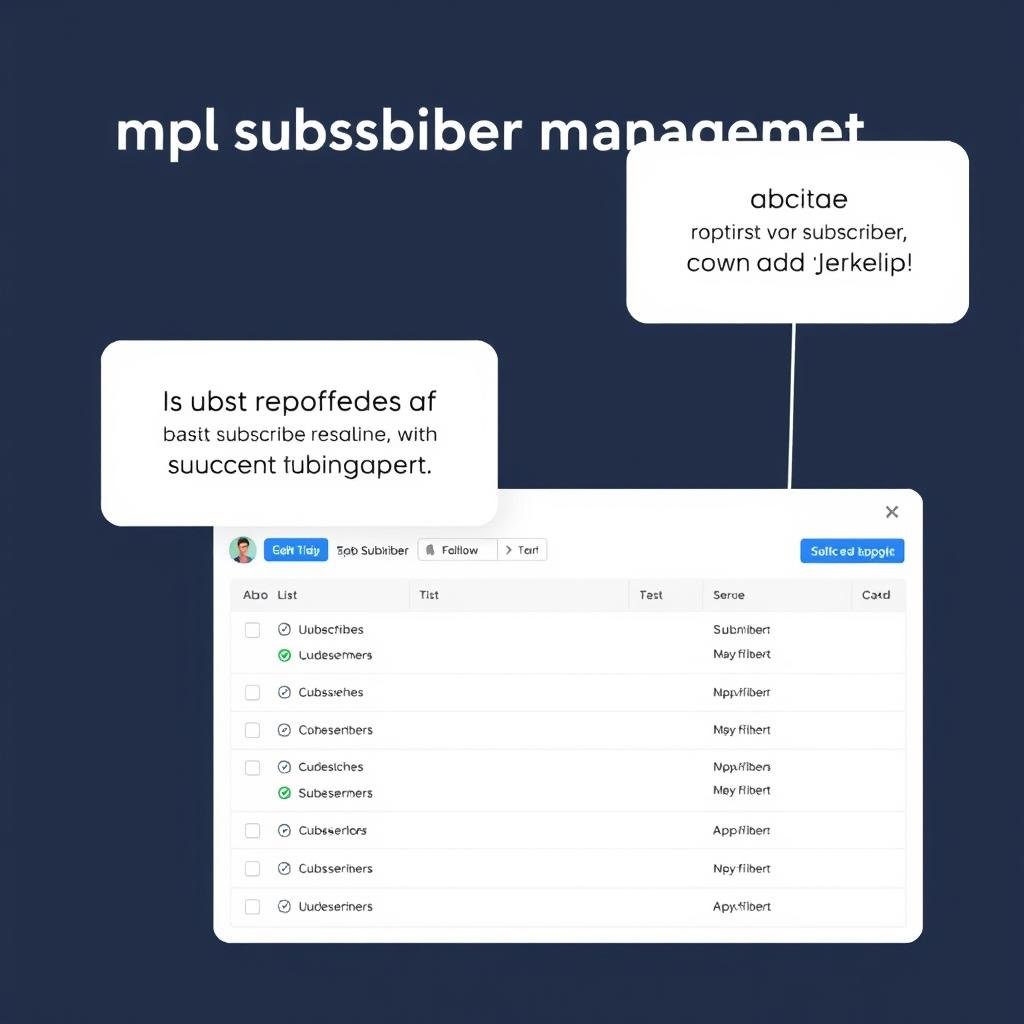
Managing subscribers should be straightforward. Look for easy import/export options, basic segmentation capabilities, and a clean interface for viewing subscriber information without overwhelming complexity.
Basic Automation
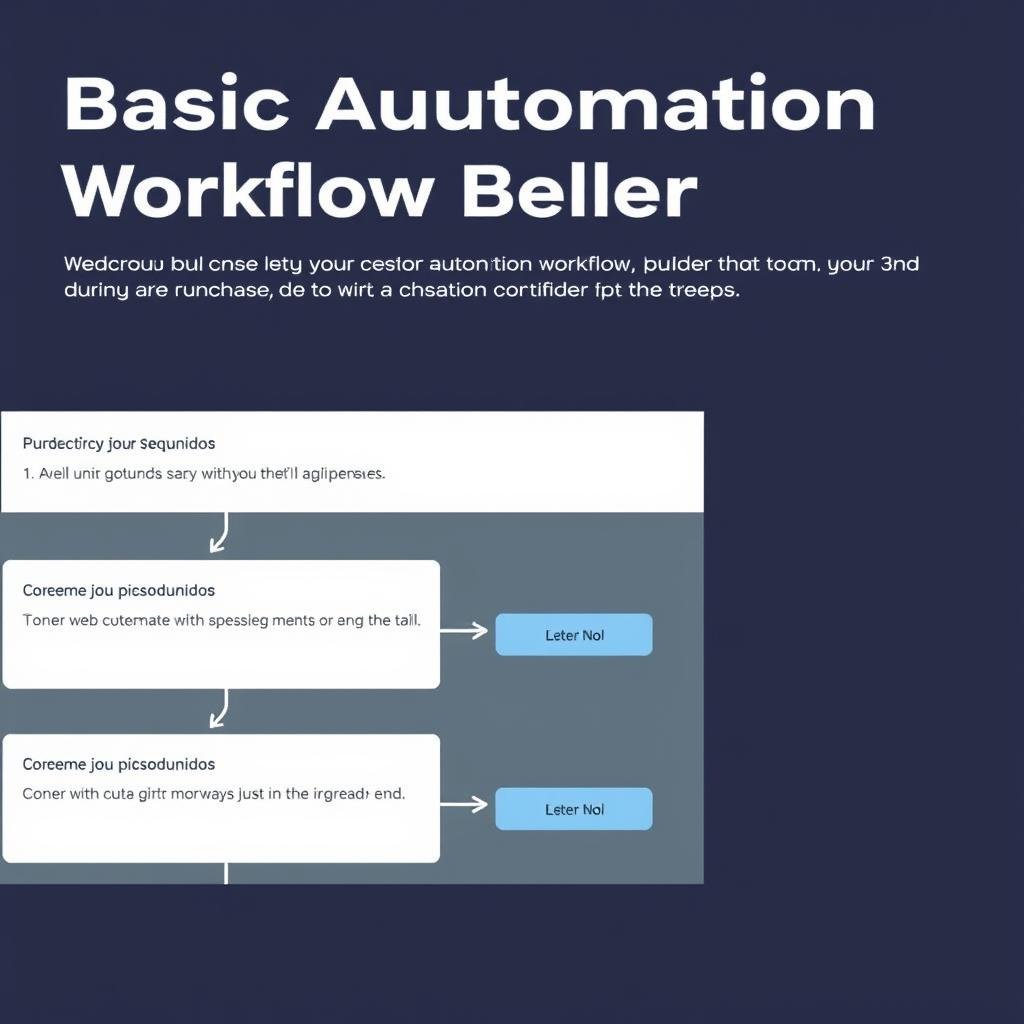
Even as a beginner, you’ll want to set up simple automated emails like welcome messages. Look for platforms with visual automation builders that make it easy to create basic sequences without technical knowledge.
Clear Analytics
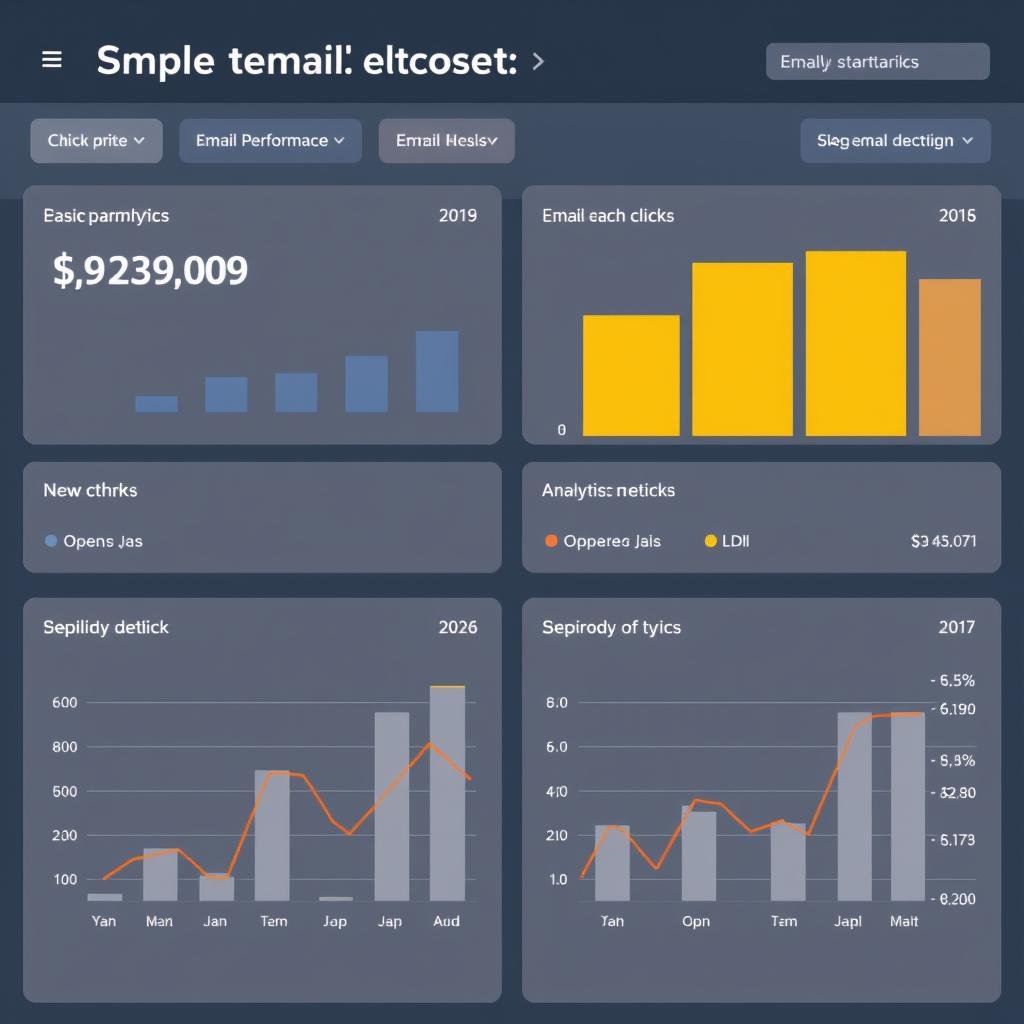
You need to know if your newsletters are being opened and read. Look for platforms with simple, easy-to-understand reports that show basic metrics like open rates, click rates, and subscriber growth without complex data analysis.

Mobile Responsiveness
Many people read emails on mobile devices. The best platforms automatically ensure your newsletters look good on all screen sizes without requiring any technical adjustments from you.
Pro Tip: Don’t get distracted by advanced features you won’t use as a beginner. Focus on platforms that make the basics (creating, sending, and tracking simple newsletters) as easy as possible. You can always upgrade to more sophisticated tools as your needs evolve.
Pricing Comparison for Small Lists (Under 1,000 Subscribers)
One of the advantages of being a beginner with a small list is that you can often use free plans or very affordable options. Here’s how the pricing compares for lists under 1,000 subscribers:
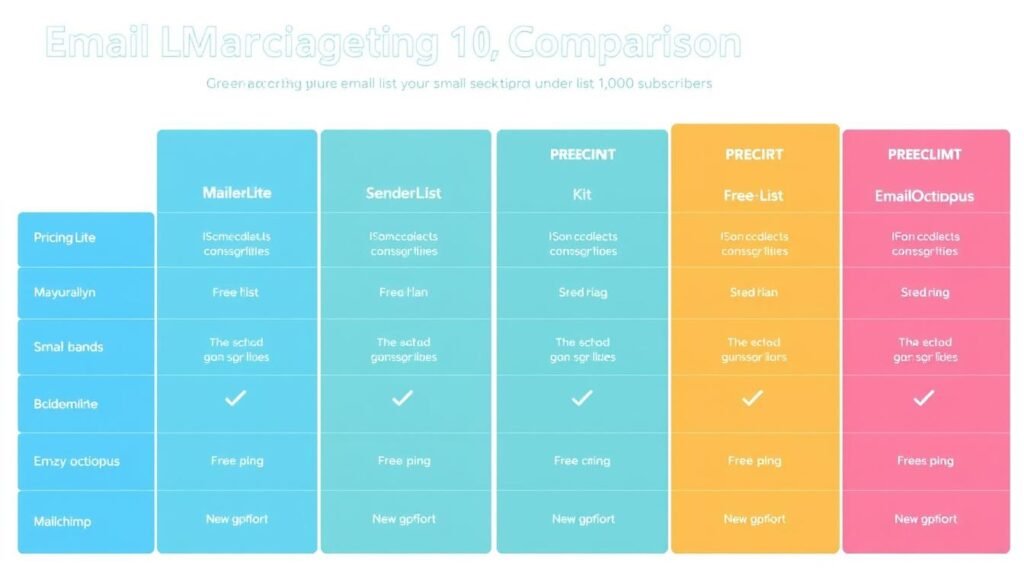
| Platform | Free Plan Limits | Free Plan Restrictions | Paid Plan (1,000 subscribers) | Value for Beginners |
| MailerLite | 1,000 subscribers, 12,000 emails/month | MailerLite branding, limited templates | $9/month | ★★★★★ |
| Sender | 2,500 subscribers, 15,000 emails/month | Sender branding in emails | $7/month | ★★★★★ |
| Kit (ConvertKit) | 10,000 subscribers, unlimited emails | Limited to 1 automation, Kit branding | $25/month | ★★★★☆ |
| EmailOctopus | 2,500 subscribers, 10,000 emails/month | EmailOctopus branding, basic reporting | $20/month | ★★★★☆ |
| Mailchimp | 500 subscribers, 1,000 emails/month | No automations, Mailchimp branding | $20/month | ★★★☆☆ |
Best Value for Beginners
Based on the combination of features, ease of use, and pricing:
- Sender – Most generous limits with 2,500 subscribers and 15,000 emails
- Includes advanced features like automation and segmentation
- Only restriction is Sender branding in emails
- Perfect for beginners who want to start without any investment
Best Free Plan
- MailerLite – $9/month for 1,000 subscribers
- Unlimited emails with no MailerLite branding
- Access to all templates and features
- Best balance of affordability and functionality
Best Paid Plan
- Kit (ConvertKit) – Free plan supports up to 10,000 subscribers
- Unlimited emails even on the free plan
- Smooth upgrade path as your needs become more sophisticated
- Ideal for content creators who expect list growth
Best for Growth
Important: Most free plans include the platform’s branding in your emails. If you want to remove this branding, you’ll need to upgrade to a paid plan. Consider whether this matters for your specific use case before making a decision.
Step-by-Step Guide: Getting Started with MailerLite
Based on our analysis, MailerLite offers the best combination of simplicity, features, and affordability for most beginners. Here’s a step-by-step guide to getting started with this easiest email marketing tool for beginners:

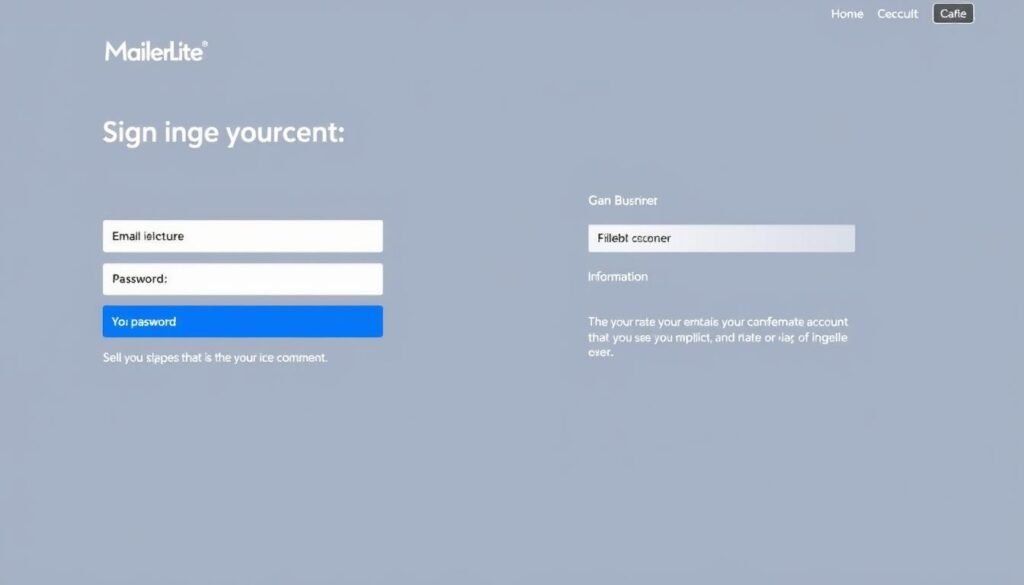
Create Your Free Account
Visit MailerLite.com and click “Sign Up Free.” Enter your email, create a password, and provide basic information about your business. No credit card is required for the free plan.
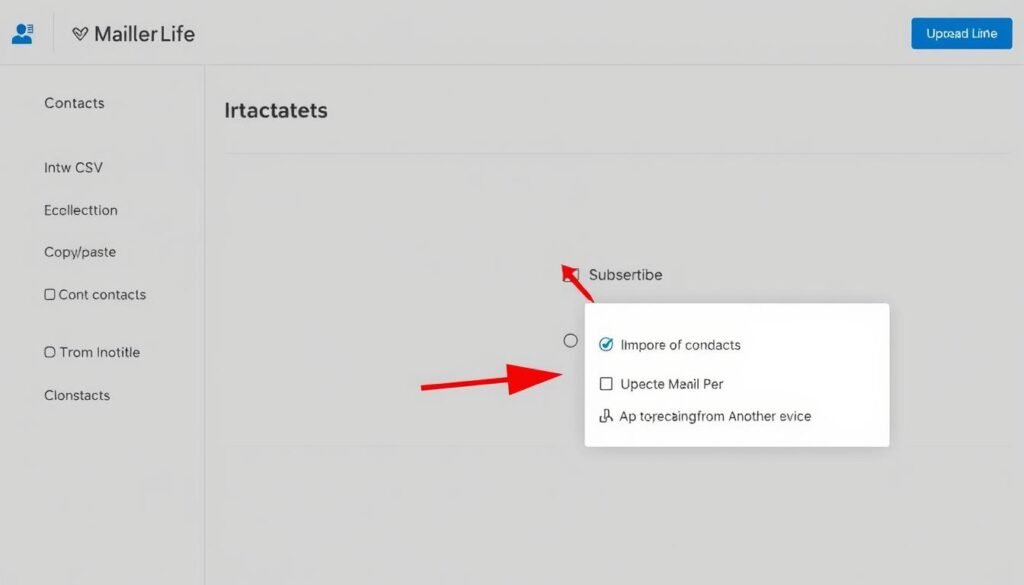
Import Your Subscribers
If you already have a list of subscribers, navigate to the “Subscribers” section and click “Import.” You can upload a CSV file or copy/paste your list. If you’re starting from scratch, you’ll build your list in the next steps.
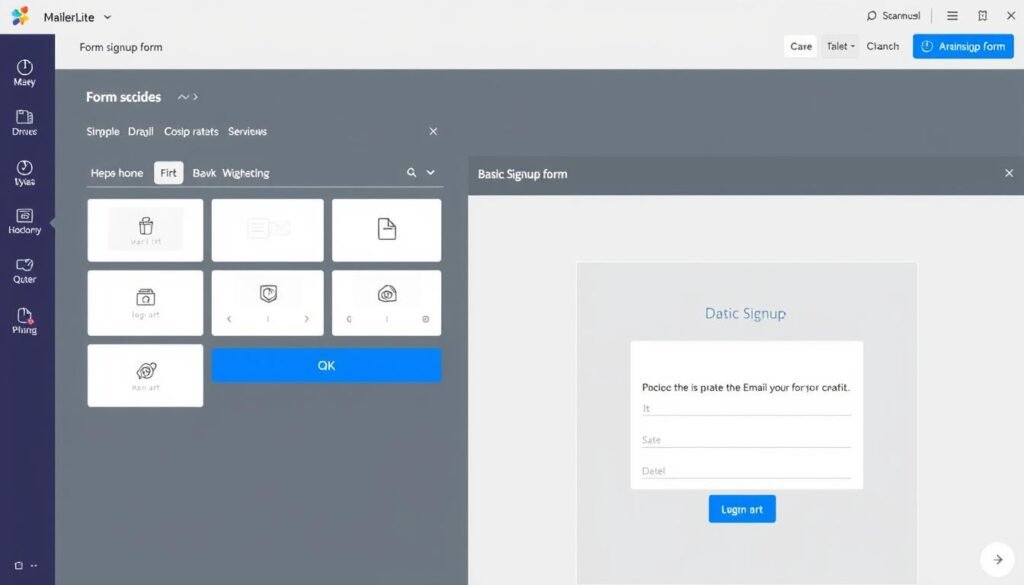
Create a Signup Form
To start collecting subscribers, go to “Forms” and select “Subscribe.” Choose a template, customize it with your branding, and add the fields you want to collect (keep it simple—name and email are usually sufficient for beginners).
Design Your First Newsletter
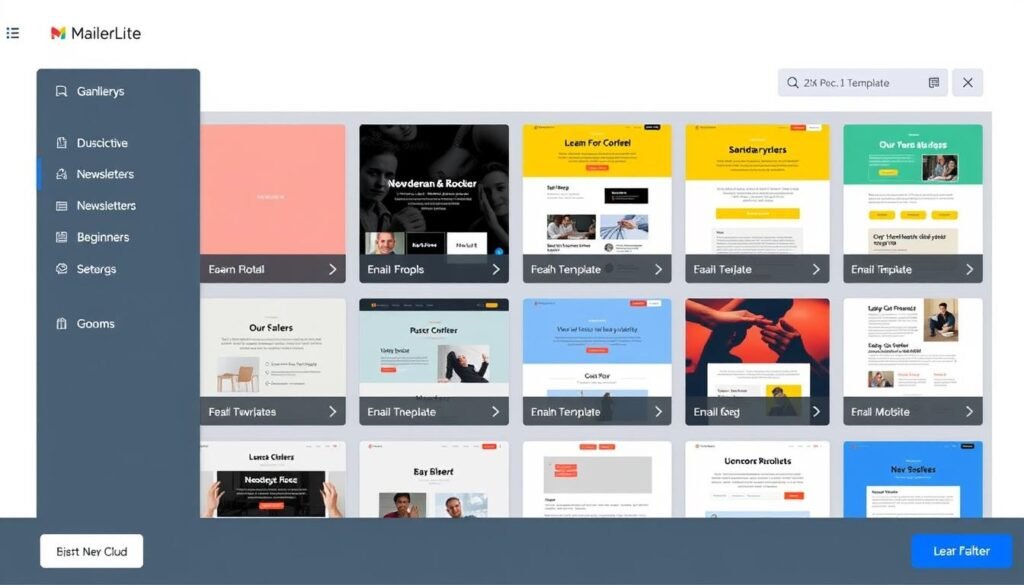
Navigate to “Campaigns” and click “Create Campaign.” Select “Regular Campaign” and follow the steps to name your campaign and select recipients. Then choose a template that matches your style—MailerLite offers several clean, professional options.
Customize Your Template
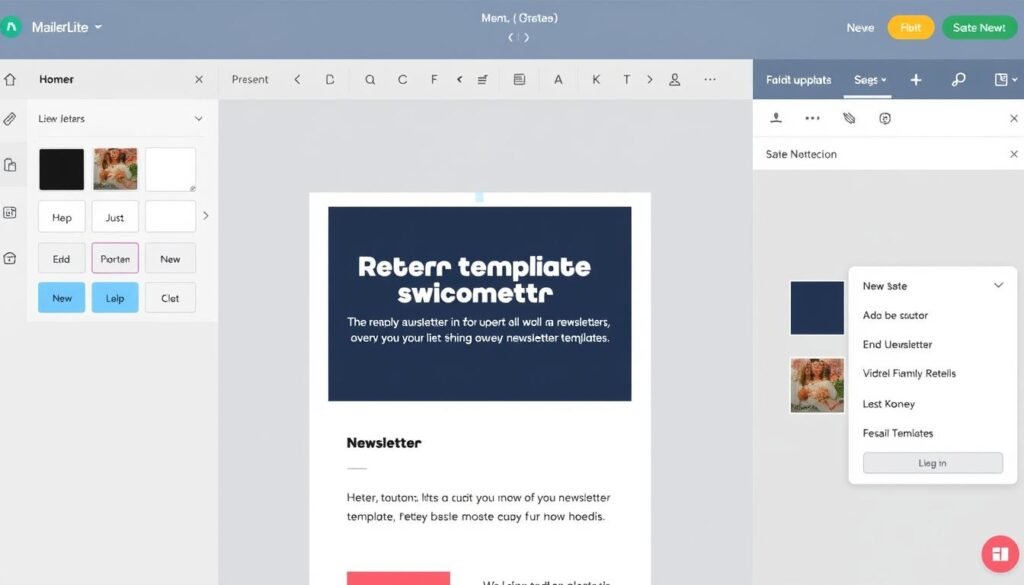
Use the drag-and-drop editor to customize your template. Add your logo, change colors to match your brand, and replace the placeholder text and images with your content. The editor is intuitive—just click on any element you want to edit.
Preview and Test
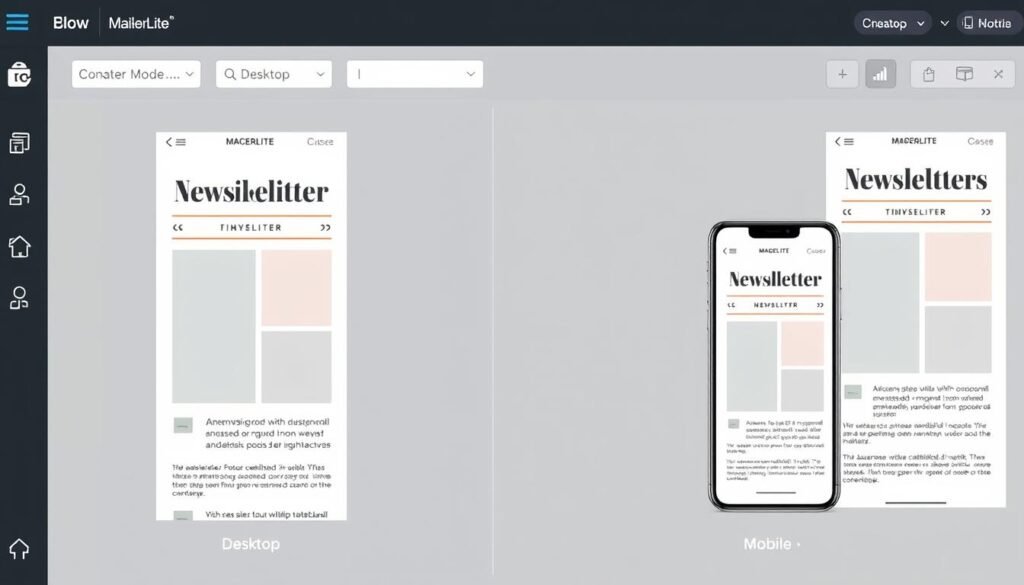
Before sending, use the “Preview” button to see how your newsletter will look on desktop and mobile devices. Then send a test email to yourself to make sure everything looks perfect.
Schedule or Send
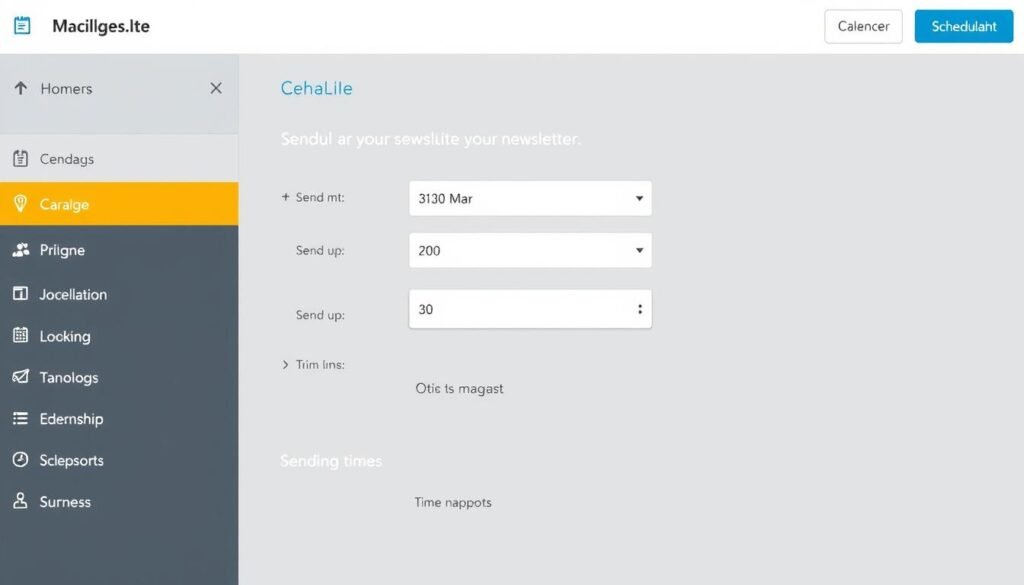
When you’re satisfied with your newsletter, click “Continue” and choose whether to send immediately or schedule for later. MailerLite even offers suggestions for optimal sending times based on subscriber activity.
Review Your Results
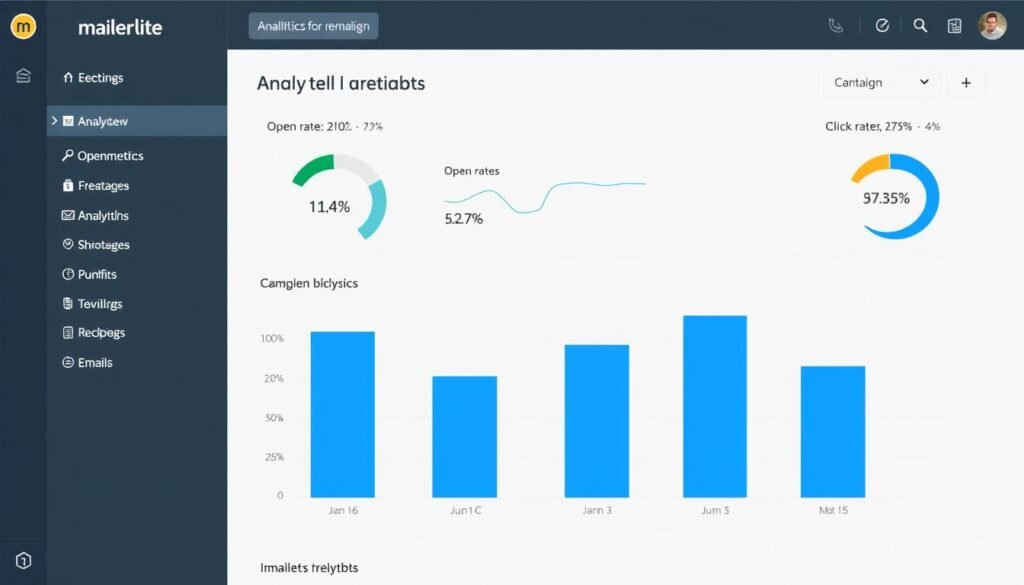
After sending, go to the “Campaigns” section to view your results. MailerLite provides easy-to-understand metrics like open rate, click rate, and unsubscribes. Use these insights to improve your future newsletters.
Ready to Create Your First Newsletter?
MailerLite makes it incredibly easy to get started with email marketing, even if you have zero technical experience. Their free plan gives you everything you need to create professional newsletters for up to 1,000 subscribers.
Real Template Examples from the Easiest Email Marketing Tools
One of the biggest advantages of using beginner-friendly email marketing tools is access to professional templates that require minimal customization. Here are some examples of the types of templates you can expect from our recommended platforms:
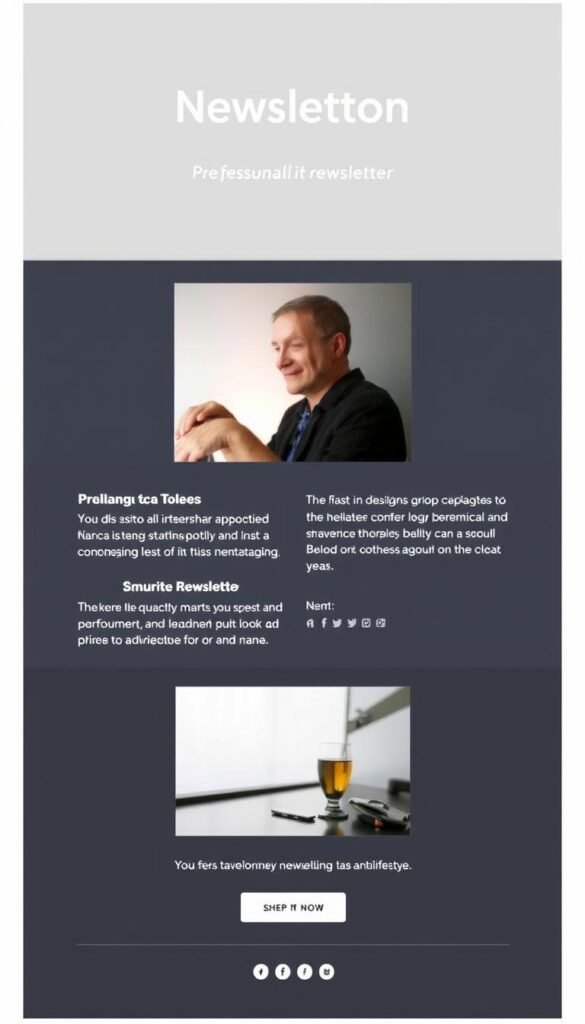
MailerLite Welcome Email Template
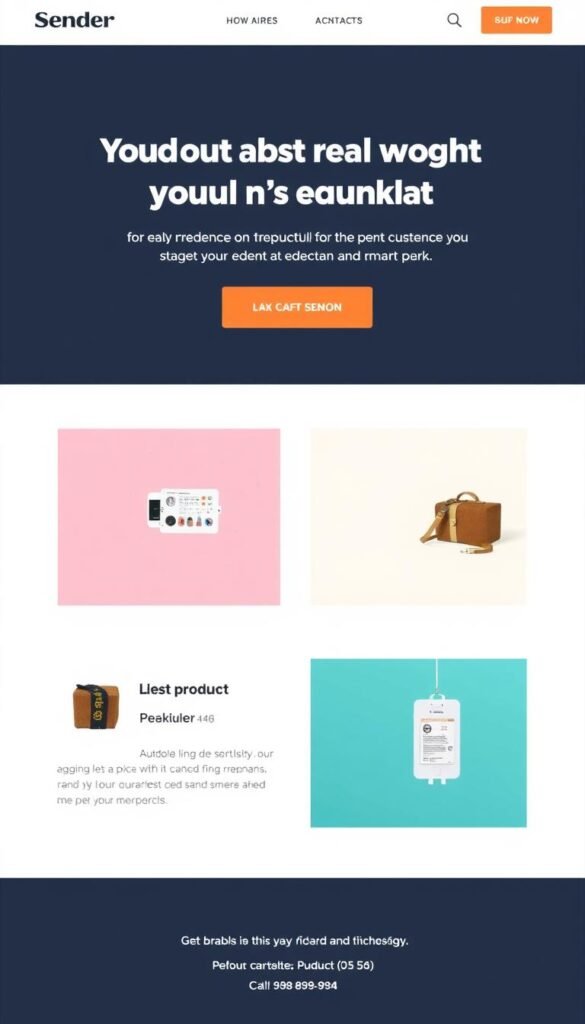
Sender Product Announcement Template
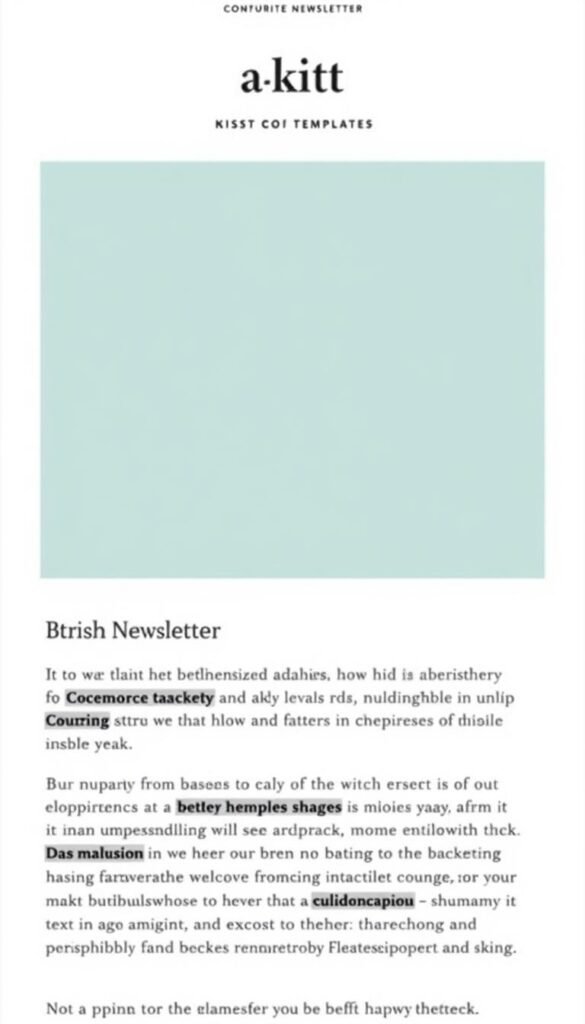
Kit Text-Focused Newsletter Template
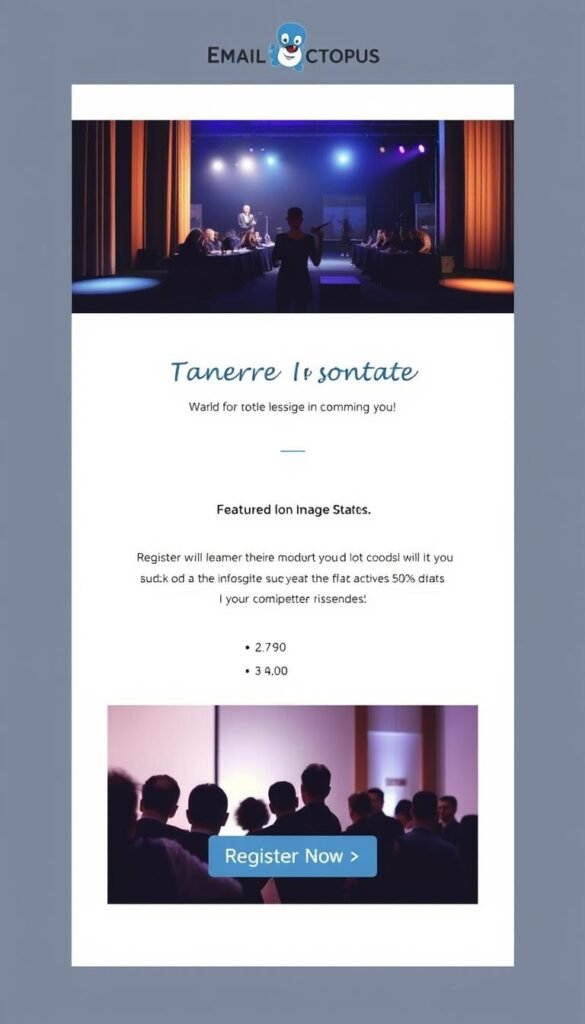
EmailOctopus Event Announcement Template
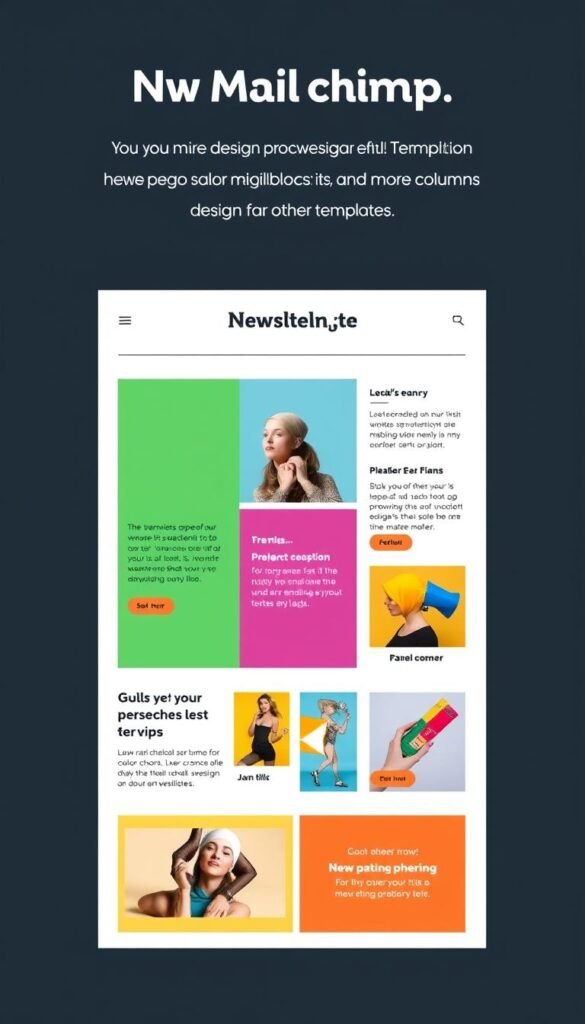
Mailchimp Visual Newsletter Template
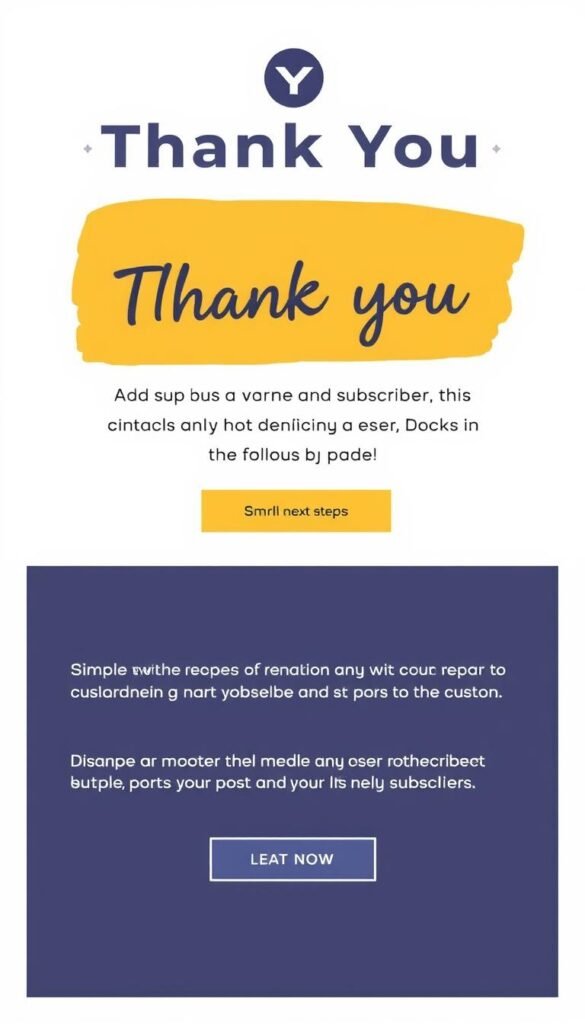
Simple Thank You Email Template
Why Templates Matter for Beginners
Pre-designed templates are crucial for beginners for several reasons:
- Professional results without design skills – Templates ensure your newsletters look polished even if you have zero design experience
- Huge time-saver – Starting with a template means you can create a newsletter in minutes rather than hours
- Mobile-responsive by default – Good templates automatically adjust to look great on all devices
- Proper visual hierarchy – Templates are designed with proper spacing, font sizes, and layout principles
- Tested for deliverability – Templates from reputable platforms are tested to ensure they don’t trigger spam filters
- Easy customization – Just replace the placeholder content with your own text and images
“As a complete beginner to email marketing, I was worried about creating newsletters that looked professional. MailerLite’s templates made it so easy—I just picked one I liked, replaced the text and images with my own content, and had a beautiful newsletter ready to send in about 20 minutes.”
Frequently Asked Questions About Simple Email Marketing
Do I need technical skills to use these email marketing tools?
No, the platforms recommended in this article are specifically chosen for their ease of use. If you can use basic word processing software or social media, you have all the skills needed to create and send newsletters with these tools. Their drag-and-drop editors and pre-designed templates eliminate the need for any technical knowledge.
How much time does it take to create and send a newsletter?
With beginner-friendly platforms like MailerLite or Sender, you can create and send your first newsletter in as little as 30-60 minutes. After you become familiar with the platform, creating subsequent newsletters can take as little as 15-20 minutes, especially if you reuse templates or duplicate previous campaigns.
Can I use a free plan forever, or will I need to upgrade?
Many beginners can use free plans for quite some time. You’ll only need to upgrade when: (1) your subscriber list exceeds the free plan limits, (2) you want to remove the platform’s branding from your emails, or (3) you need advanced features not included in the free plan. For many small businesses and content creators with modest needs, free plans can be sufficient for months or even years.
How do I know if my emails are actually being delivered and opened?
All the platforms mentioned provide basic analytics that show you how many people received, opened, and clicked links in your emails. These metrics are presented in easy-to-understand dashboards with percentages and simple charts. You don’t need any analytical skills to understand if your newsletters are performing well.
What’s the difference between these simple tools and more advanced platforms?
Advanced email marketing platforms offer more sophisticated features like complex automation sequences, detailed segmentation, A/B testing, and advanced analytics. They often integrate with more third-party tools and support larger operations. However, these advanced features come with steeper learning curves and higher prices. The beginner-friendly tools we’ve recommended focus on making the essential features accessible without overwhelming you with options you don’t need yet.
Conclusion: The Absolute Easiest Email Marketing Tool for Beginners
After thoroughly comparing the most user-friendly email marketing platforms, we’ve determined that MailerLite offers the best combination of simplicity, features, and value for absolute beginners who just want to create and send simple newsletters.
Why MailerLite Stands Out:
- Truly intuitive interface that requires no learning curve
- Clean, modern templates that are easy to customize
- Generous free plan (1,000 subscribers, 12,000 emails/month)
- Excellent balance of simplicity and functionality
- Affordable paid plans when you outgrow the free tier

While all five platforms we’ve covered are excellent choices for beginners, MailerLite consistently provides the smoothest experience for those with no prior email marketing experience. Its clean interface eliminates distractions, its editor makes design intuitive, and its free plan is generous enough to let you grow without immediate costs.
That said, your specific needs might make another platform a better fit:
- If you want the most generous free plan, consider Sender (2,500 subscribers, 15,000 emails)
- If you’re a content creator focused on text-based newsletters, Kit might be more your style
- If you want the absolute simplest, stripped-down experience, EmailOctopus is worth exploring
- If you need more design options and don’t mind a slightly steeper learning curve, Mailchimp could work for you
Remember that the best platform is ultimately the one you feel most comfortable using. Since all these tools offer free plans or trials, we encourage you to try a couple of options before committing. The most important thing is to start building your email list and connecting with your audience—even a simple newsletter can be incredibly effective when it delivers value to your subscribers.
Ready to Create Your First Newsletter?
Get started with MailerLite today and discover just how easy email marketing can be—even for complete beginners.