

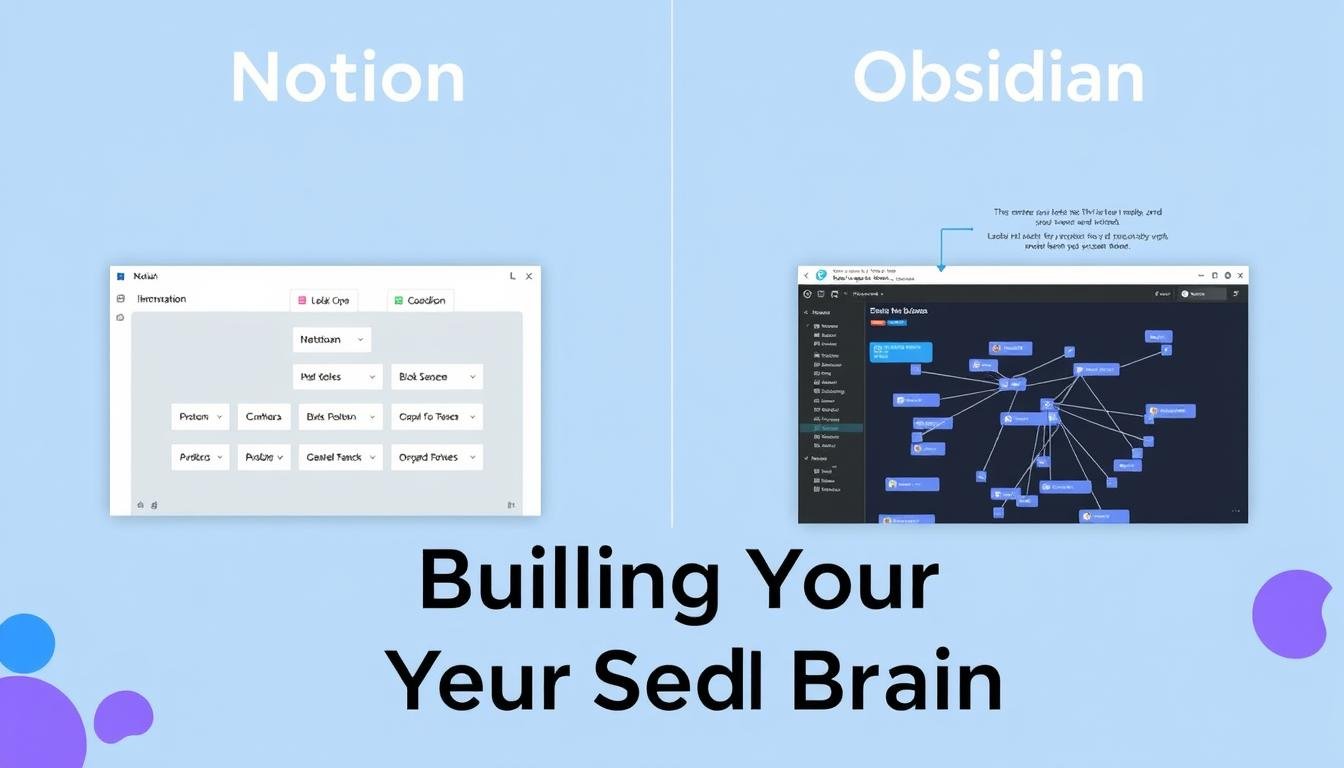
In our digital age, information overload is a constant challenge. The concept of building a “Second Brain” – an external, digital system to store and organize your knowledge – has gained popularity as a solution. Two powerful contenders in this space are Notion and Obsidian, each offering unique approaches to personal knowledge management. This comparison will help you determine which tool better aligns with your thinking style, workflow needs, and knowledge management goals.
What is a “Second Brain” and Why Do You Need One?
A “Second Brain” is a personal knowledge management system that extends your thinking beyond the limitations of your biological memory. It serves as a digital repository for your ideas, research, notes, and insights – allowing you to capture, organize, and retrieve information efficiently. The goal is to reduce cognitive load, make connections between ideas, and transform scattered information into actionable knowledge.

Building an effective Second Brain requires the right tools. Notion and Obsidian have emerged as leading options, each with distinct philosophies and approaches to knowledge management. Let’s explore how they compare across key dimensions to help you decide which one might better serve your personal knowledge management needs.
Notion vs Obsidian: Overview Comparison
| Feature | Notion | Obsidian |
| Core Philosophy | All-in-one workspace with structured databases | Personal knowledge graph with local markdown files |
| Data Storage | Cloud-based | Local-first (files on your device) |
| Interface | Block-based editor with WYSIWYG formatting | Markdown editor with preview mode |
| Organization | Hierarchical pages and powerful databases | Folder structure with bidirectional linking |
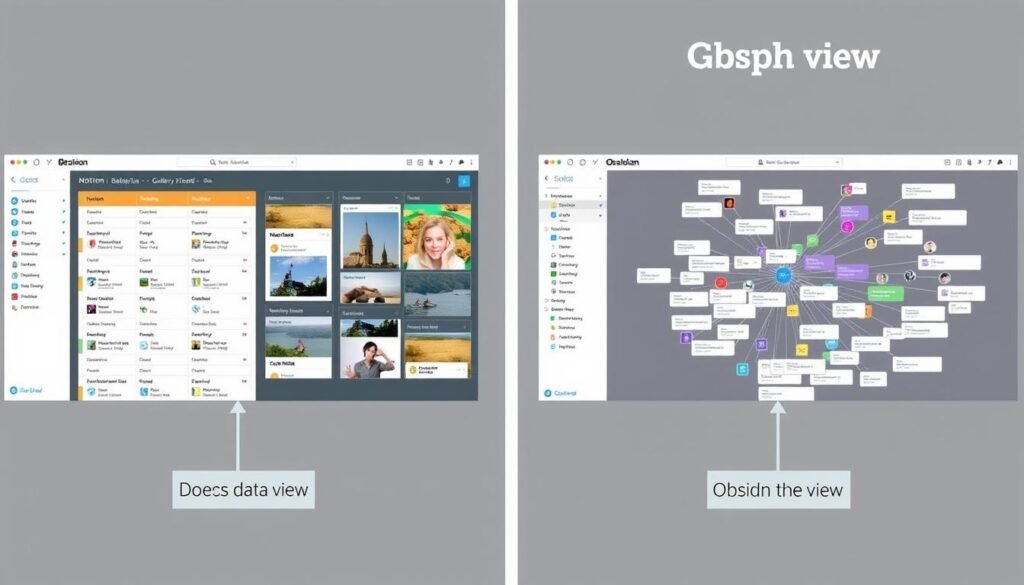
| Visualization | Database views (table, board, gallery, etc.) | Knowledge graph showing note connections |
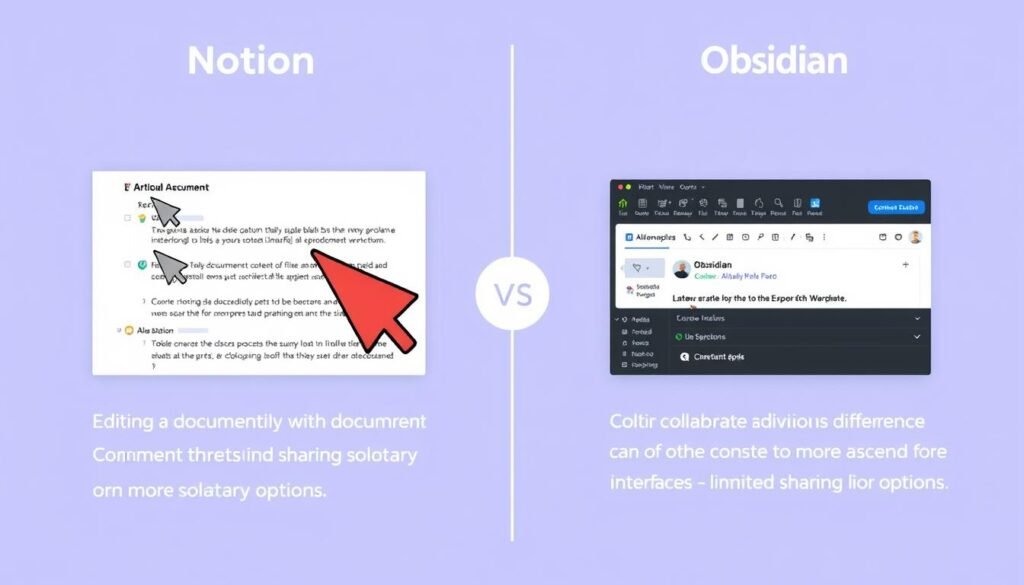
| Collaboration | Excellent (real-time editing, comments) | Limited (primarily single-user focused) |
| Offline Access | Limited | Complete |
| Free Plan | Generous with some limitations | Full-featured for personal use |
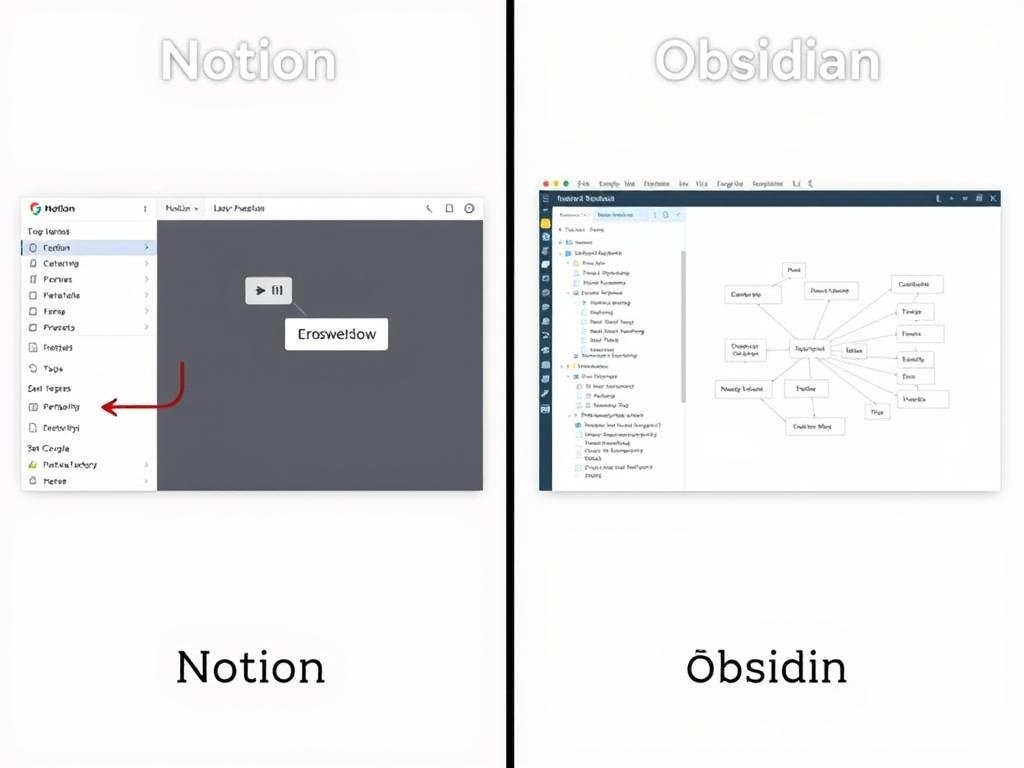
User Interface and Ease of Use
Notion: Block-Based Flexibility
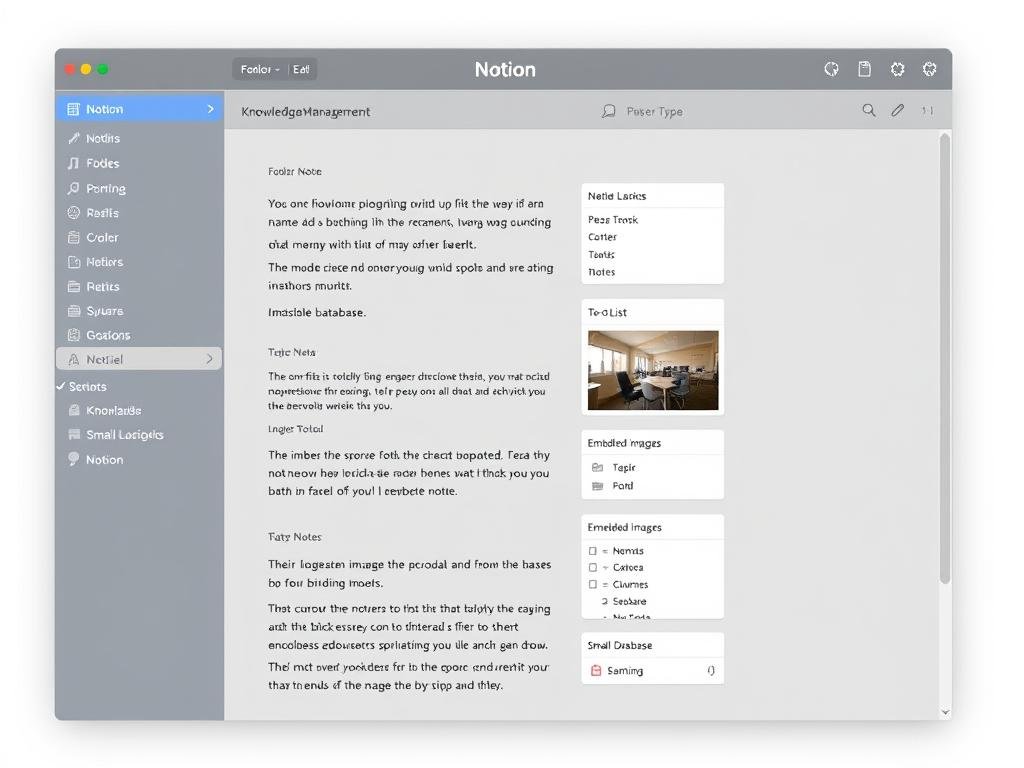
Notion employs a block-based editor where each element (text, image, embed, etc.) is a movable, customizable block. This creates a highly flexible interface where you can easily reorganize content by dragging and dropping. The interface is clean, modern, and visually appealing with a relatively gentle learning curve.
For beginners, Notion offers an intuitive experience with familiar formatting options accessible through a slash (/) command menu. This makes it easy to add various content types without memorizing complex syntax. The visual nature of Notion’s interface makes it approachable for users transitioning from traditional document editors.
Obsidian: Markdown-Powered Focus
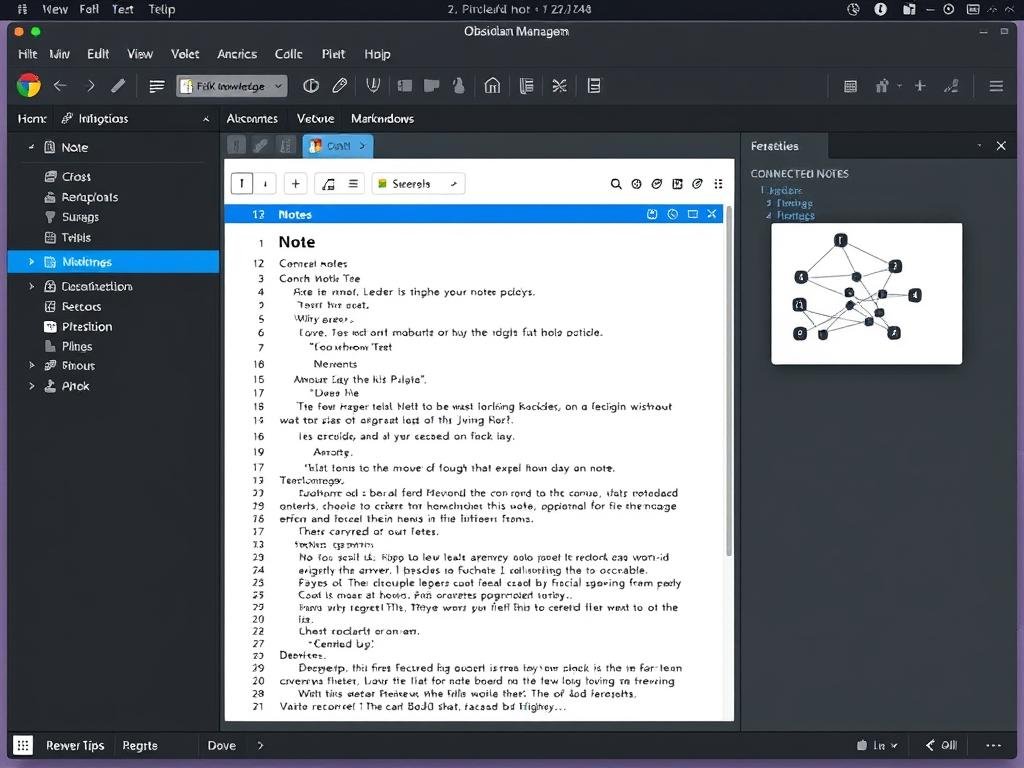
Obsidian uses Markdown as its foundation, offering a more text-focused experience. While this requires learning some Markdown syntax, it creates a distraction-free environment ideal for deep thinking and writing. The interface is highly customizable through themes and plugins but may initially feel more technical.
For those familiar with Markdown or willing to learn it, Obsidian provides a powerful environment that prioritizes content over formatting. The split-view option allows you to write in Markdown on one side while seeing the formatted result on the other, helping new users adapt to the syntax.
Notion Pros
- Intuitive, visual interface with minimal learning curve
- Drag-and-drop functionality for easy reorganization
- Visually appealing with customizable page icons and covers
- Slash commands make formatting and adding content types simple
Obsidian Pros
- Distraction-free writing environment
- Highly customizable interface through themes
- Split-view for simultaneous editing and preview
- Faster performance with local files
Organization Systems: Databases vs. Graph View
Perhaps the most significant difference between Notion and Obsidian lies in how they approach knowledge organization and visualization.
Notion: Structured Databases
Notion excels at structured organization through its powerful database capabilities. You can create databases with custom properties, multiple views (table, board, calendar, gallery), and filtered displays of your information. This makes it excellent for:
- Project management and task tracking
- Creating structured knowledge bases with defined properties
- Building systems with clear categories and classifications
- Visualizing information in multiple formats
The database approach works well for those who prefer organized, categorical thinking and want to apply consistent structure to their knowledge management.
Obsidian: Knowledge Graph
Obsidian’s standout feature is its graph view, which visualizes connections between your notes as an interactive network. This approach emphasizes:
- Organic, non-hierarchical connections between ideas
- Discovering unexpected relationships in your knowledge
- Building a network of thought that mirrors how your brain works
- Visualizing the density and structure of your knowledge base
The graph-based approach appeals to those who think associatively and value emergent connections between ideas over rigid categorization.
Ready to explore these organization systems?
Try both approaches to see which better matches your thinking style.
Customization and Flexibility
Notion: Templates and Integrations
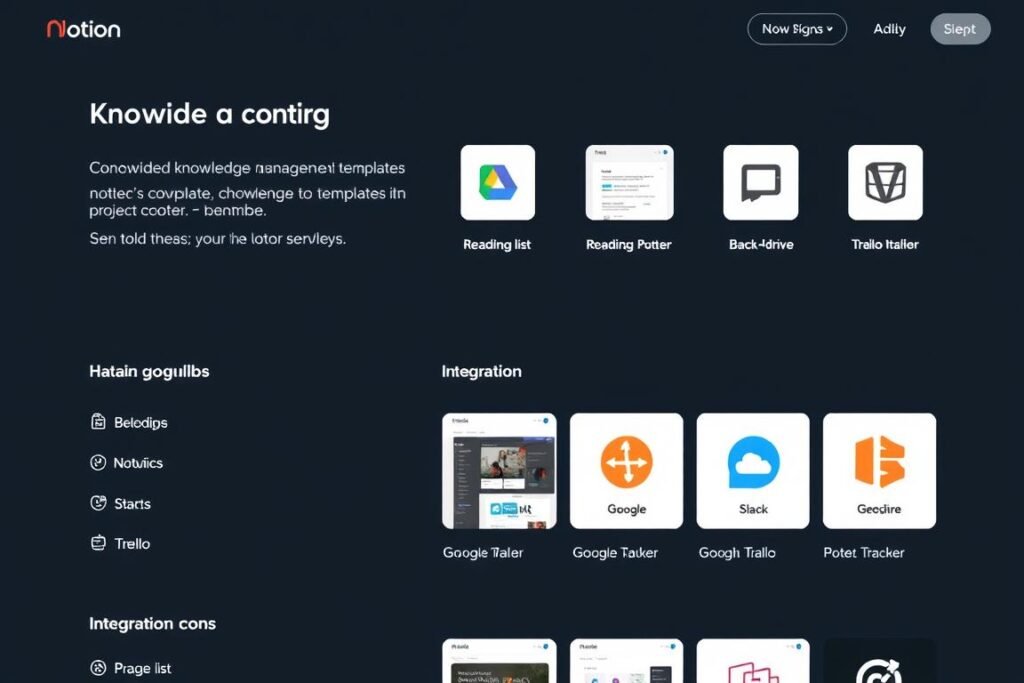
Notion offers customization primarily through templates and integrations with other services. The platform provides:
- Extensive template gallery for various use cases
- Integration with tools like Google Drive, Slack, and Figma
- Formula properties for creating automated calculations
- API access for building custom connections
Notion’s approach to customization focuses on practical functionality within its established framework, making it accessible without requiring technical knowledge.
Obsidian: Plugins and CSS
Obsidian takes customization to another level with its plugin ecosystem and CSS customization options:
- 2000+ community plugins for extending functionality
- Custom CSS themes for complete visual transformation
- Hotkey configuration for personalized workflows
- Core plugins that can be toggled on/off as needed
This approach provides nearly unlimited customization potential but requires more time investment and willingness to tinker with settings.
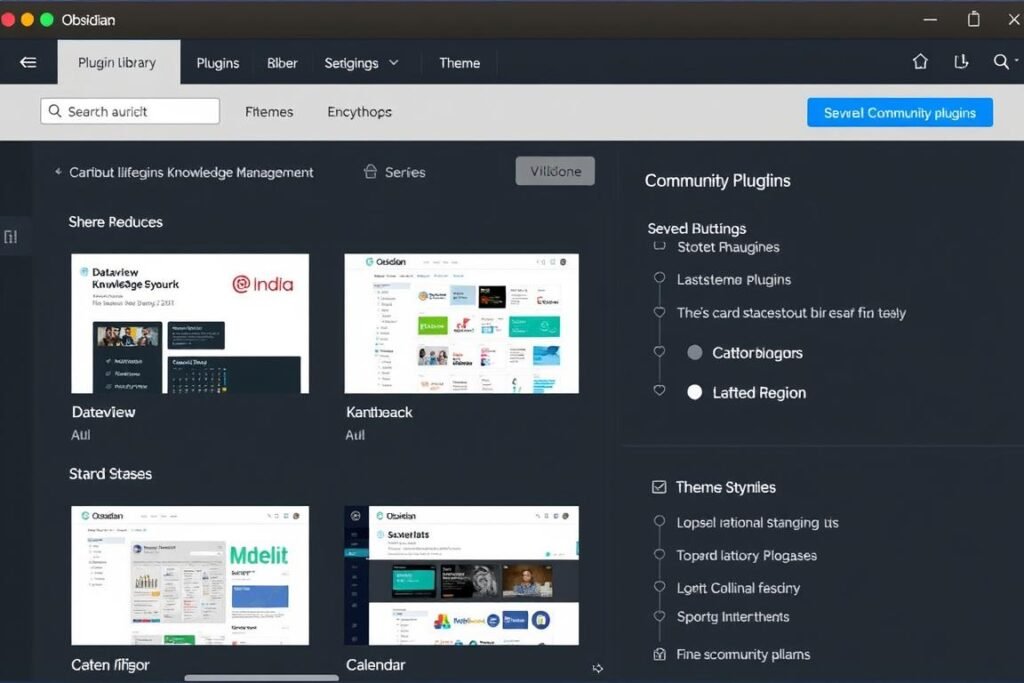
Customization Philosophy: Notion provides a polished, integrated experience with moderate customization within its framework. Obsidian offers deeper customization that can transform the tool entirely but requires more setup time and technical comfort.
Collaboration Capabilities
Notion: Built for Teams
Notion excels at collaboration with features designed for team knowledge management:
- Real-time collaborative editing with visible cursors
- Commenting system for discussions within documents
- Granular permission settings (view, comment, edit)
- Team workspaces with shared databases
- Notification system for changes and mentions
If you need to build a Second Brain that involves collaboration with others – whether for team projects, shared research, or family knowledge bases – Notion provides a significantly better experience.
Obsidian: Primarily Personal
Obsidian was designed as a personal knowledge management tool, with collaboration as a secondary consideration:
- Sync service for personal use across devices
- Limited sharing capabilities (primarily through Obsidian Publish)
- No real-time collaboration features
- No native commenting system
- Possible to share vaults through third-party sync services
While you can create workarounds for basic collaboration using shared folders or version control systems, Obsidian is fundamentally designed for individual knowledge management.
“Notion is a place where I work, Obsidian is a place where I think.”
— Common sentiment among users of both platforms
Mobile and Cross-Platform Support
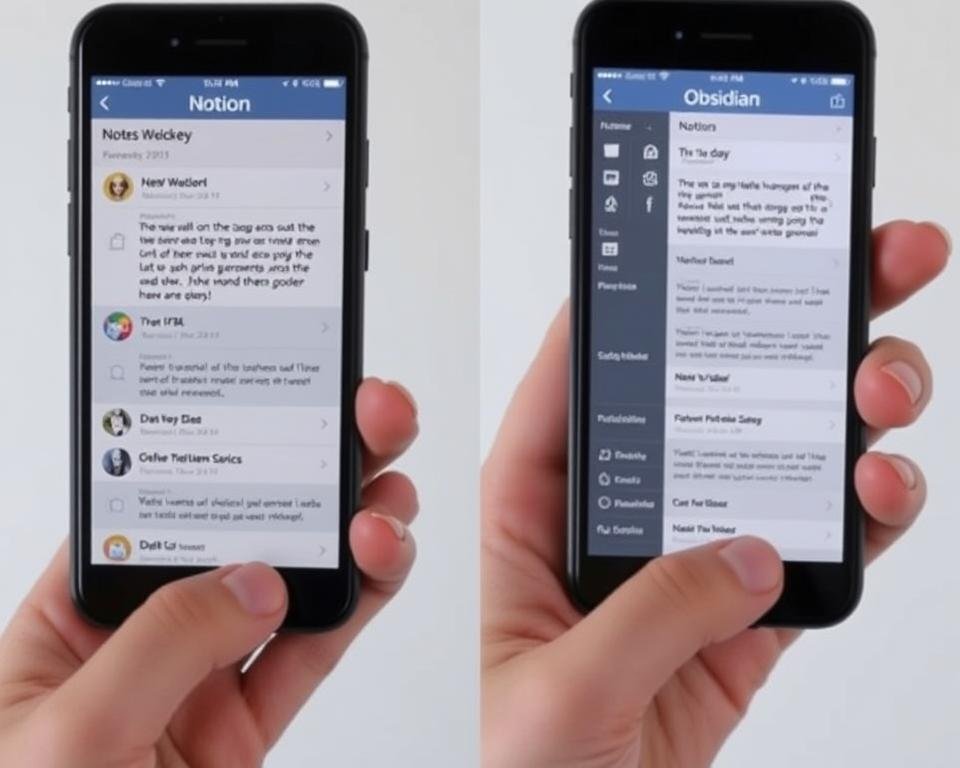
For a truly effective Second Brain, access across all your devices is essential. Both Notion and Obsidian offer cross-platform support, but with different approaches to synchronization and offline access.
Notion: Cloud-First Approach
Notion takes a cloud-first approach to cross-platform support:
- Native apps for Windows, Mac, iOS, and Android
- Web app accessible from any browser
- Automatic synchronization across all devices
- Limited offline functionality
- Consistent experience across platforms
The cloud-based approach ensures your content is always up-to-date across devices but creates dependency on internet connectivity.
Obsidian: Local-First with Sync Options
Obsidian prioritizes local storage with optional synchronization:
- Native apps for Windows, Mac, Linux, iOS, and Android
- No web app available
- Full offline functionality
- Optional Obsidian Sync service ($8/month)
- Can use third-party sync services (Dropbox, iCloud, etc.)
This approach provides more flexibility and control over your data but may require additional setup for cross-device synchronization.
Mobile Experience: Both platforms offer capable mobile apps, but Notion’s mobile experience tends to be more polished and feature-complete. Obsidian’s mobile app has improved significantly but still works best as a companion to the desktop experience rather than a primary interface.
Pricing Models and Cost Considerations
| Plan | Notion | Obsidian |
| Free | Unlimited pages, blocks Sharing with 10 guests 5MB file uploads |
Full functionality for personal use Local storage only Community plugins |
| Personal | $4/month (billed annually) Unlimited file uploads Version history |
Free for personal use |
| Sync Add-on | Included in all plans | $8/month (Obsidian Sync) End-to-end encryption Version history |
| Publishing | Free public pages Custom domains with Team plan |
$8/month (Obsidian Publish) |
| Commercial Use | Team plan: $8/user/month | $50/year per user |
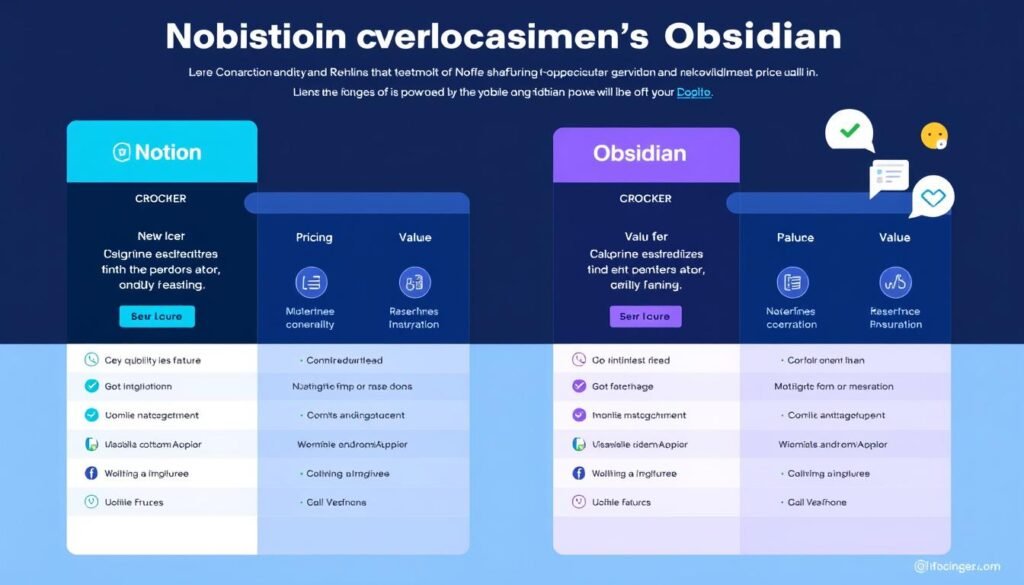
For individual Second Brain builders, both platforms offer generous free plans that provide core functionality. The cost considerations become more relevant when you need advanced features like synchronization across devices, publishing capabilities, or team collaboration.
Ready to start building your Second Brain?
Both platforms offer free plans with powerful features to get started.
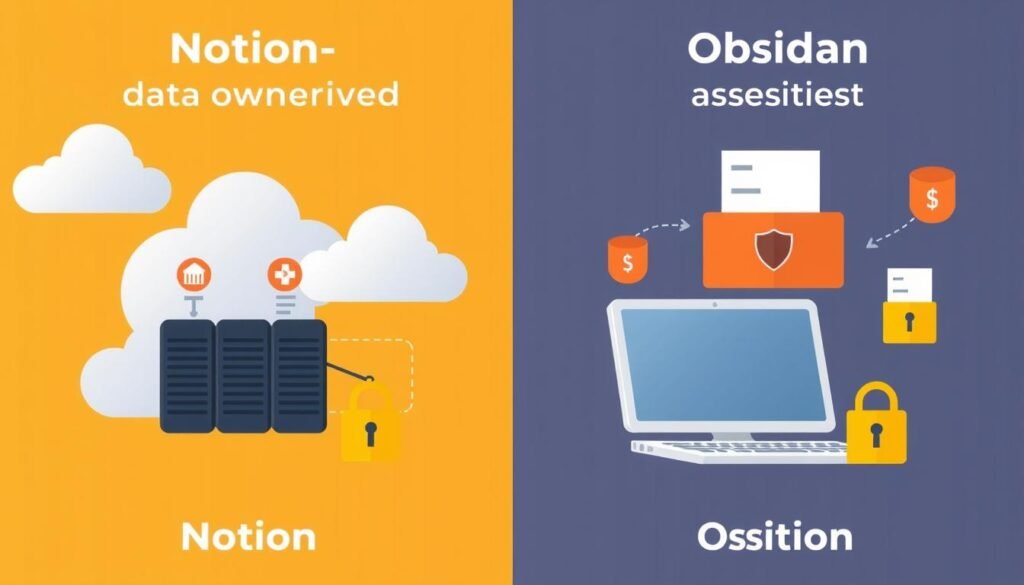
Data Ownership and Privacy
Notion: Cloud Storage
With Notion, your data is stored on their servers:
- All content stored in Notion’s cloud infrastructure
- End-to-end encryption for databases in transit
- Data accessible through web and mobile apps
- Export options available (Markdown, CSV, PDF)
- Dependent on Notion’s continued service
This approach prioritizes accessibility and collaboration but places your data under third-party control.
Obsidian: Local Files
Obsidian stores your data as local Markdown files:
- Complete ownership of your data as local files
- Standard Markdown format readable by many applications
- No dependency on Obsidian’s continued existence
- Optional end-to-end encrypted sync
- Full offline access to all your content
This approach maximizes data ownership and privacy but requires more personal responsibility for backups and security.
Privacy Consideration: For those working with sensitive information or who prioritize complete data ownership, Obsidian’s local-first approach provides significant advantages. Your notes never leave your device unless you explicitly choose to sync them.
Specific Use Cases: When to Choose Each Platform
Choose Notion for Your Second Brain if:
Team Collaboration
You’re building a shared knowledge base with colleagues, classmates, or family members who need to contribute and access information.
Project Management
Your knowledge management includes tracking projects, tasks, and deadlines with structured databases and views.
Visual Organization
You prefer a visually appealing interface with customizable layouts, covers, and icons to organize your information.
Choose Obsidian for Your Second Brain if:
Research & Writing
You’re primarily focused on deep research, academic work, or long-form writing that benefits from interconnected notes.
Privacy & Ownership
You value complete control over your data and prefer local storage for privacy or offline access reasons.
Associative Thinking
Your thought process is non-linear, and you benefit from seeing unexpected connections between ideas through the graph view.
Found your ideal Second Brain platform?
Start building your knowledge management system today.
Getting Started: Implementation Tips
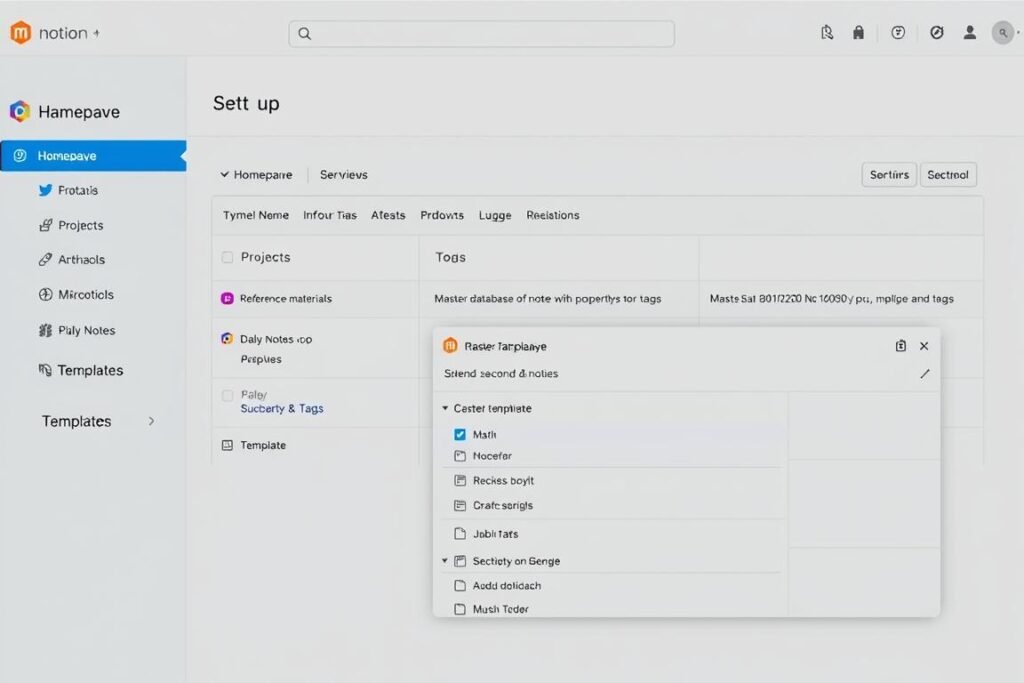
Setting Up Notion for Second Brain
- Create a dedicated workspace for your Second Brain
- Set up a homepage with links to key areas
- Create a master database for all notes with properties like tags, status, and dates
- Establish a consistent template for different types of notes
- Use linked databases to create different views of your information
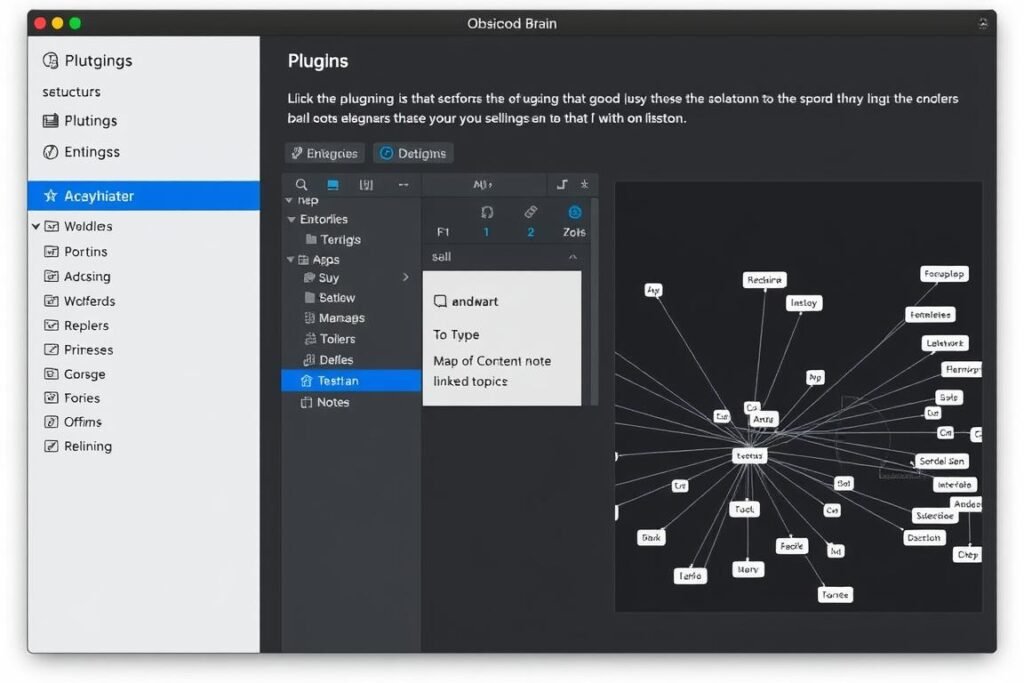
Setting Up Obsidian for Second Brain
- Create a new vault in a dedicated folder
- Enable core plugins like Daily Notes, Templates, and Graph View
- Install community plugins that match your workflow needs
- Establish a folder structure for different types of content
- Create MOCs (Maps of Content) to navigate related notes
Pro Tip: Whichever platform you choose, start small and build gradually. Begin with a basic structure and a few key notes, then refine your system as you understand how you naturally work with information. The best Second Brain evolves with your needs rather than being perfectly designed from the start.
Conclusion: Making Your Choice
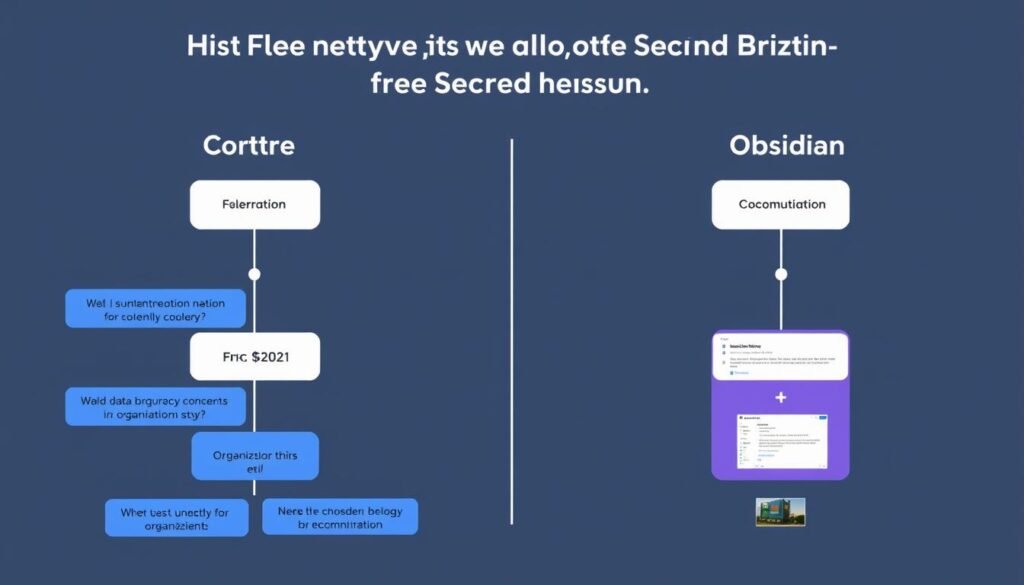
Choosing between Notion and Obsidian for your Second Brain isn’t about finding the “best” tool, but rather the one that aligns with your thinking style, workflow needs, and knowledge management goals.
- Collaboration and sharing capabilities
- Structured databases and multiple views
- Visual organization and aesthetics
- All-in-one workspace functionality
- Ease of use with minimal setup
Choose Notion if you value:
- Complete data ownership and privacy
- Associative thinking and connections
- Customization and plugin ecosystem
- Offline access and performance
- Future-proof plain text storage
Choose Obsidian if you value:
Remember that your Second Brain is a deeply personal tool that should adapt to how you think and work. Many users even find value in using both platforms for different aspects of their knowledge management – Notion for collaborative projects and structured information, Obsidian for personal research and interconnected thinking.
The most important step is to start building your Second Brain today. Begin with the platform that feels most intuitive to you, knowing you can always refine your system or even migrate between tools as your needs evolve.
Ready to build your Second Brain?
Start your personal knowledge management journey today with the tool that best fits your needs.