

Finding the right note-taking app can transform your productivity and thinking process. In today’s digital landscape, Notion and Obsidian stand out as powerful contenders, each with passionate user communities and unique approaches to knowledge management. Whether you’re organizing projects, capturing ideas, or building a second brain, choosing between these tools matters—they shape how you think, work, and organize information.
I’ve spent years using both platforms extensively, testing their limits across various workflows and projects. This comparison will help you understand the fundamental differences between Notion and Obsidian, their strengths and limitations, and which one might better serve your specific productivity needs.
Notion vs Obsidian: At a Glance
Before diving into the details, let’s understand the core philosophies behind these tools. As one user aptly put it: “Notion is a place where I work, Obsidian is a place where I think.” This distinction, while simple, captures the essence of what makes these tools different.
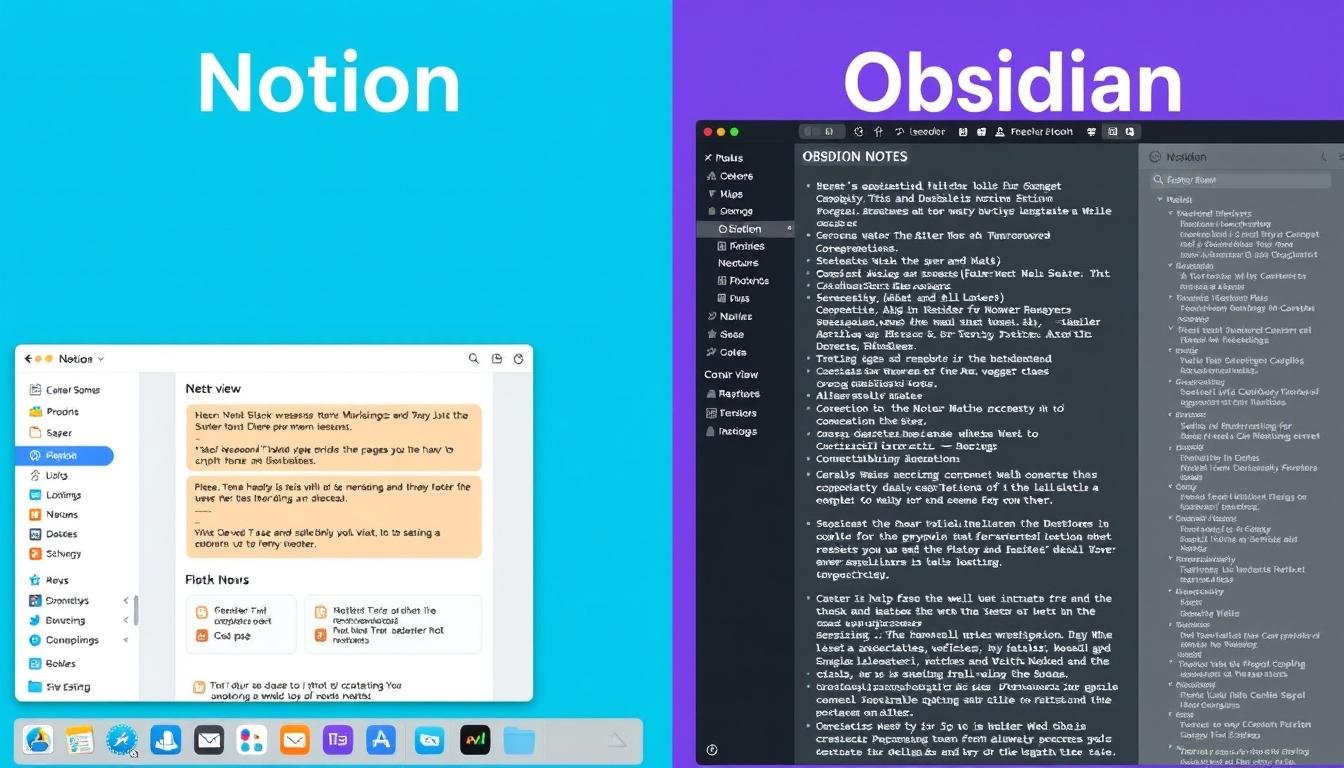
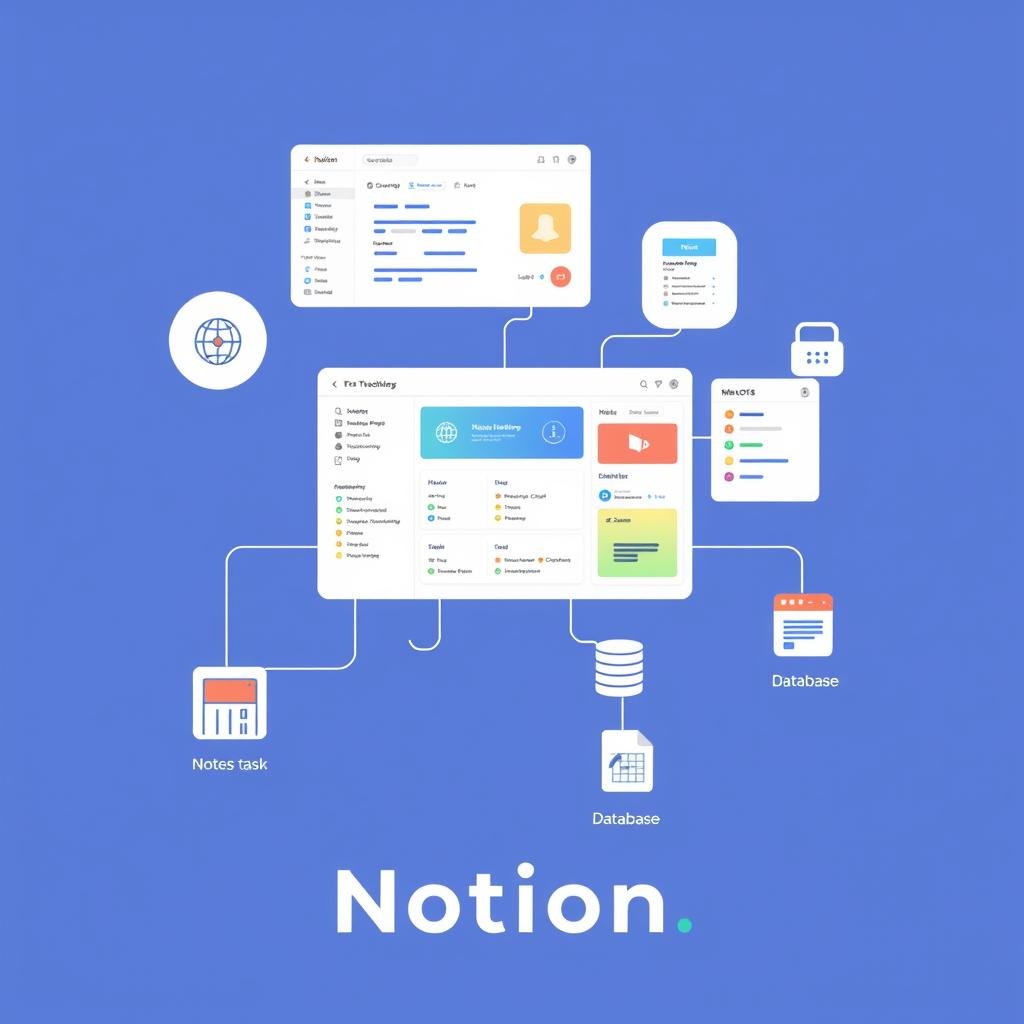
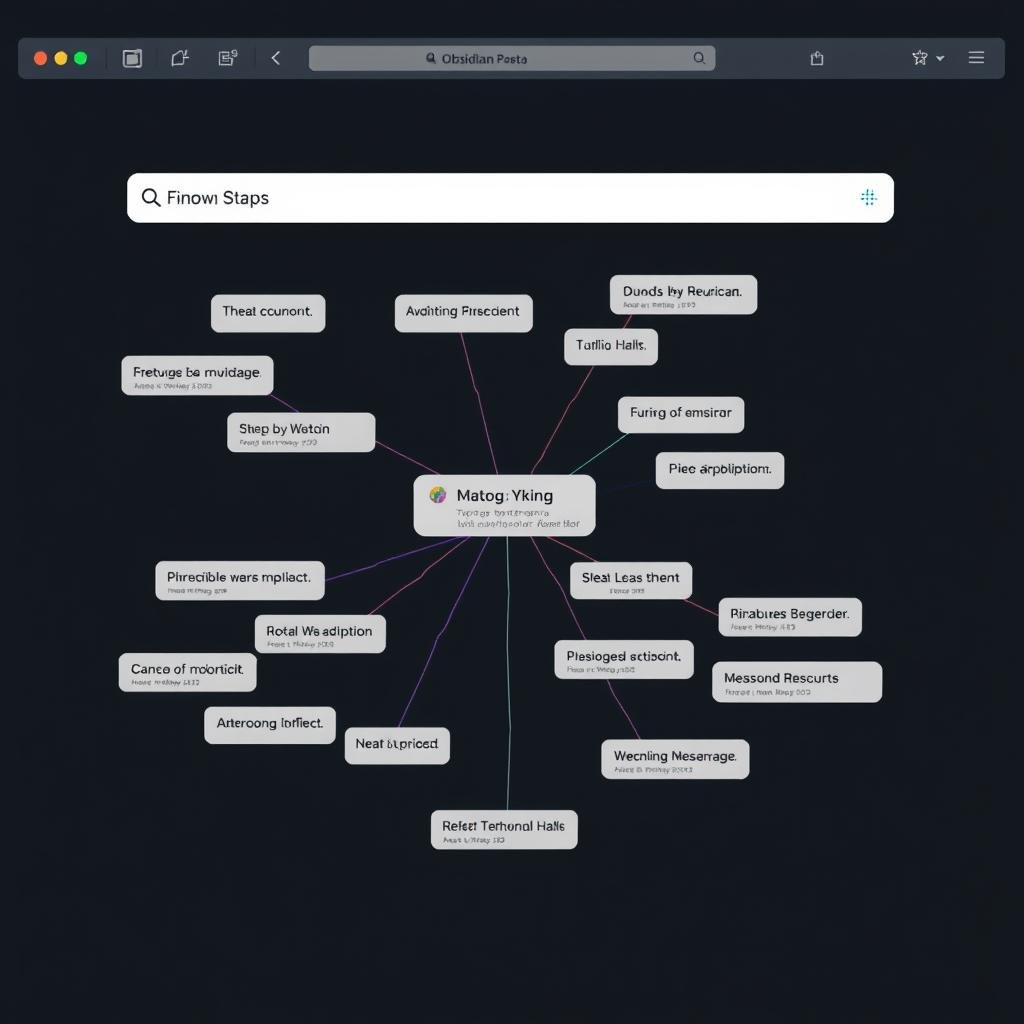
Notion’s workspace-oriented approach (left) vs Obsidian’s interconnected notes system (right)
| Feature | Notion | Obsidian |
| Core Philosophy | All-in-one workspace | Personal knowledge management |
| Storage | Cloud-based | Local files (optional sync) |
| Note Format | Block-based editor | Markdown files |
| Organization | Hierarchical (pages within pages) | Network-based (linked notes) |
| Collaboration | Excellent | Limited |
| Offline Access | Limited | Complete |
| Data Privacy | Cloud storage with encryption | Local storage, complete privacy |
| Free Plan | Generous with limitations | All features for personal use |
Ready to explore these productivity powerhouses?
Both tools offer generous free plans that let you experience their core features without commitment.
Note Organization: Hierarchical vs Networked Thinking
How you organize information fundamentally affects how you think. Notion and Obsidian represent two distinct organizational paradigms that cater to different thinking styles.
Notion: Hierarchical Structure with Nested Pages
Notion organizes information in a hierarchical structure, similar to folders on your computer. Pages can contain subpages, creating a nested hierarchy that works well for categorizing information. This approach is intuitive for most users as it mirrors how we typically organize physical documents.
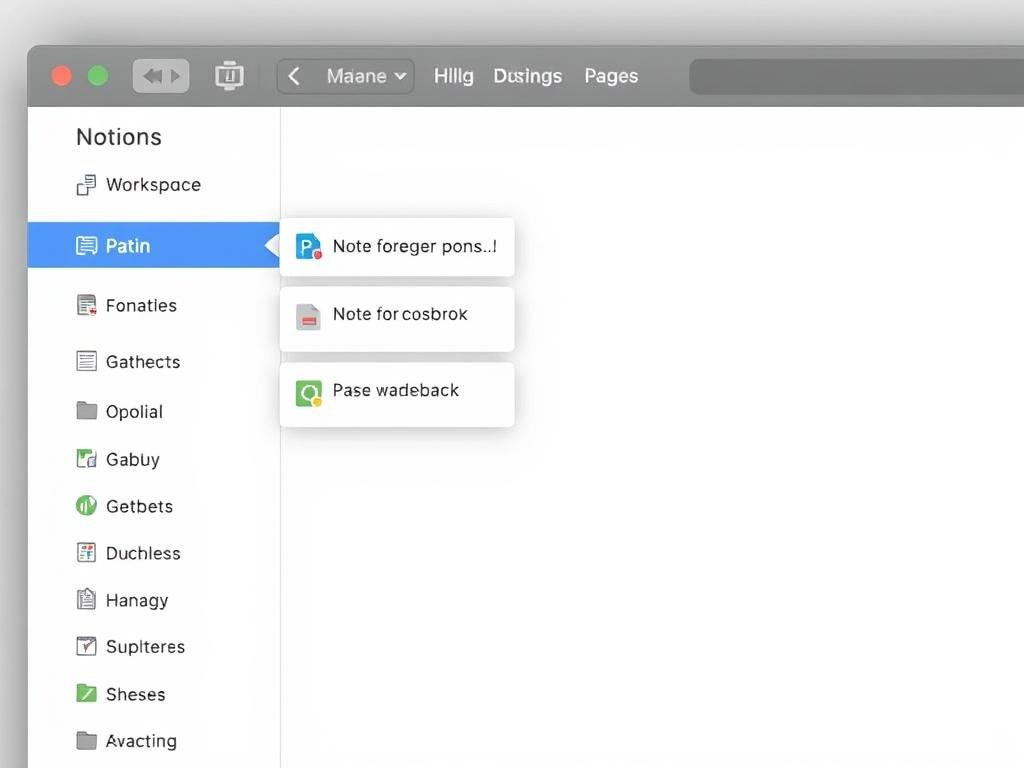
With Notion, you create workspaces that contain pages, which can contain more pages. This creates a clear parent-child relationship between your notes. While you can link between pages, the primary organizational structure remains hierarchical.
Obsidian: Networked Notes with Bidirectional Links
Obsidian takes a fundamentally different approach, organizing notes as a network rather than a hierarchy. While you can use folders to group notes, Obsidian’s power comes from bidirectional linking—every link between notes creates a connection that works both ways.
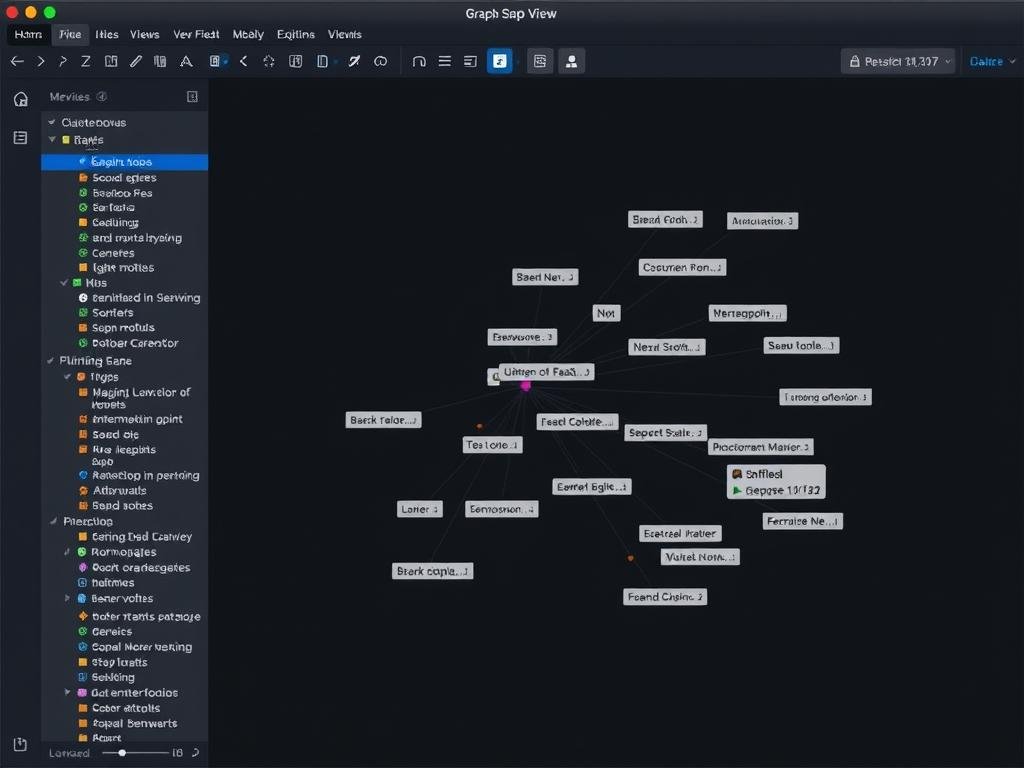
This network approach mirrors how our brains work—through associations rather than rigid categories. The graph view visualizes these connections, revealing relationships between ideas you might not have consciously recognized.
“Obsidian provides a distraction-free writing environment. Notion’s ‘feature-rich interface’ feels cluttered, pulling focus away from the actual content. Obsidian’s more minimalist design allows you to focus on your notes without unnecessary elements getting in the way.”
Which Organization Style Works Better?
The best organization style depends on how you think and what you’re trying to accomplish:
Choose Notion if:
- You prefer clear categories and structure
- You need to organize team knowledge
- You want to combine notes with project management
- You prefer visual organization with databases
Choose Obsidian if:
- You think in connections and associations
- You’re building a personal knowledge system
- You want to discover unexpected relationships
- You prefer focusing purely on content
Task Management Capabilities
Beyond note-taking, both tools offer ways to manage tasks and projects, though with significant differences in approach and capabilities.
Notion: Versatile Project Management
Notion excels at task and project management with its flexible database system. You can create task databases with custom properties like status, priority, due dates, and assignees, then view them as lists, boards, calendars, or timelines.
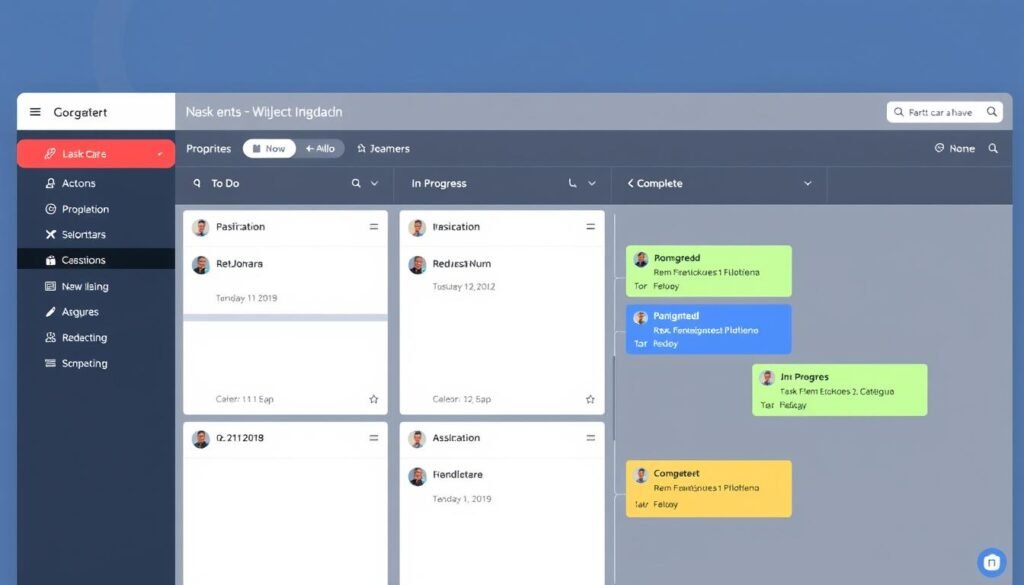
This flexibility makes Notion suitable for everything from simple to-do lists to complex project management. You can also embed these databases within your notes, creating a seamless workflow between information and action.
Obsidian: Focused Task Tracking
Obsidian’s approach to task management is more minimalist. Out of the box, you can create task lists with checkboxes in your notes. For more advanced task management, you’ll need community plugins like Tasks, Kanban, or Calendar.
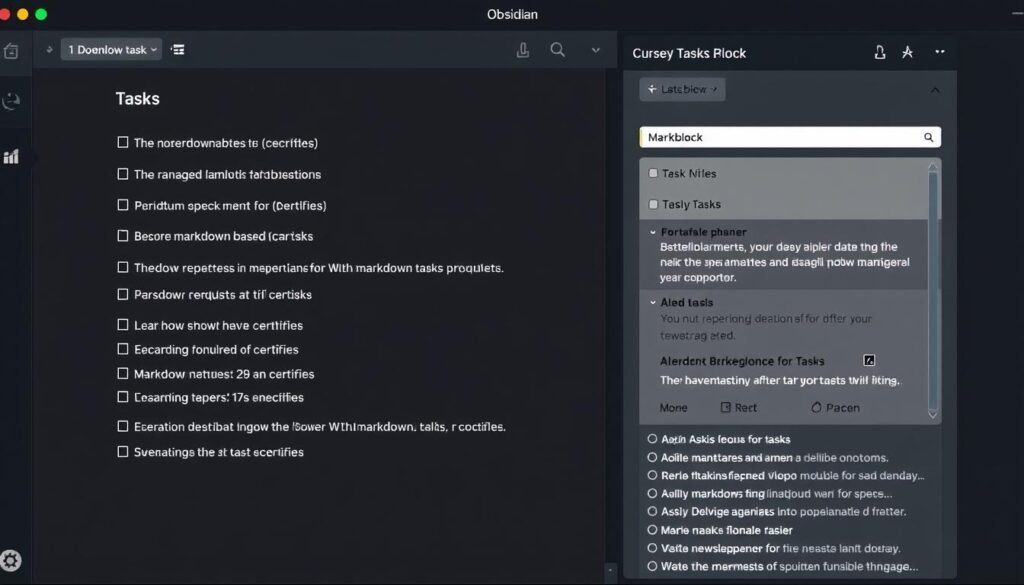
While not as robust as Notion’s built-in project management, Obsidian’s plugin ecosystem allows you to customize your task management system to fit your exact needs. The advantage is that your tasks live alongside your notes, creating a unified system for thought and action.
Daily Planning Comparison
Both tools can be effective for daily planning, but with different approaches:
| Daily Planning Feature | Notion | Obsidian |
| Daily Notes | Template-based, can automate with databases | Core plugin with automatic creation and templates |
| Task Migration | Database filters and views | Tasks plugin with queries |
| Calendar Integration | Native calendar views, Google Calendar integration | Calendar plugin, no direct external calendar integration |
| Time Blocking | Possible with timeline view | Possible with Day Planner plugin |
Need powerful task management?
If project management is your priority, Notion’s built-in database system offers more robust capabilities out of the box.
Customization and Flexibility
Both Notion and Obsidian offer extensive customization options, but they take fundamentally different approaches to flexibility.
Notion: Blocks and Templates
Notion’s customization revolves around its block system and templates. You can customize your workspace with different block types, layouts, and database views. The template gallery provides pre-built solutions for nearly any use case.
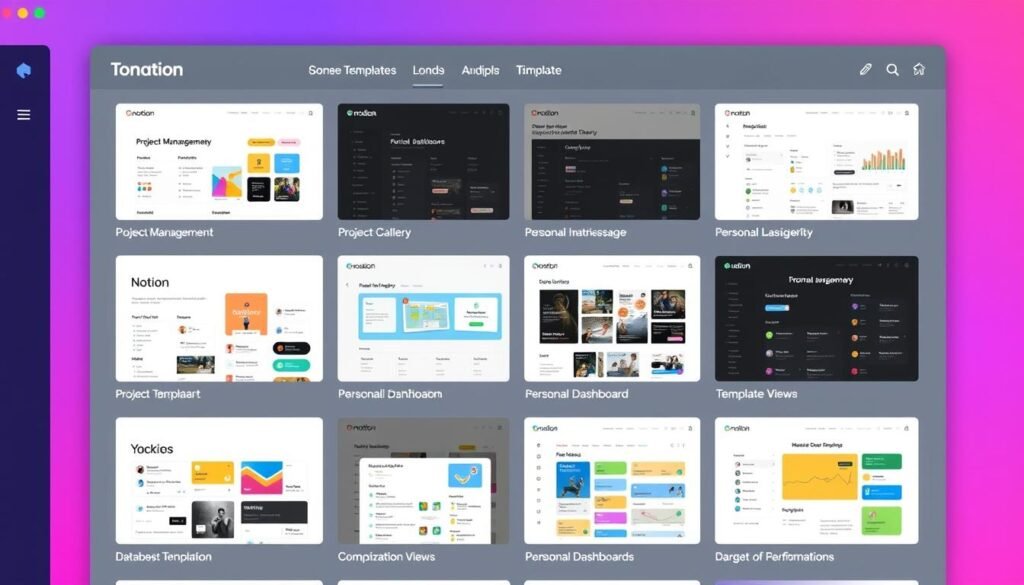
While Notion offers extensive visual customization with colors, icons, and cover images, it has limited functional customization. You’re generally limited to what Notion’s developers have built into the platform.
Obsidian: Plugins and CSS
Obsidian takes a more open approach to customization. The core app is minimal, but you can extend it with community plugins—over 2,000 of them. You can also customize the appearance with themes and CSS snippets.
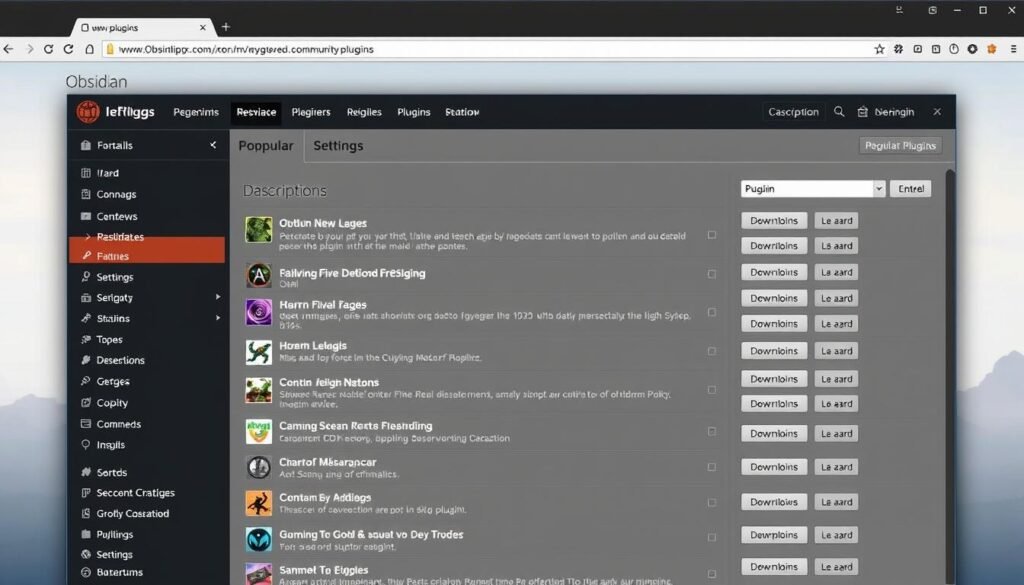
This approach gives Obsidian incredible flexibility—you can build exactly the tool you need. However, it also requires more time and technical knowledge to set up your ideal workflow.
Notion Customization Strengths
- User-friendly visual customization
- Extensive template gallery
- Consistent experience across devices
- No technical knowledge required
Obsidian Customization Strengths
- Extensive plugin ecosystem
- Complete visual customization with CSS
- Can build exactly the tool you need
- Community-driven innovation
Love customizing your tools?
If you enjoy tinkering and creating the perfect setup, Obsidian’s plugin ecosystem offers unparalleled flexibility.
Collaboration Features
When it comes to working with others, Notion and Obsidian have dramatically different capabilities that reflect their core philosophies.
Notion: Built for Collaboration
Notion was designed with collaboration in mind. You can share pages or entire workspaces with teammates, work simultaneously on the same document, leave comments, mention team members, and set granular permissions.
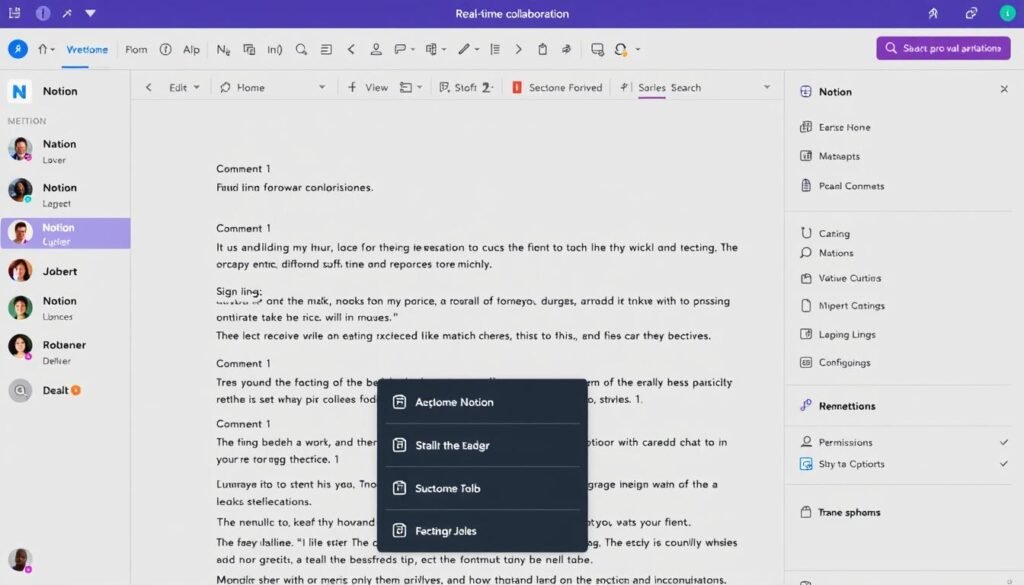
This makes Notion excellent for team knowledge bases, project management, and collaborative documentation. The commenting system is particularly useful for feedback and discussions.
Obsidian: Personal Knowledge Management
Obsidian was designed primarily as a personal tool. While you can share your notes by publishing them online with Obsidian Publish (a paid add-on), real-time collaboration isn’t built into the core experience.
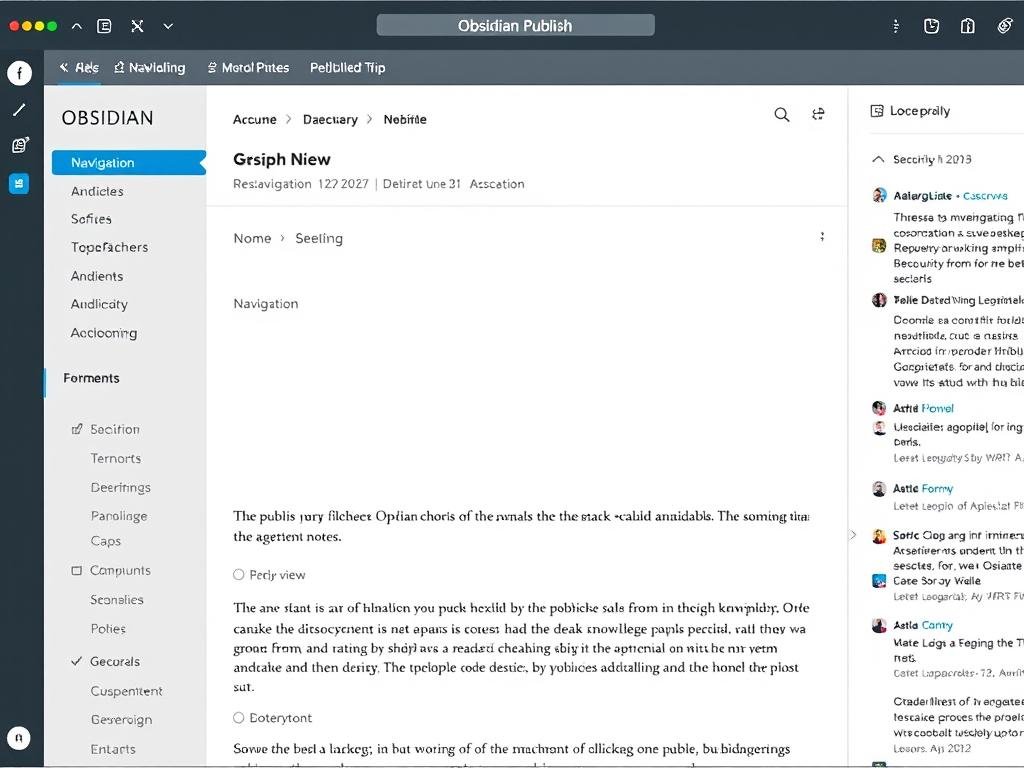
For collaboration, you’d typically need to use workarounds like storing your vault in a shared folder or using version control systems like Git. These approaches work but lack the seamless experience Notion provides.
| Collaboration Feature | Notion | Obsidian |
| Real-time Editing | Yes, with visible cursors | No |
| Comments | Yes, with threading | No |
| Sharing | Granular permissions | Publish as website (paid) |
| Team Workspaces | Yes | No |
| Notifications | Yes | No |
Collaboration Verdict: If you need to work with others regularly, Notion is the clear choice. Obsidian works best as a personal tool or for asynchronous sharing of knowledge.
Mobile and Desktop Experience
Both Notion and Obsidian offer cross-platform support, but the experience varies significantly between desktop and mobile devices.
Notion: Consistent Cross-Platform Experience
Notion provides a consistent experience across platforms. The web, desktop, and mobile apps share the same interface and functionality, with minor adaptations for screen size. This consistency makes switching between devices seamless.
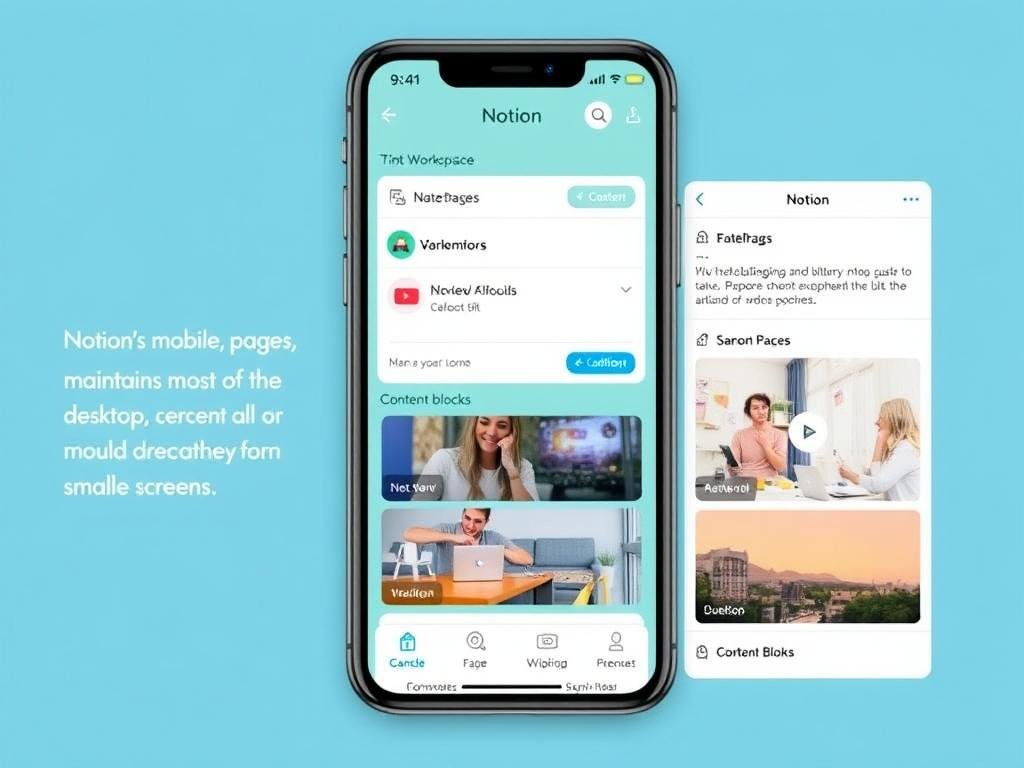
The mobile app includes nearly all desktop features, though complex database operations can be more cumbersome on smaller screens. Being cloud-based, your content is always synchronized across devices.
Obsidian: Optimized for Desktop, Mobile as Companion
Obsidian was originally designed for desktop use, and it shows. The desktop app provides the full experience with all plugins and features. The mobile app, while functional, feels more like a companion to the desktop version.
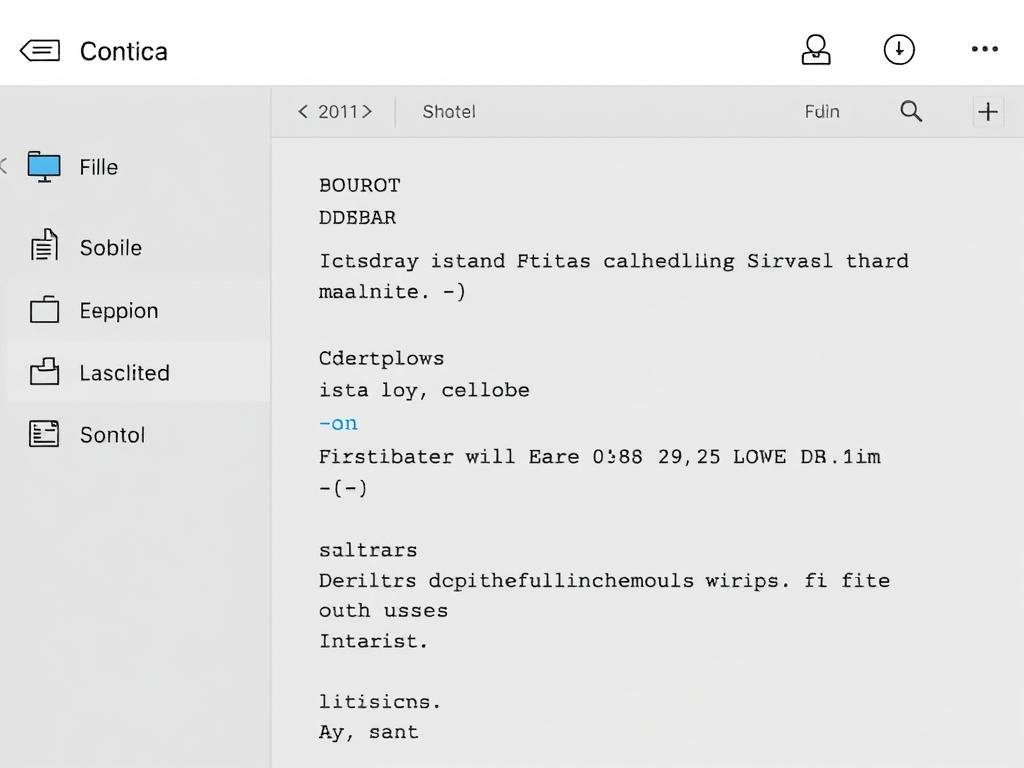
Syncing between devices requires either Obsidian Sync (a paid add-on) or a third-party solution like iCloud or Dropbox. This creates an additional setup step but gives you control over where your data is stored.
Best Use Cases for Notion and Obsidian
Based on their strengths and limitations, Notion and Obsidian excel in different scenarios. Let’s explore the ideal use cases for each tool.
Notion Shines For:
Team Collaboration
Notion excels at creating shared workspaces where teams can collaborate on documents, projects, and knowledge bases in real-time.

Project Management
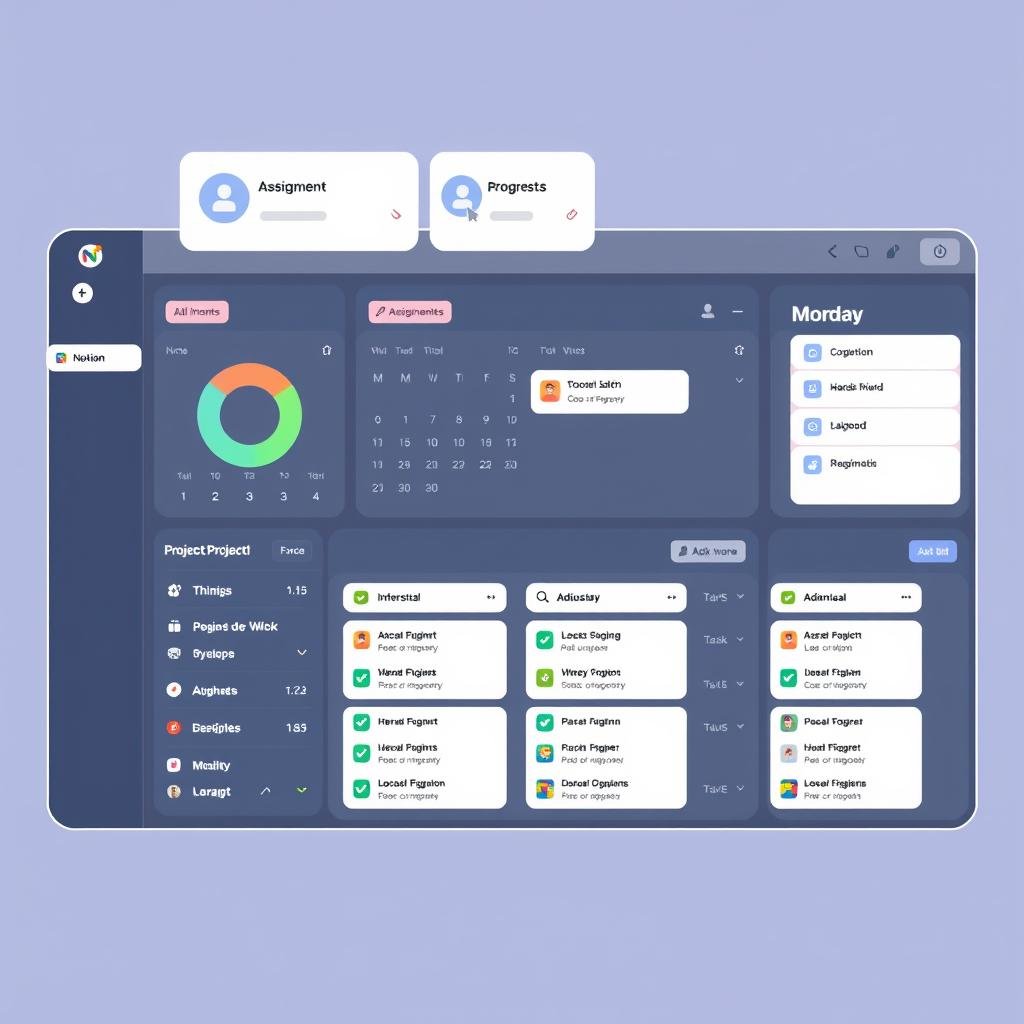
With its flexible databases and views, Notion works well for managing projects, tracking tasks, and visualizing workflows.
All-in-One Workspace
If you want to consolidate multiple tools into one platform, Notion can replace your task manager, wiki, and document editor.
Obsidian Excels For:
Personal Knowledge Management
Obsidian’s linking capabilities make it ideal for building a “second brain” where you can connect ideas and discover relationships.
Privacy-Focused Note-Taking
With local storage and no account required, Obsidian gives you complete control over your data and works offline.

Long-term Research
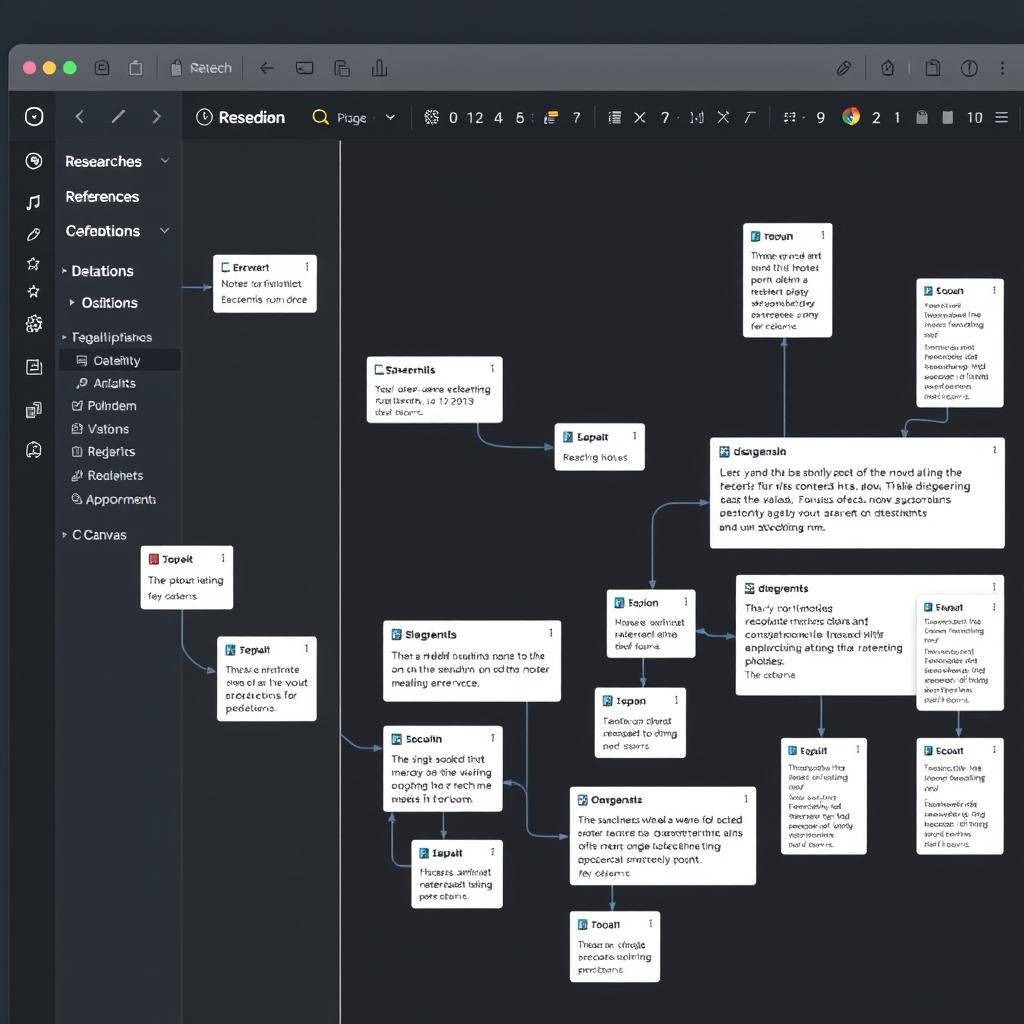
Researchers and writers benefit from Obsidian’s robust linking, markdown format, and ability to handle large volumes of notes.
Find your perfect productivity system
The best tool depends on your specific needs. Try both to discover which fits your workflow.
Pricing and Platform Availability
Understanding the cost structure and platform support is crucial when choosing a productivity tool for the long term.
Notion Pricing
Notion offers a freemium model with several paid tiers:
| Plan | Price | Key Features |
| Free | $0 | Unlimited pages and blocks for individuals, file uploads up to 5MB, 10 guest collaborators |
| Plus | $8/month per user (billed annually) | Unlimited file uploads, unlimited guests, 30-day page history, collaborative workspace |
| Business | $15/month per user (billed annually) | Advanced permissions, SAML SSO, private teamspaces, 90-day page history |
| Enterprise | Custom pricing | SCIM, advanced security, dedicated support, unlimited page history |
| Notion AI (add-on) | $8/month per user (billed annually) | AI writing assistant, summarization, translation, brainstorming |
Obsidian Pricing
Obsidian has a unique approach to pricing:
| Plan | Price | Key Features |
| Personal | $0 | All core features, community plugins, themes, local storage |
| Commercial | $50/year per user | Same as Personal, but for commercial use in organizations with 2+ employees |
| Obsidian Sync (add-on) | $4/month (billed annually) | End-to-end encrypted sync across devices, version history |
| Obsidian Publish (add-on) | $8/month per site (billed annually) | Publish notes as a website, customize appearance |
Platform Availability
Both tools are available across major platforms:
Notion
- Web app
- Windows
- macOS
- Linux
- iOS
- Android
Obsidian
- Windows
- macOS
- Linux
- iOS
- Android
- No web app
Pricing Verdict: For personal use, both tools offer generous free plans. Notion becomes more expensive for teams, while Obsidian charges for specific add-ons rather than core functionality.
Recommendations for Different User Profiles
Based on your specific needs and work style, here’s which tool might serve you better:
For Students
Choose Notion if: You need to collaborate on group projects, want to organize course materials hierarchically, or benefit from database features for tracking assignments and deadlines.
Choose Obsidian if: You’re building a comprehensive knowledge base for your field of study, prefer offline access to your notes, or want to create a network of interconnected concepts.
For Professionals
Choose Notion if: You need to collaborate with colleagues, manage projects and tasks, or create a knowledge base for your team.
Choose Obsidian if: You work with sensitive information that requires privacy, need offline access to your notes, or want to build a personal knowledge management system.
For Researchers
Choose Notion if: You collaborate with research partners, need to organize structured data in databases, or want to create a shareable research wiki.
Choose Obsidian if: You’re building a complex web of interconnected research notes, value data privacy, or want to visualize relationships between concepts.
For Creatives
Choose Notion if: You manage creative projects with clients or teams, need to organize your portfolio, or want a visually appealing workspace.
Choose Obsidian if: You’re capturing and connecting creative ideas, building a personal inspiration library, or prefer a distraction-free writing environment.
Tips for Transitioning Between Platforms
If you’re considering switching from one platform to the other, here are some practical tips to make the transition smoother:
Moving from Notion to Obsidian
- Export your Notion workspace as Markdown & CSV
- Create a new Obsidian vault and import the Markdown files
- Rebuild your database structures using plugins like Dataview
- Create a linking strategy to connect your imported notes
- Set up plugins to replicate your favorite Notion features
Pro Tip: When exporting from Notion, nested pages will become separate files. You may need to reorganize your folder structure in Obsidian to maintain hierarchy.
Moving from Obsidian to Notion
- Import your Markdown files directly into Notion
- Recreate your folder structure as nested pages
- Convert internal links to Notion page links
- Set up databases to replace plugin functionality
- Adjust to Notion’s block-based editing system
Pro Tip: Notion supports Markdown imports, but complex formatting and some Obsidian-specific syntax may not transfer perfectly. Be prepared to do some manual cleanup.
Conclusion: Choosing the Right Tool for Your Needs
After comparing Notion and Obsidian across multiple dimensions, it’s clear that both are powerful productivity tools with different strengths and philosophies.
Notion excels as an all-in-one workspace with strong collaboration features, making it ideal for teams and those who want to combine notes, tasks, and projects in one place. Its hierarchical organization and database capabilities provide structure and versatility.
Obsidian shines as a personal knowledge management tool with powerful linking capabilities, making it perfect for building a “second brain” and discovering connections between ideas. Its offline-first approach and privacy focus appeal to those who value data ownership.
The best choice depends on your specific needs, working style, and priorities. Many productivity enthusiasts even use both tools for different purposes—Notion for collaboration and project management, Obsidian for personal notes and knowledge management.
Whichever tool you choose, the most important factor is finding a system that works for your unique workflow and sticking with it long enough to make it part of your productivity routine.
Ready to boost your productivity?
Both tools offer free plans that let you explore their full potential before committing.