

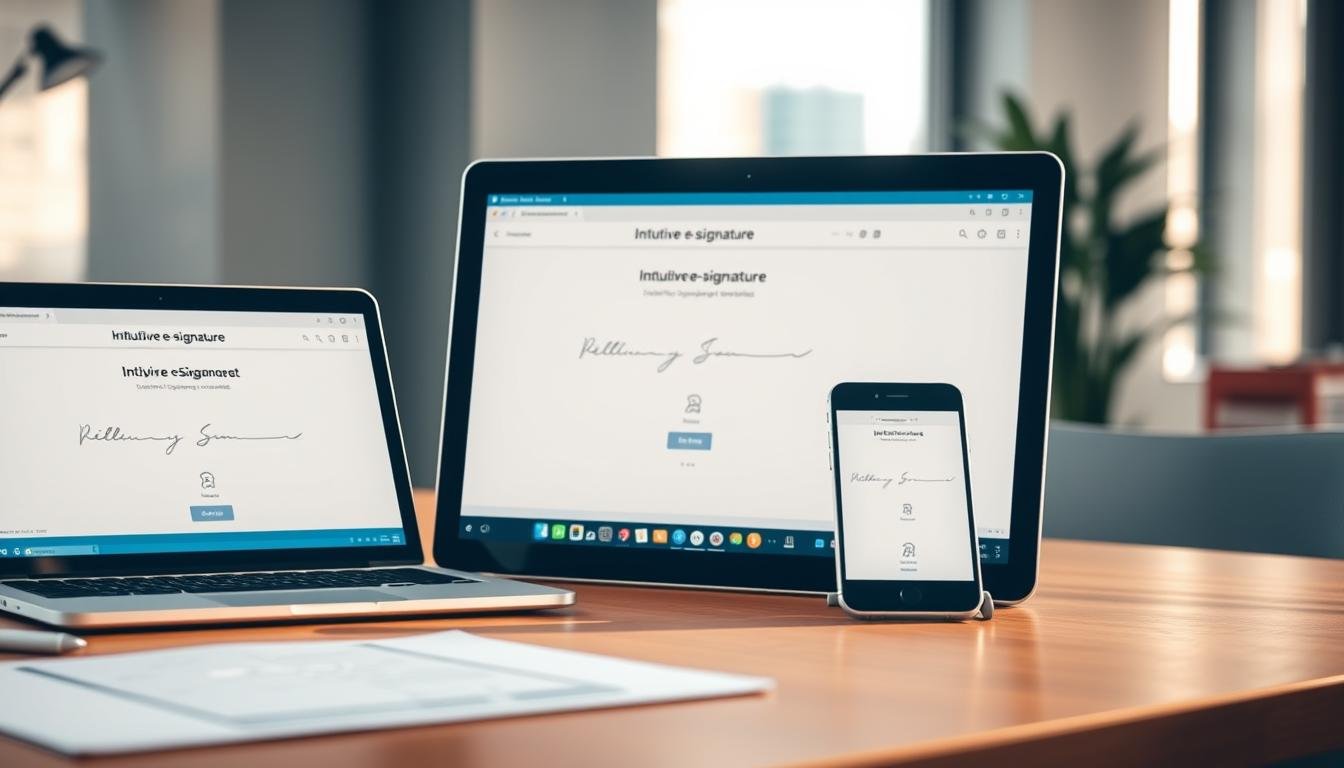
Are you tired of printing, signing, and scanning documents? Digital transactions have made collecting signatures a key part of business. But, what’s the best way to do it?
Microsoft365 recently added eSignature, letting users sign PDFs and Word documents online. But, other e-signature solutions like DocuSign and Adobe Acrobat Sign are also favorites. We’ll look at these options and Microsoft Forms to find the best way to collect signatures on contracts.
Key Takeaways
- Understand the features and benefits of Microsoft365 eSignature.
- Compare e-signature software options for businesses.
- Learn how to collect legally binding signatures electronically.
- Discover the security and compliance features of e-signature solutions.
- Determine the best option for your business needs.
Understanding E-Signature Software
Electronic signature software is changing how we do business. It makes signing documents online safe, fast, and legal. This change helps businesses save time and money by avoiding paper-based signing.
What is E-Signature Software?
E-signature software lets you sign documents online. It’s great for teams working from home or those who sign a lot of documents. Using it makes signing documents faster, less error-prone, and more efficient.
Benefits of Using E-Signature Software
There are many benefits to using e-signature software. Some key ones include:
- It saves time by making signing documents quicker
- It cuts costs by reducing the need for paper and printing
- It’s more secure with encryption and authentication
- It meets legal standards like ESIGN
For example, businesses can integrate e-signatures with Office365. This makes managing documents easier within their workflow.
Legal Compliance with E-Signatures
Legal rules are important for e-signature software. It must follow laws like the Electronic Signatures in Global and National Commerce Act (ESIGN) in the U.S. Making sure digital signature compliance requirements are met is key for electronic signatures to be valid and enforceable.
| Compliance Requirement | Description |
|---|---|
| ESIGN Act | Validates electronic signatures in the United States |
| eIDAS Regulation | Sets standards for electronic signatures in the European Union |
| Audit Trail | Provides a record of all actions taken on a document |
By following these rules, businesses can make sure their electronic signatures are legally valid and recognized.
An Overview of DocuSign
DocuSign is a top e-signature software that has changed how businesses get signatures. It’s a leader in the e-signature world. It has many features for different business needs.
Key Features of DocuSign
DocuSign lets you sign documents online and automate workflows. Its document signing feature makes signing easy. Workflow automation helps streamline processes. It also works well with other apps for a smooth experience.
Pricing Plans Offered by DocuSign
DocuSign has various pricing plans for different needs. These plans are flexible and grow with your business. Here’s a look at the plans:
| Pricing Plan | Features | Price |
|---|---|---|
| Personal | Basic e-signature features | $10/month |
| Standard | Advanced e-signature features, workflow automation | $25/month |
| Business Pro | Advanced e-signature features, workflow automation, integration with other apps | $40/month |
Ease of Use and User Experience
DocuSign is easy to use with its user-friendly interface and seamless signing experience. It’s simple to navigate and use. The mobile app lets you sign documents anywhere, making it even better.
Exploring Adobe Acrobat Sign
Adobe Acrobat Sign is a top choice for digital signatures. It has tools to make signing documents easy and automate workflows. It’s a big player in the e-signature world, right up there with DocuSign. It offers features that help businesses of all kinds.
Unique Features of Adobe Acrobat Sign
Adobe Acrobat Sign has features that make it stand out. Here are some of the best:
- Advanced Workflow Automation: Make complex workflows simple. This saves time and effort.
- Seamless Integration: Work well with Microsoft365 and other apps. This boosts productivity and makes things smoother.
- Secure Audit Trails: Keep track of eSignature activities securely. This makes everything transparent and safe.
Pricing Structure Explained
It’s important to know how much Adobe Acrobat Sign costs. The pricing is competitive and flexible. It fits different business needs well. Here’s what you need to know:
- Flexible Plans: There are plans for all business sizes and needs.
- Transparent Pricing: Prices are clear, with no surprises.
- Scalability: You can change plans as your business grows or changes.
User Experience and Software Integration
Adobe Acrobat Sign is easy to use and works well with other apps. This makes it a great choice for businesses. Here’s why:
- Intuitive Interface: It’s easy to learn and use, even for new users.
- Integration with Office365: Work better with Office365. This makes your workflow smoother.
- Customizable Workflows: Make workflows fit your business needs. This improves efficiency and cuts down on mistakes.
Microsoft Forms: A Different Approach
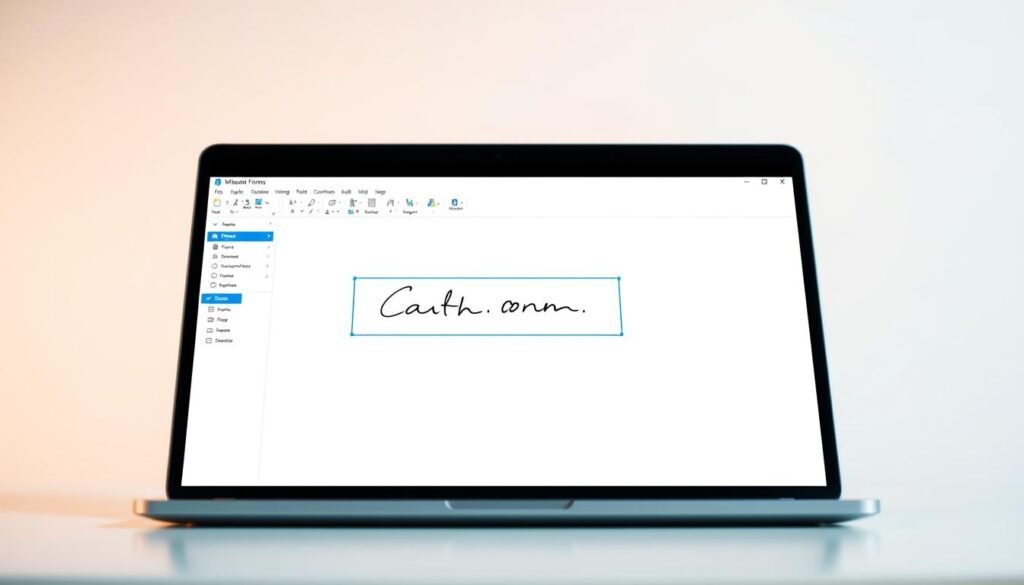
Microsoft Forms is seen as a basic tool for making surveys and quizzes. But, it can also be used for collecting signatures on contracts. This feature, though not its main purpose, makes it useful for many business tasks.
Features of Microsoft Forms
Microsoft Forms has features that help with signature collection. You can make custom forms, add fields for names and dates, and even use checkboxes for agreements. It’s not made for e-signatures, but its flexibility is a big plus.
- Customizable form fields
- Integration with Microsoft Office 365
- User-friendly interface
Integrating E-Signatures into Microsoft Forms
To add e-signatures to Microsoft Forms, you can use workarounds. For example, you can use typed names or checkboxes to show agreement. This method doesn’t give a legally binding e-signature, but it works for some agreements.
For instance, a company might use Microsoft Forms to get confirmations of document receipt. They can use a checkbox to show they understand or agree.
Limitations of Microsoft Forms for E-Signatures
Microsoft Forms has some big limits for e-signature collection. It doesn’t have official signature fields or legal e-signature checks. These are key for making sure electronic signatures are real and legal.
| Feature | Microsoft Forms | Dedicated E-Signature Tools |
|---|---|---|
| Official Signature Fields | No | Yes |
| Legal E-Signature Validation | No | Yes |
Comparing User Interfaces: DocuSign vs Adobe Acrobat Sign
A smooth signing experience depends a lot on the e-signature software’s user interface. Both DocuSign and Adobe Acrobat Sign have user-friendly interfaces. But, they take different approaches.
DocuSign is simple and easy to use. It’s perfect for businesses needing a straightforward e-signature solution. On the other hand, Adobe Acrobat Sign has more features. This is great for companies with complex signing needs.
Usability of DocuSign
DocuSign’s interface is designed to be easy to use. It lets users go through the signing process without trouble. The platform has a clean design. This makes it simple for signers to understand and finish the signing process.
- Simple and intuitive design
- Easy navigation through the signing process
- Customizable signing experiences
To learn more about DocuSign’s features and how it stacks up against other e-signature solutions, check out this comparison guide.
Usability of Adobe Acrobat Sign
Adobe Acrobat Sign has a more feature-rich interface than DocuSign. This is good for complex signing workflows. But, it might be harder for some users to learn.
- Comprehensive feature set
- Integration with Adobe Acrobat
- Advanced customization options
The usability of Adobe Acrobat Sign is better because it integrates with other Adobe tools. This makes it a great option for businesses already using Adobe products.
Verdict on User Interfaces
The choice between DocuSign and Adobe Acrobat Sign depends on your business needs. If you want something simple and easy to use, DocuSign might be better. But, if you need a more advanced e-signature solution, Adobe Acrobat Sign is worth looking at.
Knowing the strengths and weaknesses of each platform’s user interface helps you choose the best e-signature software for your organization.
Pricing Comparison: DocuSign, Adobe Acrobat Sign, and Microsoft Forms
It’s important for businesses to know the pricing of DocuSign, Adobe Acrobat Sign, and Microsoft Forms. The cost of these e-signature software solutions can affect a company’s budget. So, it’s key to look at their pricing structures closely.
Cost Analysis of DocuSign
DocuSign has different pricing plans for various business sizes. There are plans for individuals and small businesses, and more advanced ones for bigger companies. The cost depends on the number of users and the features needed, like security and integration.
The DocuSign Standard plan costs $40 per user per month if paid yearly. It includes mobile signing and real-time collaboration. Businesses should pick a plan based on their needs, as costs can rise fast.
Cost Analysis of Adobe Acrobat Sign
Adobe Acrobat Sign also has a tiered pricing system. The cost varies based on the number of documents and features needed, like advanced security and tracking.
The Standard plan starts at $12.99 a month if paid yearly. It’s a good choice for small businesses or individuals. But, big companies might need to pay more for their needs.
Cost Analysis of Microsoft Forms
Microsoft Forms is part of the Microsoft 365 suite. It’s great for businesses using Microsoft products. The pricing is tied to Microsoft 365 services, which can make managing costs easier but might limit options.
To use e-signature in Microsoft Forms, businesses need to set it up in the Microsoft 365 admin center. This can add value to the Microsoft 365 subscription, but costs should be weighed against business needs.
Security Features of E-Signature Software
The security of e-signature software is key to protecting sensitive documents. It ensures compliance with digital signature laws. As more businesses use digital signatures, knowing the security features is essential.
Providers like DocuSign, Adobe Acrobat Sign, and Microsoft Forms have strong security measures. They use encryption, authentication, and access controls. These steps help prevent unauthorized access and keep signed documents safe.
DocuSign Security Measures
DocuSign has strong security, including 256-bit AES encryption and multi-factor authentication. These features protect documents in transit and at rest. It also has detailed audit trails, showing all document activities.
Adobe Acrobat Sign Security Measures
Adobe Acrobat Sign uses advanced security measures like encryption and authentication. It works well with other Adobe tools, making workflows secure and smooth. It supports various authentication methods, like passwords and phone verification, to ensure only authorized people can sign documents.
Microsoft Forms Security Measures
Microsoft Forms is mainly for building forms but can be used for e-signatures with other Microsoft apps. It has enterprise-grade security features, like data encryption and access controls, through Microsoft 365. But, for full e-signature features, users might need to use other services or tools.
To compare the security features of these three e-signature solutions, let’s examine the key security measures they offer:
| Security Feature | DocuSign | Adobe Acrobat Sign | Microsoft Forms |
|---|---|---|---|
| Encryption | 256-bit AES | Advanced Encryption | Data Encryption (via Microsoft 365) |
| Multi-Factor Authentication | Yes | Yes | Limited (via Microsoft 365) |
| Audit Trails | Detailed Audit Trails | Audit Trails Available | Limited Audit Trails |
| Compliance | Fully Compliant with Major Regulations | Fully Compliant with Major Regulations | Compliant via Microsoft 365 Features |
By looking at the security features of DocuSign, Adobe Acrobat Sign, and Microsoft Forms, businesses can choose the best e-signature software. This choice should meet their security needs and compliance requirements.
Workflow Integration with E-Signature Software
Integrating e-signature software with other apps is key for better business workflows. As more businesses go digital, it’s vital to have smooth connections between tools.
Tools like DocuSign, Adobe Acrobat Sign, and Microsoft Forms make it easy to integrate. Knowing what each offers helps businesses pick the right one for them.

DocuSign Integration Capabilities
DocuSign stands out for its wide range of integrations. It works well with Microsoft Office 365 and Google Workspace. This makes it easy to add e-signatures to your workflow.
“DocuSign’s integration with Microsoft Office 365 allows users to send documents for signature directly from Word, Excel, and Outlook, streamlining the signing process.” – DocuSign
Some key features of DocuSign include:
- Integration with CRM systems like Salesforce
- Seamless connectivity with cloud storage services such as Dropbox and Google Drive
- Compatibility with various productivity apps, making workflows more efficient
Adobe Acrobat Sign Integration
Adobe Acrobat Sign also has strong integration options. It works well with other Adobe tools like Acrobat and Creative Cloud. This makes it great for businesses already using Adobe.
Adobe Acrobat Sign’s key features include:
| Integration | Description |
|---|---|
| Adobe Acrobat | Send documents for signature directly from Acrobat |
| Microsoft Office 365 | Integrate e-signatures into Word, Excel, and Outlook |
| Salesforce | Streamline sales processes with e-signature integration |
Microsoft Forms Integration Options
Microsoft Forms is closely tied to Microsoft 365 apps. It’s a good choice for businesses using these tools. While it may not have as many integrations as others, its connection to Microsoft is a big plus.
Microsoft Forms’ key features include:
- Seamless integration with Microsoft Office 365 applications
- Compatibility with Power Automate (formerly Microsoft Flow) for automating workflows
- E-signature activities logged in the Purview Audit log for transparency and security
In conclusion, picking the right e-signature software means looking at its integration options. Each software has unique features that can improve your business processes.
Choosing the Right Tool for Your Business
There are many e-signature solutions out there, making it hard to pick the right one. But, it’s key for making your business run smoother. The choice depends on your industry, how you work, and what security you need.
Factors to Consider in Your Decision
When looking at e-signature software, think about a few important things. First, how easy it is to use and how it feels to the user. A software that’s easy to use can help your team get started faster.
Also, the security of the software is a big deal. Make sure it follows important rules like the ESIGN Act and GDPR. And, see if it can work well with your current systems and how you do things.
Industries Best Suited for Each Software
Each e-signature software is best for different types of businesses. For example, DocuSign is used in many areas because it’s powerful and can grow with your business. Adobe Acrobat Sign is great for those already using Adobe tools, because it works so well with them.
Microsoft Forms is best for those who use Microsoft products a lot. It makes getting signatures easy and fits right in with what you’re already doing. Knowing what your business needs is key to picking the right software.
User Testimonials and Reviews
What other users say about e-signature software is very helpful. It shows what works well and what doesn’t, helping you decide.
For example, DocuSign users like how easy it is to use and how safe it is. Adobe Acrobat Sign users like how it works with other Adobe tools, making their work flow better.
By looking at these points, what industries use each software, and what others say, you can pick the best e-signature software for your business. This will make your work more efficient and help you follow the rules.
Best Practices for Collecting Legally Binding Signatures
To get legally binding signatures, you need to know about e-signature laws and best practices. Electronic signatures are now common. It’s key to understand what makes them valid.
Ensuring Compliance with E-Signature Laws
Businesses must follow specific rules for e-signatures. The Electronic Signatures in Global and National Commerce Act (ESIGN) and the Uniform Electronic Transactions Act (UETA) guide this in the U.S. Most countries accept electronic signatures if they meet certain criteria, like proving who signed and that they have access to their private key.
Key compliance requirements include:
- Getting the signer’s consent for electronic signatures
- Making sure the electronic signature process is secure
- Providing a clear audit trail
Steps to Prepare Documents for E-Signature
Preparing documents for e-signature is important. First, choose the right e-signature software that fits your needs and follows the law. Then, set up the document with the right signature fields. Make sure the document can be easily signed electronically.
Also, check the signer’s identity and make sure they have the right to sign the document electronically.
Common Mistakes to Avoid
When collecting signatures, avoid mistakes that can make them invalid. These include not getting proper consent, lacking a clear audit trail, and using insecure signature methods.
To avoid these mistakes, businesses should:
- Clearly explain the electronic signature process
- Use secure and reliable e-signature software
- Keep detailed records of the signature process
Conclusion: Final Thoughts on E-Signature Solutions
Businesses have many choices for getting legally binding signatures. Options include DocuSign, Adobe Acrobat Sign, and Microsoft Forms. Each has its own features, benefits, and prices. It’s key to know how they differ.
Key Differences and Recommendations
DocuSign and Adobe Acrobat Sign focus on advanced security and compliance. Microsoft Forms takes a simpler, form-based approach. If you need strong e-signature features, consider DocuSign or Adobe Acrobat Sign.
Trying Out the Software
Try each software to find the best fit for your business. This way, you can enjoy the security and compliance benefits of e-signature software. It makes signing and sharing documents easier.
In summary, the right e-signature solution can make your business processes smoother. By understanding the differences and benefits of each software, you can make a smart choice. Pick the best e-signature software for your needs.