

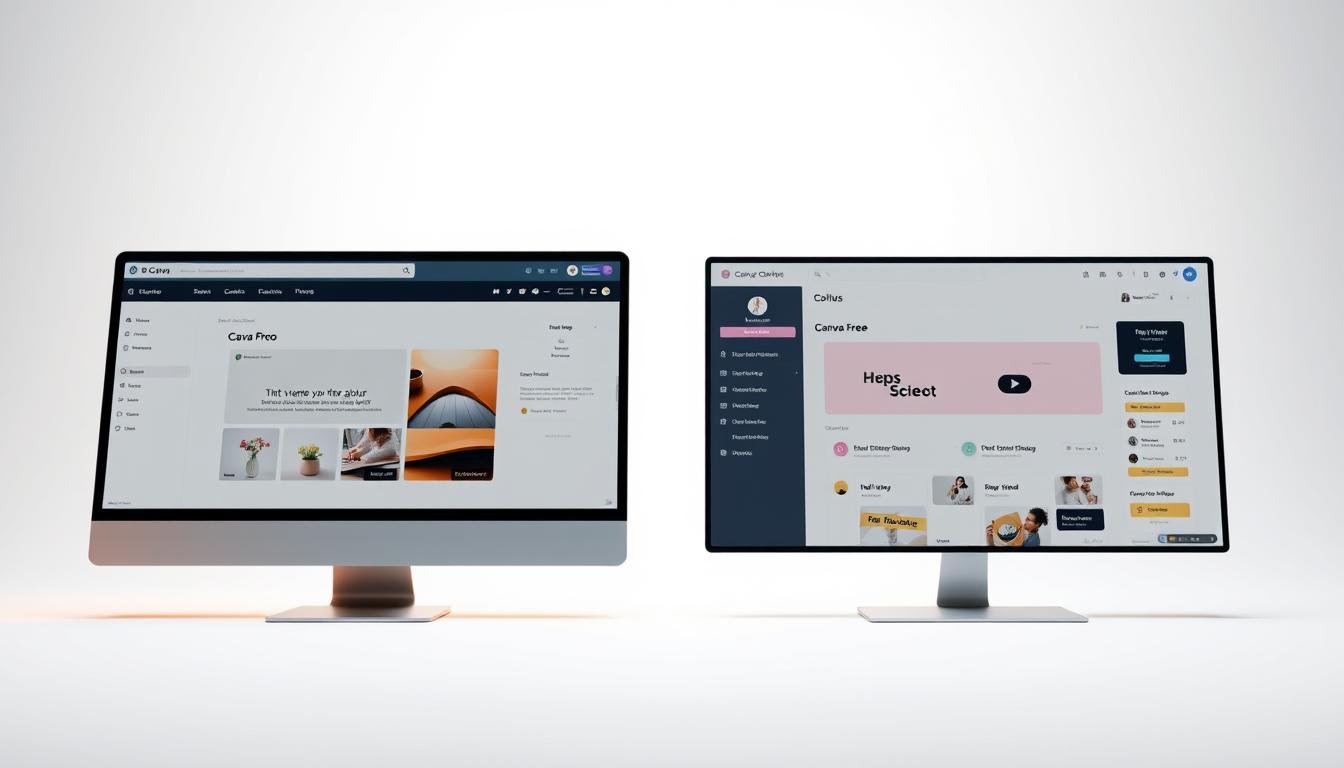
Are you stuck between the free design tools you know and a premium subscription? This choice can take your designs to new heights.
The design world offers many options. But, the big question is: is a design upgrade worth it? With 30-day free trials, you can try before you buy.
For those who use design tools often, a premium subscription offers big benefits. You get access to a huge library of templates, graphics, and advanced features.
Key Takeaways
- Understand the key differences between Canva Pro and Canva Free.
- Discover the benefits of upgrading to Canva Pro.
- Learn how to make the most of Canva’s design tools.
- Find out if Canva Pro is worth the investment for your design needs.
- Explore the features and pricing of both Canva plans.
Introduction to Canva
Canva is a platform for making many types of visual content. You don’t need to be a design expert to use it. This introduction will tell you what Canva is and its role in graphic design.
What is Canva?
Canva is a graphic design tool that makes creating high-quality visuals easy. It’s designed for anyone to use, not just experts. The goal is to make graphic design accessible to everyone.
Canva has a simple interface. It lets users make social media graphics, presentations, and posters. It has a huge library of templates and design elements for both pros and beginners.
Overview of Canva’s Purpose
Canva’s main goal is to make graphic design easy. It offers a platform where users can find and customize templates, upload images, and work with teams.
Want to know the difference between Canva’s free and pro versions? Check out this comparison on Canva Pro vs Free.
| Feature | Description |
|---|---|
| User-Friendly Interface | Easy to navigate for both beginners and professionals. |
| Vast Template Library | Access to a wide range of templates for various design needs. |
| Collaboration Tools | Features that enable seamless collaboration among team members. |
Comparing Canva Pro and Free
Canva Pro and Canva Free offer different experiences. Knowing the differences helps you choose the right plan for you.
Key Differences Between Plans
Canva Pro and Canva Free have key differences. These include premium content, advanced tools, and collaboration features.
Canva Pro has a huge library of premium content. This includes stock photos, videos, and graphics. It also has advanced design tools for more customization. Users can create custom templates and resize designs easily.
Canva Free has fewer features but is impressive. It offers a vast library of templates and design elements. It’s great for those with basic design needs or beginners.
Features Exclusive to Canva Pro
Canva Pro has features not found in the free version. Some include:
- Advanced design tools for enhanced customization
- Access to a vast library of premium stock photos, videos, and graphics
- The ability to create custom templates
- Easy design resizing
- Enhanced collaboration features for team projects
| Feature | Canva Free | Canva Pro |
|---|---|---|
| Premium Stock Photos | Limited | Unlimited |
| Advanced Design Tools | No | Yes |
| Custom Templates | No | Yes |
| Design Resizing | Limited | Yes |
| Collaboration Features | Limited | Enhanced |
For more insights on the differences between Canva Pro and Canva Free, you can visit this detailed comparison.
Pricing Breakdown
When looking at Canva for your design needs, it’s key to understand the pricing. Canva has a pricing plan for everyone, from individuals to businesses. It offers a range of features for different users.
Canva has a free version and a Pro subscription. Knowing the costs of each is important for choosing the right one for you.
Cost of Canva Free
Canva Free is free, as the name says. It has great design tools for individuals or small projects. It’s perfect for beginners or those with simple design needs.
Subscription Costs for Canva Pro
Canva Pro is for those who need more advanced features and premium content. It costs $15 per month or $120 per year for annual billing. This makes it cheaper for long-term use.
Deciding between Canva Free and Canva Pro depends on your design needs and budget. If you need extra features and support, Canva Pro is a good choice.
User Experience and Interface
Choosing between Canva Pro and Canva Free depends a lot on user experience and interface. Canva’s intuitive design welcomes both newbies and experts. It has many features that make using it a breeze, like a huge library of templates and a drag-and-drop editor.
Design Templates Available
Canva Pro has a much bigger collection of premium templates than the free version. These professionally designed templates meet different needs, from marketing to social media graphics.
| Template Type | Canva Free | Canva Pro |
|---|---|---|
| Premium Templates | Limited | Extensive Library |
| Customization Options | Basic | Advanced |
| Template Variety | General | Diverse and Specialized |
User Friendliness in Both Versions
Both Canva Pro and Canva Free have a user-friendly interface. This makes designing fun and simple. The drag-and-drop editor lets users add elements and change layouts easily, no design experience needed.
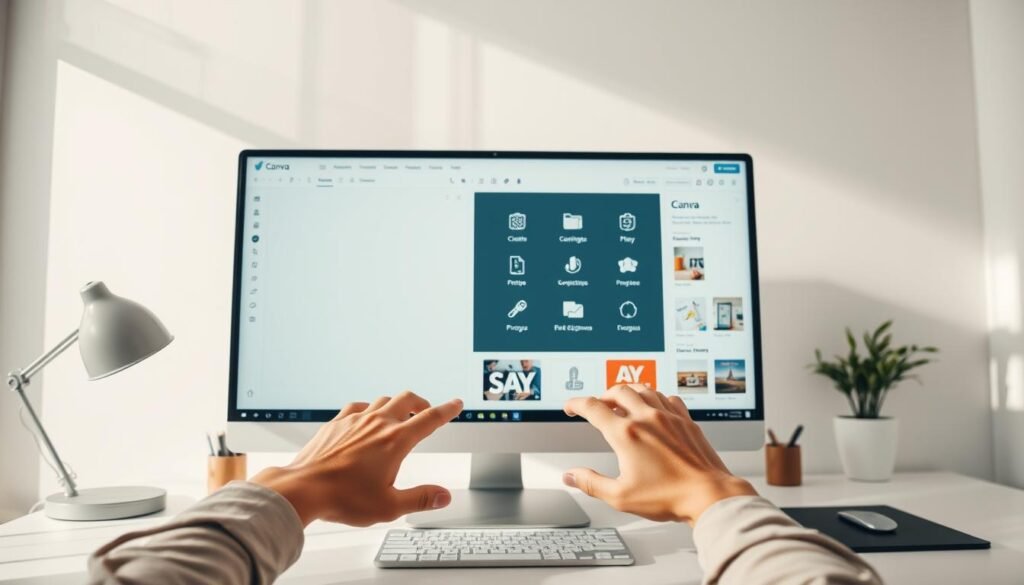
Canva’s focus on easy use is clear in both versions. But Canva Pro’s extra features and premium templates make it better for those who want more advanced design tools.
Collaboration Features
Canva’s tools help make team projects easier. But how do the Pro and Free versions compare? Good teamwork is key for any design project’s success.
Team Collaboration in Canva Pro
Canva Pro lets users invite team members to edit designs live. This boosts teamwork and work speed. Real-time commenting and @mentioning help team members talk clearly within the platform. Canva Pro’s advanced features make it great for teams.
Canva Pro also has a version history. This lets users see changes and go back to old versions if needed. It’s great for keeping track of design projects and making sure everyone agrees. Plus, its design approval feature makes getting feedback and finalizing designs easier.
Limitations of Collaboration in Free Version
Canva Free, on the other hand, has fewer collaboration tools. It’s not as good for big team projects. Users can share designs and work together, but without real-time commenting and @mentioning, talking clearly is harder. Canva Free is okay for small teams or personal projects, but for businesses needing teamwork, Canva Pro is better.
Knowing what Canva Pro and Canva Free offer helps users choose the right version for them.
Storage Options
Canva offers different storage options to meet various needs and budgets. The storage you have affects how you manage and access your designs.
Canva’s storage is cloud-based. This means you can get to your designs from anywhere, anytime. It’s great for teams and individuals who work remotely or team up with others.
Cloud Storage in Canva Pro
Canva Pro gives you 1TB of cloud storage. It’s perfect for heavy users and teams needing to store lots of designs. You won’t have to worry about running out of space.
- Store up to 1TB of designs and assets
- Access your designs from anywhere, at any time
- Collaborate with team members without storage constraints
Storage Capacity for Free Users
Canva Free has 5GB of storage. It’s okay for small design projects or those with little storage needs. But, it’s not enough for big projects or teams.
Here are some important points about Canva Free’s storage:
- Limited to 5GB of storage
- Suitable for small design projects
- May require frequent design deletion or upgrade to Pro
Design Quality and Tools
The design quality and tools in Canva are key to making your visual content stand out. Whether you’re making social media graphics, presentations, or marketing materials, the right tools matter a lot.
Advanced Design Features in Pro
Canva Pro has advanced design features that boost your skills. The background remover is a big plus, letting you take images and remove backgrounds easily. This is great for making your graphics look professional.
Canva Pro also gives you custom templates to keep your designs looking consistent. You get access to many fonts, shapes, and graphics. These help you create complex and detailed designs.
Limitations of Design Tools in Free Version
Canva Free is good for basic design needs, but it’s limited for advanced features. It doesn’t have the background remover or custom templates like Canva Pro. You also get fewer templates and design elements.
But, Canva Free is okay for simple tasks like making social media posts or basic graphics. It’s a good choice for those who don’t need advanced features.
In short, Canva Pro has better design quality and tools than the free version. It’s a good upgrade for those who need more advanced design options.
Brand Kit Functionality
Canva Pro has a standout feature: the brand kit. It lets users store and manage their brand assets in one spot. This is great for businesses that need a consistent look in all their marketing materials.
How Brand Kit Works in Pro
Canva Pro’s brand kit lets users upload their brand’s logo, colors, and fonts. This makes it easy to use these elements whenever needed. It keeps all team members on the same page with branding, avoiding mistakes.
Key benefits of Canva Pro’s brand kit include:
- Centralized storage for brand assets
- Easy access to brand elements across designs
- Consistency in branding across marketing materials
Absence of Brand Kit in Free
Canva Free doesn’t have a brand kit, making it hard to keep a consistent brand image. Users can create designs, but they miss out on the convenience and organization a brand kit offers.
| Feature | Canva Pro | Canva Free |
|---|---|---|
| Brand Kit | Available | Not Available |
| Logo Upload | Supported | Limited |
| Brand Color Palette | Supported | Not Supported |
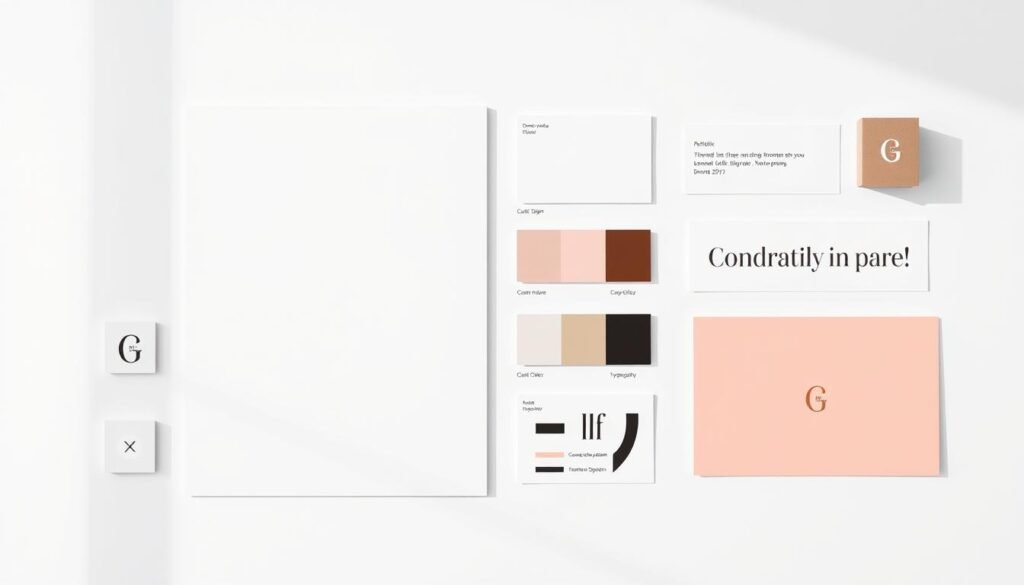
For businesses and marketers who focus on their brand identity, Canva Pro’s brand kit is a big plus. It makes designing easier and ensures all materials match the brand’s look.
Support and Resources
The support you get can really change how you use Canva. It doesn’t matter if you’re just starting out or if you’re a pro designer. Having good support and resources is key to getting the most out of Canva.
Priority Support for Canva Pro Users
Canva Pro users get priority customer support. This includes email and chat support. So, Pro users can get help fast, keeping their design work going without pause.
Canva says Pro users usually get a response in just a few hours. This is way faster than the support for free users.
“With great power comes great responsibility, and with Canva Pro, comes great support.”
Support Options for Free Users
Free users don’t get priority support, but they have other ways to get help. They can use online resources and tutorials. There’s a help center, community forums, and video tutorials available.
Free users might have to wait a bit longer for a response. But, they can get help through email support.
| Support Feature | Canva Pro | Canva Free |
|---|---|---|
| Email Support | Yes | Yes |
| Chat Support | Yes | No |
| Priority Response | Yes | No |
| Online Resources | Yes | Yes |
In conclusion, both Canva Pro and Canva Free offer support. But, the level of priority and speed is different. If you need quick and efficient help, Canva Pro is the better choice.
Use Cases for Canva Free
Canva Free is great for those who don’t need advanced features. It’s perfect for individuals, small businesses, and solopreneurs. They can get simple design solutions without spending a lot.
Ideal Scenarios for Free Plan
Canva Free is perfect for making social media graphics, presentations, and posters. It’s great for anyone who wants quality visuals without spending money.
- Creating social media graphics for personal or business use
- Designing presentations for educational or professional purposes
- Making posters for events or promotions
Popular Users of Canva Free
Many people use Canva Free, like small business owners, educators, and individuals. They all want to make professional designs without needing to be experts.
| User Group | Common Use Cases |
|---|---|
| Small Business Owners | Social media graphics, promotional materials |
| Educators | Presentations, educational posters |
| Individuals | Personal branding, event invitations |
Design experts say Canva has made design easy for everyone. This is a big plus for Canva Free users.
This accessibility is a significant advantage of Canva Free, allowing users to focus on their content.
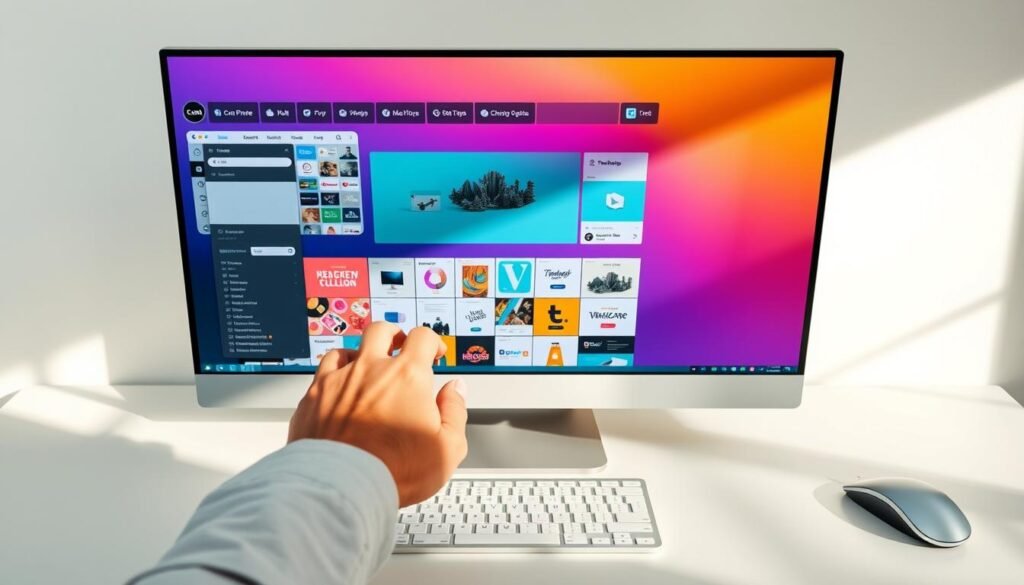
In summary, Canva Free is a versatile and easy-to-use design tool. It’s perfect for those with simple design needs. Its features and templates make it a great choice.
Who Should Upgrade to Canva Pro?
Deciding to upgrade to Canva Pro depends on its value for your design projects. It offers advanced features and premium content. This makes it perfect for professionals and businesses wanting to improve their brand and design quality.
Benefits for Small Businesses
Small businesses can greatly benefit from Canva Pro. It has advanced design tools and collaboration features. These help teams work better and create high-quality designs.
With Canva Pro, small businesses can:
- Create custom templates for consistent branding
- Resize designs with ease for various platforms
- Access a vast library of premium content, including stock photos and graphics
| Feature | Canva Free | Canva Pro |
|---|---|---|
| Custom Templates | Limited | Unlimited |
| Premium Content | Limited Access | Full Access |
Advantages for Designers and Marketers
Designers and marketers will find Canva Pro very useful. It has advanced design features like custom fonts and editing tools. This gives more freedom and precision in design.
The Brand Kit feature also ensures your brand looks consistent in all designs.
Key advantages for designers and marketers include:
- Enhanced design capabilities with advanced tools
- Brand Kit for consistent branding
- Collaboration features for seamless teamwork
By upgrading to Canva Pro, designers and marketers can create professional designs. These designs meet their clients’ needs and exceed their expectations.
Conclusion: Making the Right Choice
Deciding between Canva Pro and Canva Free depends on your design needs and budget. Canva Free is a strong design software for many users. But Canva Pro has more advanced features and premium content.
Key Takeaways
Canva Pro gives you 100 GB of storage and 100 brand kits. You also get access to over 610,000 templates and 100+ million premium elements. It has features like magic resize, background removal, and social media scheduling. This makes it great for small businesses, designers, and marketers thinking about upgrading.
Final Considerations
You can try Canva Pro for free for 30 days. Thinking about Canva Pro vs Free will help you decide if it’s right for you. If you want to improve your design skills or make your workflow easier, Canva Pro is worth looking into.