


Creating a professional website for your small business doesn’t require coding knowledge or technical expertise. The right website builder can help you establish an online presence quickly, affordably, and with minimal frustration. This guide compares the best website builders for small business owners who want impressive results without the technical headaches.
The Best Website Builders for Non-Technical Small Business Owners
After thorough testing and research, we’ve identified the top website builders that offer the perfect balance of simplicity and professional features for small business owners:
- Best for: Versatility and flexibility
- Ease of use: ★★★★☆
- Design quality: ★★★★☆
- E-commerce: ★★★★☆
- Free plan available
- Paid plans: $17-$159/month
Wix
- Best for: Professional design
- Ease of use: ★★★★☆
- Design quality: ★★★★★
- E-commerce: ★★★★☆
- 14-day free trial
- Paid plans: $16-$99/month
Squarespace
- Best for: Online stores
- Ease of use: ★★★☆☆
- Design quality: ★★★★☆
- E-commerce: ★★★★★
- 3-day free trial
- Paid plans: $29-$299/month
Shopify
- Best for: Content-rich sites
- Ease of use: ★★★☆☆
- Design quality: ★★★★☆
- E-commerce: ★★★☆☆
- Free plan available
- Paid plans: $4-$45/month
WordPress.com
Ready to build your business website?
All platforms offer free trials or plans to help you get started without commitment.
What to Look for in a Small Business Website Builder
Before diving into specific platforms, let’s understand what makes a website builder suitable for non-technical small business owners:
Essential Features
- Intuitive drag-and-drop editor that requires no coding
- Professional templates designed for your business type
- Mobile responsiveness for customers on all devices
- SEO tools to help customers find you online
- Integration capabilities with tools you already use
Modern website builders offer intuitive interfaces that anyone can use
Key Consideration for Non-Technical Users
The learning curve is crucial. Even if a platform has amazing features, if it takes weeks to figure out, it’s probably not the right choice for busy small business owners without technical backgrounds.
Wix: The All-Around Versatile Option
Wix stands out as one of the best website builders for small business owners who want flexibility without complexity. With over 900 templates and an intuitive drag-and-drop editor, Wix makes it easy to create a professional website without touching a line of code.
Why Wix Works for Non-Technical Users
Wix offers two ways to build your site: the standard drag-and-drop editor and Wix ADI (Artificial Design Intelligence). The latter asks you a few questions about your business and automatically creates a customized website for you—perfect for those who want the fastest route to a professional site.
Wix Advantages
- Extremely intuitive drag-and-drop editor
- 900+ professionally designed templates
- Wix ADI builds your site automatically
- Robust app market for added functionality
- Free plan available to test the platform
Wix Limitations
- Can’t switch templates after publishing
- Free plan displays Wix ads
- Advanced features can make dashboard overwhelming
- 2.9% + $0.30 transaction fee for payments
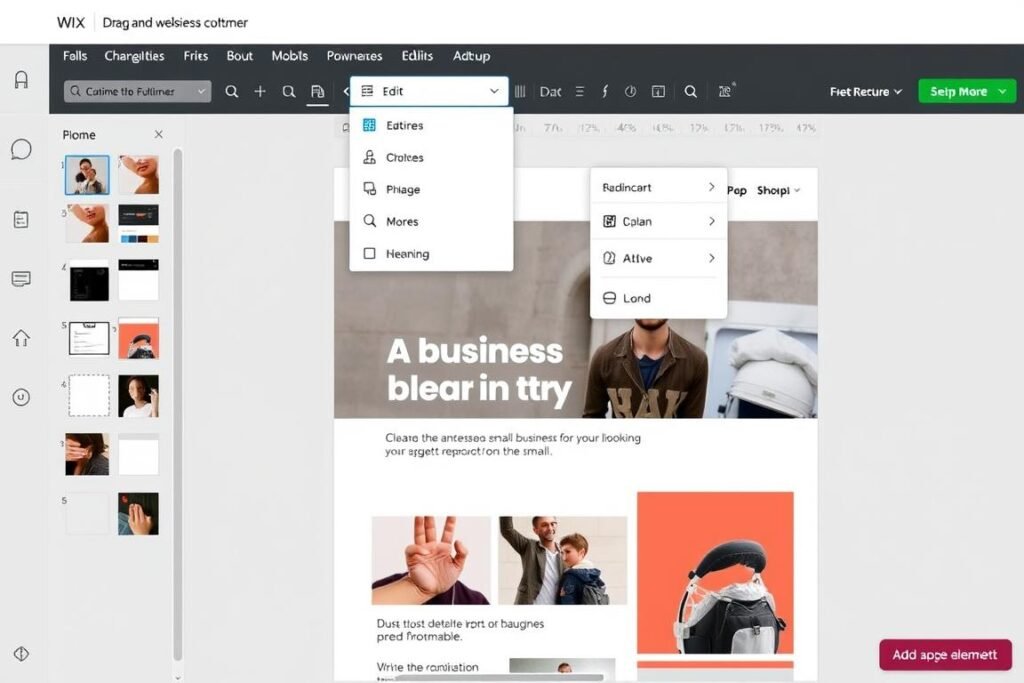
Wix’s drag-and-drop editor makes website customization intuitive
Wix Pricing
- Free Plan: Basic features with Wix ads
- Combo: $17/month (personal use)
- Unlimited: $22/month (entrepreneurs)
- Business Basic: $29/month (small businesses)
- Business Unlimited: $32/month (growing businesses)
- Business VIP: $59/month (established businesses)
Prices based on annual billing
Best For: Small Business Owners Who Want Flexibility
Wix is ideal for small business owners who want creative control without technical complexity. The platform shines for service-based businesses, portfolios, and small online stores. Its extensive template library covers virtually every industry, from restaurants and fitness studios to professional services and retail.
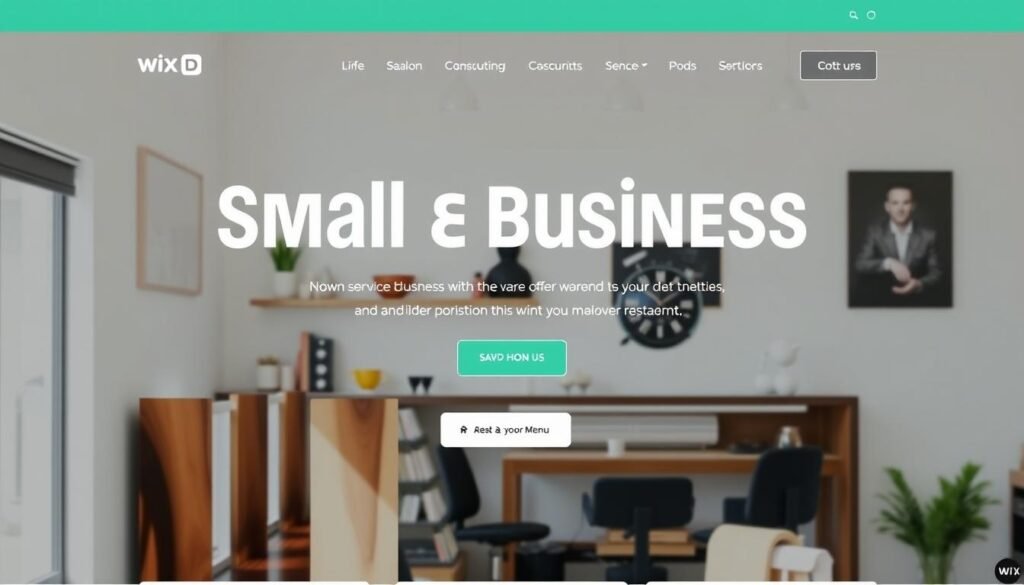
Example of a professional service business website created with Wix without coding knowledge
Squarespace: The Design-Forward Option
Squarespace has earned its reputation as the best website builder for small business owners who prioritize aesthetics. Its templates are visually stunning and professionally designed, making it perfect for businesses where visual presentation matters.
Why Squarespace Works for Non-Technical Users
While Squarespace has a slightly steeper learning curve than Wix, its section-based editor is still accessible to non-technical users. The platform’s structured approach actually helps prevent design mistakes that can happen with too much freedom. Once you understand the basics, you can create a sophisticated website that looks like it was designed by a professional.
Squarespace Advantages
- Beautiful, professionally designed templates
- Built-in features for service scheduling
- Excellent blogging capabilities
- Mobile-responsive designs work perfectly on all devices
- No transaction fees on Business plans and above
Squarespace Limitations
- Slightly steeper learning curve than Wix
- Fewer templates than Wix (but higher quality)
- Limited third-party integrations
- No free plan (14-day trial only)
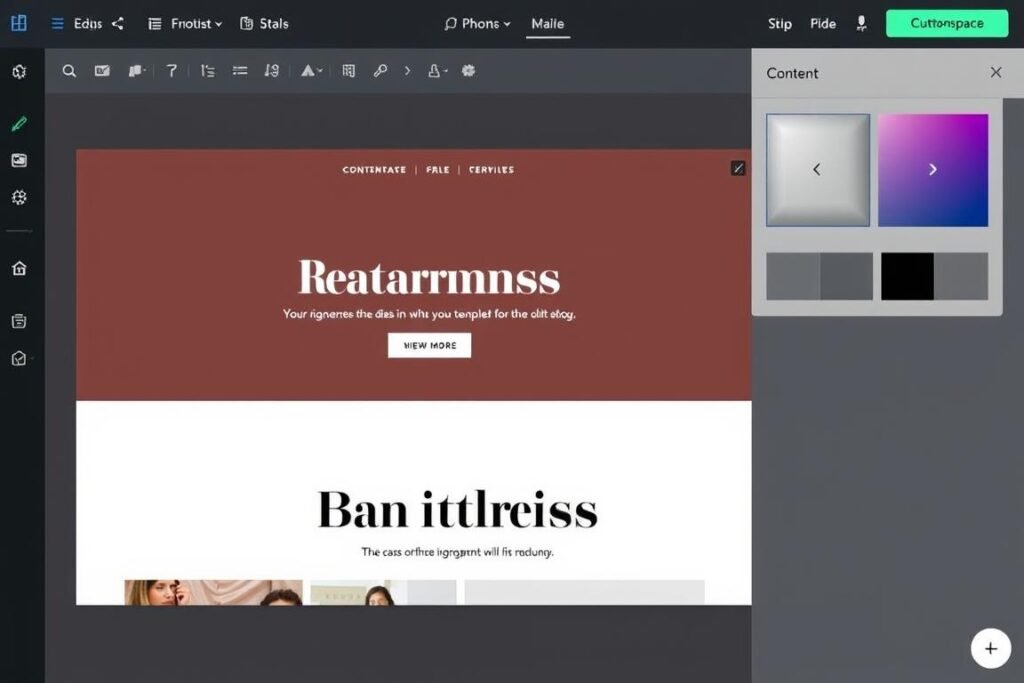
Squarespace’s editor offers structured design flexibility
Squarespace Pricing
- Personal: $16/month (portfolio sites)
- Business: $23/month (small businesses)
- Basic Commerce: $27/month (new online stores)
- Advanced Commerce: $49/month (growing online stores)
Prices based on annual billing
Best For: Image-Focused and Service-Based Businesses
Squarespace is the perfect website builder for small businesses where visual presentation is crucial. It’s particularly well-suited for creative professionals, restaurants, photographers, designers, and service-based businesses that want to showcase their work in a sophisticated way.
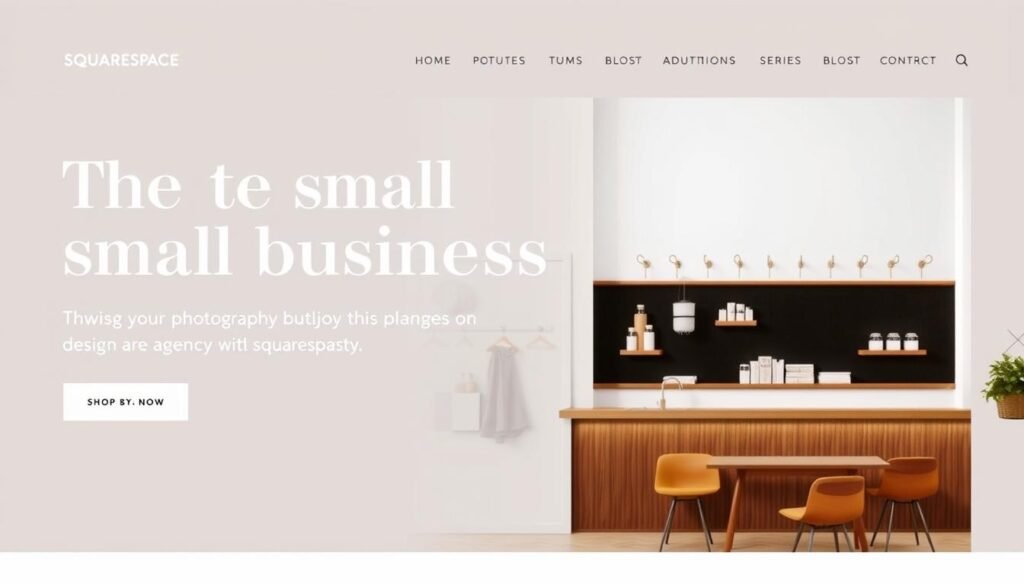
Example of a creative business website created with Squarespace without coding knowledge
Shopify: The E-commerce Powerhouse
If your small business needs to sell products online, Shopify is the best website builder for the job. While it has a steeper learning curve than Wix or Squarespace, its specialized e-commerce features make it worth the extra effort for online retailers.
Why Shopify Works for Non-Technical Users
Shopify is designed specifically for e-commerce, with all the tools you need to sell products built right in. Its dashboard is organized logically, separating website design from product management and sales tools. This focused approach helps non-technical users navigate the platform without getting overwhelmed.
Shopify Advantages
- Purpose-built for selling products online
- Comprehensive inventory management
- Built-in payment processing
- Abandoned cart recovery
- Excellent shipping and tax calculation tools
Shopify Limitations
- Higher starting price than other options
- Steeper learning curve for beginners
- Additional transaction fees if not using Shopify Payments
- Limited content management for non-product pages
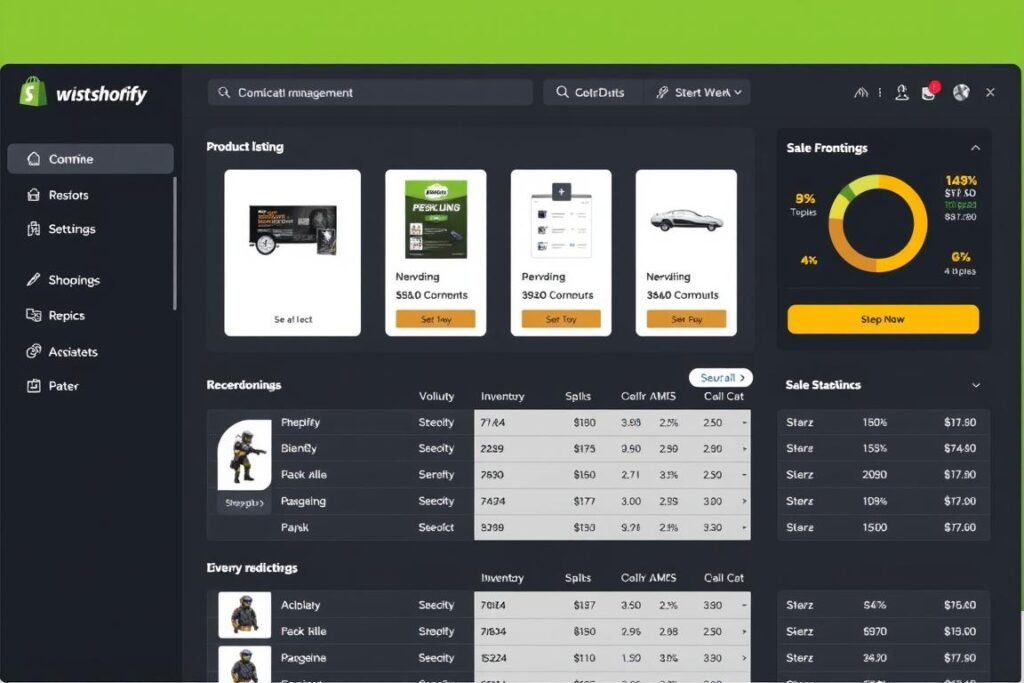
Shopify’s dashboard makes product management straightforward
Shopify Pricing
- Basic: $29/month (starting online stores)
- Shopify: $79/month (growing businesses)
- Advanced: $299/month (scaling businesses)
- Plus: $2,000+/month (enterprise-level)
All plans include 3-day free trial
Best For: Product-Based Small Businesses
Shopify is the ideal website builder for small businesses that primarily sell physical or digital products. Whether you’re selling handmade crafts, dropshipping products, or managing a complex inventory, Shopify provides the tools you need to manage your online store efficiently.
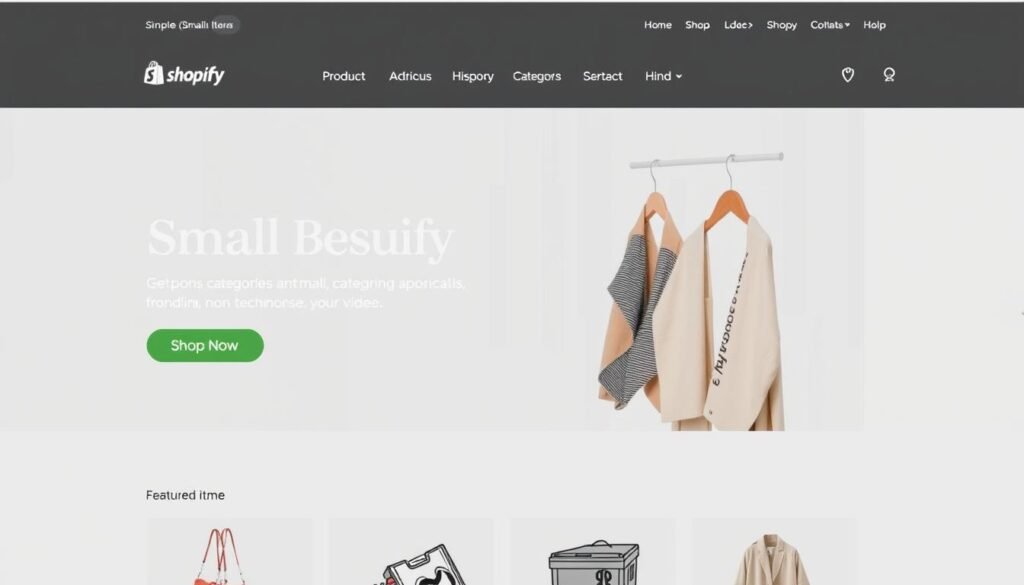
Example of a small retail business website created with Shopify without coding knowledge
WordPress.com: The Content-Rich Option
WordPress.com (not to be confused with WordPress.org) offers a managed version of the popular WordPress software. It’s an excellent website builder for small business owners who plan to publish lots of content and want more control as they grow.
Why WordPress.com Works for Non-Technical Users
WordPress.com has evolved to become much more user-friendly with its block editor. While it has a steeper learning curve than Wix, it offers a good balance between ease of use and powerful content management. The platform grows with your technical skills, allowing you to do more as you learn.
WordPress.com Advantages
- Excellent blogging and content management
- Very affordable starting price
- Thousands of themes and plugins (on higher plans)
- Scales well as your business grows
- Free plan available to test the platform
WordPress.com Limitations
- Steeper learning curve than Wix or Squarespace
- E-commerce only available on higher-tier plans
- Can become complex as you add more features
- Limited design flexibility on lower-tier plans
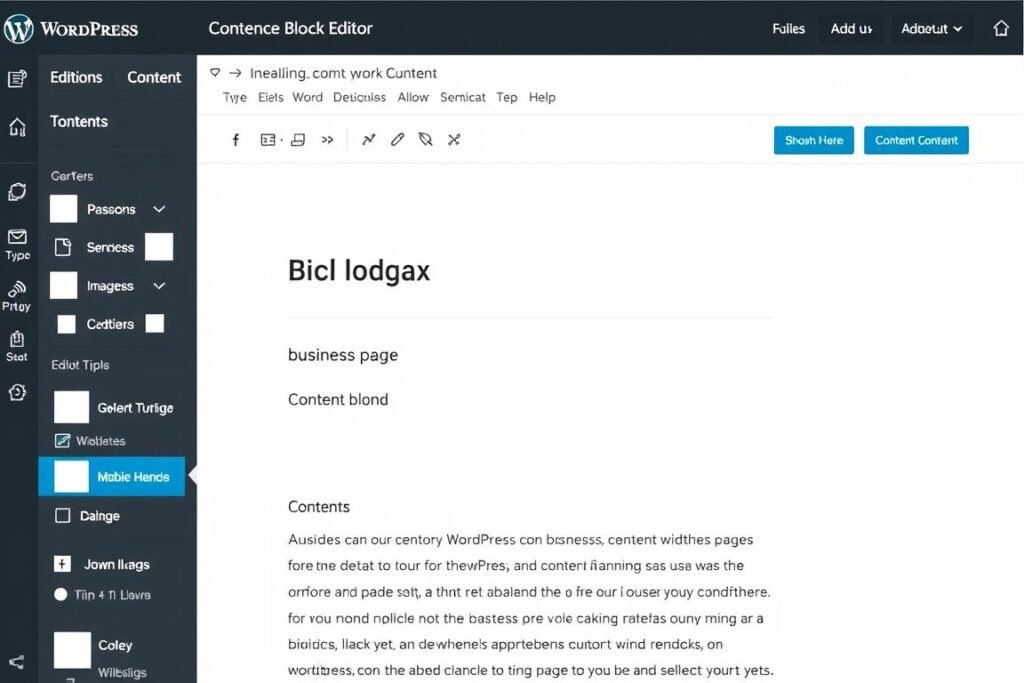
WordPress.com’s block editor makes content creation manageable
WordPress.com Pricing
- Free: $0/month (basic features with WordPress ads)
- Personal: $4/month (remove ads, custom domain)
- Premium: $8/month (advanced design tools)
- Business: $25/month (plugins, themes, e-commerce)
- Commerce: $45/month (advanced e-commerce)
Prices based on annual billing
Best For: Content-Focused Small Businesses
WordPress.com is ideal for small businesses that plan to use content marketing as a primary strategy. It’s perfect for businesses that need a blog as a central feature, such as consultants, coaches, content creators, and service providers who use educational content to attract clients.
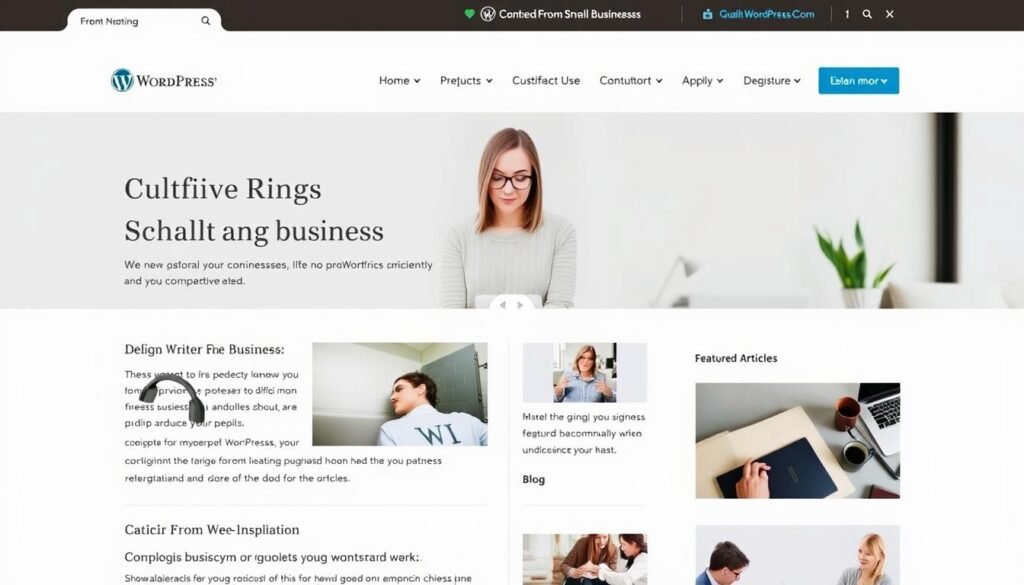
Example of a consultant website with blog created with WordPress.com without coding knowledge
Feature Comparison: Finding the Best Website Builder for Your Small Business
To help you choose the right platform for your specific needs, here’s a detailed comparison of key features that matter most to non-technical small business owners:
| Feature | Wix | Squarespace | Shopify | WordPress.com |
| Ease of Use for Beginners | ★★★★★ | ★★★★☆ | ★★★☆☆ | ★★★☆☆ |
| Design Quality | ★★★★☆ | ★★★★★ | ★★★★☆ | ★★★★☆ |
| E-commerce Capabilities | ★★★★☆ | ★★★★☆ | ★★★★★ | ★★★☆☆ |
| Blogging Tools | ★★★☆☆ | ★★★★☆ | ★★☆☆☆ | ★★★★★ |
| SEO Features | ★★★★☆ | ★★★★☆ | ★★★★☆ | ★★★★★ |
| App Integrations | ★★★★★ | ★★★☆☆ | ★★★★★ | ★★★★★ |
| Starting Price | $17/month | $16/month | $29/month | $4/month |
| Free Plan/Trial | Free plan | 14-day trial | 3-day trial | Free plan |
Ready to start building your business website?
Try any of these platforms risk-free with their free plans or trials.
Best Website Builder Recommendations by Business Type
Different types of small businesses have different website needs. Here are our specific recommendations based on your business type:
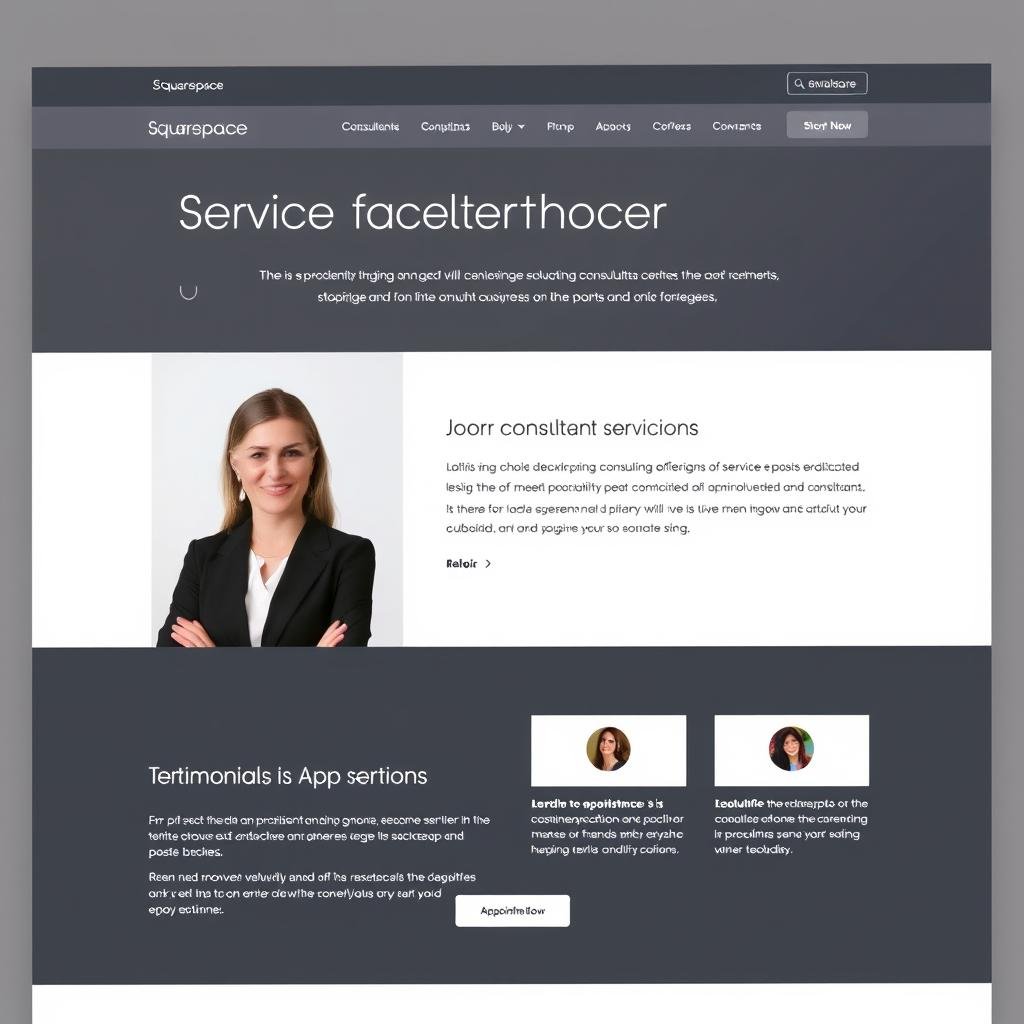
Service-Based Businesses
Best Choice: Squarespace
Service businesses like consultants, coaches, photographers, and designers benefit from Squarespace’s professional aesthetics and built-in scheduling tools.
Runner-up: Wix for its flexibility and ease of use.
Retail & Product Businesses
Best Choice: Shopify
Businesses selling physical or digital products will benefit from Shopify’s specialized e-commerce features, inventory management, and shipping tools.
Runner-up: Wix for smaller stores with fewer products.

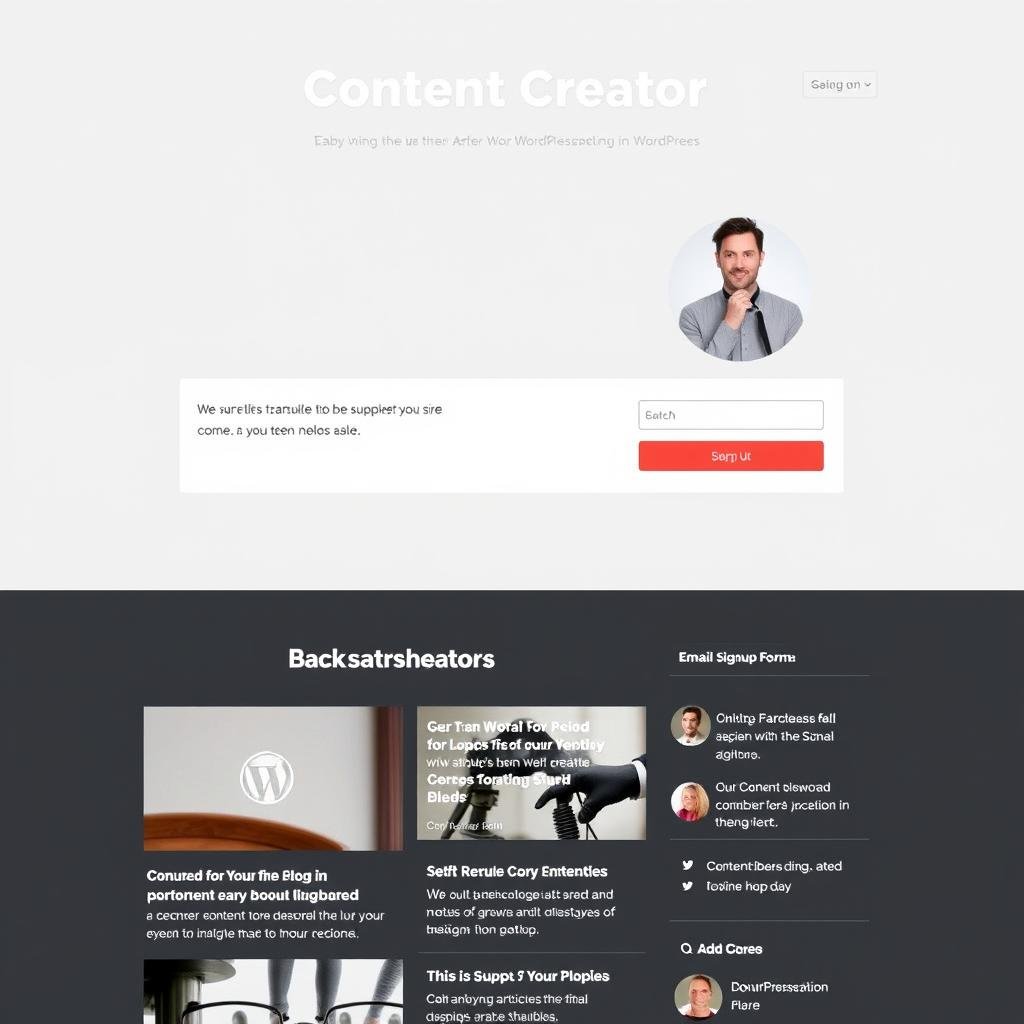
Content Creators & Blogs
Best Choice: WordPress.com
Businesses focused on content marketing, blogs, or educational resources will thrive with WordPress.com’s superior content management system.
Runner-up: Squarespace for more visual content.
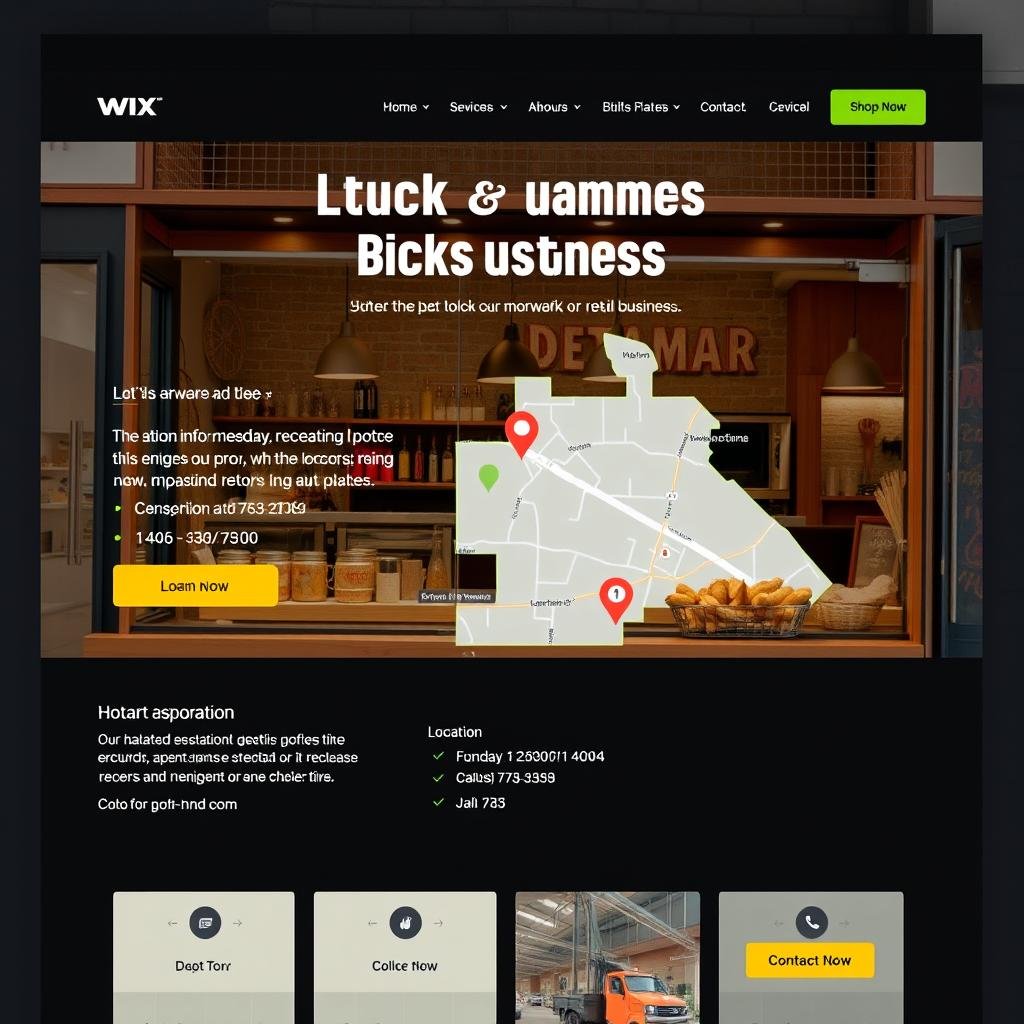
Local Brick-and-Mortar
Best Choice: Wix
Local businesses like restaurants, salons, and retail shops benefit from Wix’s ease of use, business-specific templates, and location features.
Runner-up: Squarespace for more design-focused businesses.
Freelancers & Portfolios
Best Choice: Squarespace
Freelancers and creative professionals who need to showcase their work will love Squarespace’s visually stunning portfolio templates.
Runner-up: Wix for more interactive portfolios.

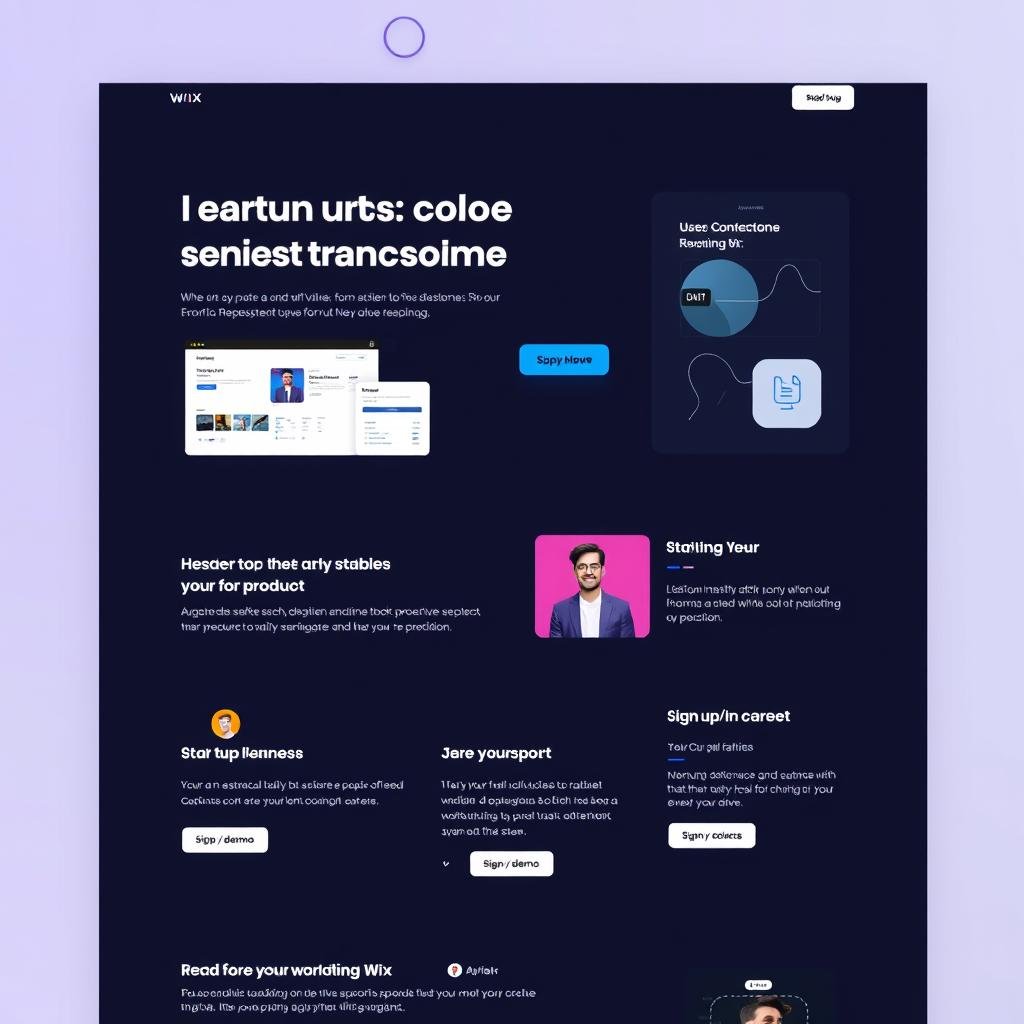
Startups & Tech Companies
Best Choice: Wix
Tech startups benefit from Wix’s flexibility, app integrations, and ability to quickly adapt as the business evolves and scales.
Runner-up: WordPress.com for more technical control.
Getting Started: How to Choose and Launch Your Small Business Website
Step 1: Define Your Website Goals
Before choosing a website builder, clarify what you need your website to accomplish:
- Showcase your services or portfolio?
- Sell products online?
- Generate leads through contact forms?
- Provide information about your business?
- Book appointments or consultations?
Step 2: Assess Your Technical Comfort Level
Be honest about your technical skills and time availability:
- Complete beginner? Start with Wix ADI
- Some comfort with technology? Try Squarespace or Wix
- Willing to learn more complex systems? Consider Shopify or WordPress.com
Step 3: Try Before You Commit
Take advantage of free plans and trials:
- Wix and WordPress.com offer free plans (with limitations)
- Squarespace offers a 14-day free trial
- Shopify offers a 3-day free trial

Planning your website goals before choosing a platform leads to better results
Step 4: Start Simple, Then Expand
For non-technical business owners, the best approach is to start with a simple website and add features as you grow:
- Begin with your homepage and essential pages (About, Services/Products, Contact)
- Add basic functionality (contact forms, maps, social media links)
- Gradually incorporate more advanced features as you become comfortable
- Consider hiring help for complex customizations rather than struggling
Pro Tip for Non-Technical Business Owners
Don’t try to build your entire dream website at once. Start with a “minimum viable website” that covers your essential needs, then improve it over time as you learn the platform and gather feedback from customers.
Frequently Asked Questions About Website Builders for Small Business
Do I need coding knowledge to use these website builders?
No, all the website builders reviewed in this article are specifically designed for users without coding knowledge. They use visual editors that let you build and customize your site by dragging and dropping elements, selecting styles from menus, and filling in content in pre-designed sections.
How much time does it take to build a small business website?
With modern website builders, you can create a basic professional website in a single day. A more comprehensive site might take 2-5 days of work, depending on how much content you need to create and how many pages your business requires. Platforms with AI builders like Wix can significantly speed up the initial setup process.
Can I use a free website builder for my business?
While free plans from Wix and WordPress.com can help you get started, they typically display ads for the platform and use a subdomain (yoursite.wixsite.com instead of yoursite.com). For a professional business website, we recommend upgrading to a paid plan, which typically starts around -30 per month when billed annually.
What’s the difference between WordPress.com and WordPress.org?
WordPress.com is a hosted service that handles all the technical aspects for you, making it suitable for non-technical users. WordPress.org is the self-hosted version that requires you to purchase hosting separately and manage technical aspects yourself. For most small business owners without technical skills, WordPress.com is the better choice.
Can I switch website builders later if I outgrow my current one?
Yes, but it requires effort. You’ll need to rebuild your site on the new platform and potentially redirect URLs. Some content can be exported and imported (like blog posts), but design elements typically need to be recreated. It’s best to choose a platform that can grow with your business to avoid switching later.
Conclusion: The Best Website Builder for Your Small Business
Choosing the best website builder for your small business depends on your specific needs, but for most non-technical business owners, we recommend:
Best Overall: Wix
Wix offers the best balance of ease of use, flexibility, and features for most small businesses. Its intuitive editor and AI tools make it accessible to complete beginners while providing room to grow.
Best for Design: Squarespace
If visual presentation is crucial for your business, Squarespace’s stunning templates and structured editor will help you create a professional, design-forward website.
Best for E-commerce: Shopify
For businesses primarily selling products online, Shopify’s specialized e-commerce features make it worth the higher price and slightly steeper learning curve.
Remember, the best website builder is the one that meets your specific business needs while matching your technical comfort level. Take advantage of free plans and trials to test each platform before committing, and focus on creating a professional website that serves your customers rather than getting caught up in complex features you don’t need.
Ready to create your professional business website?
Start with a free plan or trial today and have your website up and running this week!