


Your service business deserves a website that works as hard as you do. As a plumber, electrician, or towing professional, you need more than just an online brochure—you need a website that brings in new customers, showcases your expertise, and makes booking your services simple. But with dozens of website builders on the market, how do you choose the right one for your specific trade?
This comprehensive guide cuts through the confusion to help you find the perfect website builder for your local service business. We’ve analyzed the specific needs of plumbers, electricians, and towing companies to recommend platforms that offer the features you actually need: appointment scheduling, service area maps, mobile responsiveness, and customer review integration.
Why Local Trade and Service Businesses Need Specialized Websites in 2024
The days of relying solely on word-of-mouth and Yellow Pages listings are long gone. Today’s customers search online first when they need a plumber to fix a leak, an electrician to rewire their home, or a towing company during a roadside emergency. Without a professional website, you’re invisible to these potential customers.
But not just any website will do. Local service businesses have unique needs that generic website builders often fail to address:
- Emergency service visibility: When pipes burst or power fails, customers need to find you fast
- Service area mapping: Clearly showing where you operate to attract relevant local customers
- Appointment scheduling: Allowing customers to book your services 24/7, even when you’re on a job
- Mobile responsiveness: Ensuring your site works perfectly on smartphones, where most emergency searches happen
- Customer reviews integration: Building trust through visible testimonials from satisfied clients
- Local SEO optimization: Helping you appear in “near me” searches when customers need you most
According to recent research, 97% of consumers search online for local services, and 70% of home service customers check a company’s website before making a hiring decision. A professional website isn’t just nice to have—it’s essential for growing your service business in today’s digital marketplace.
Ready to establish your online presence?
Don’t miss out on potential customers searching for your services online. The right website builder can have you up and running in just a few hours.
Key Features to Look for in a Website Builder for Trade Businesses
Before we dive into specific platform recommendations, let’s identify the must-have features that make a website builder suitable for local trade and service businesses:
Essential Features
- Mobile-first design: 68% of service calls come from mobile searches
- Online booking system: Allow customers to schedule appointments 24/7
- Service area maps: Clearly display where you operate
- Customer review integration: Build trust with visible testimonials
- Contact forms: Make it easy for customers to request quotes
- Emergency contact display: Prominent phone numbers for urgent needs
Advanced Features
- Quote calculators: Help customers estimate service costs
- Service galleries: Showcase your completed work with before/after photos
- Local SEO tools: Optimize for “near me” searches
- Social media integration: Connect your online presence
- Customer portals: Allow clients to access job histories and invoices
- Email marketing: Send maintenance reminders and special offers
Top 5 Website Builders for Local Trades and Service Businesses in 2024
After extensive testing and evaluation, we’ve identified the five best website builders specifically suited for plumbers, electricians, towing companies, and other local service businesses. Each platform offers unique advantages depending on your specific trade and business needs.
1. Wix: Best All-Around Website Builder for Service Businesses
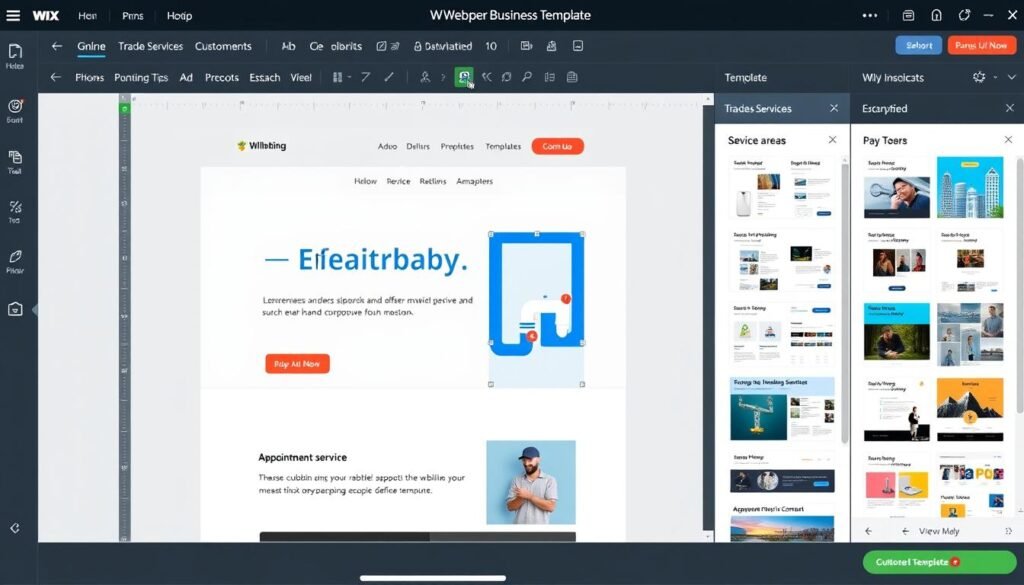
Wix consistently ranks as the top choice for local service businesses due to its intuitive drag-and-drop interface, extensive template library, and specialized features for service providers. With over 800 designer-made templates, including dozens specifically for trades and services, Wix makes it easy to create a professional website without any technical skills.
Pros
- Intuitive drag-and-drop editor requires no coding skills
- Wix Bookings app allows clients to schedule appointments 24/7
- Built-in SEO tools help you rank for local searches
- Wix Maps feature displays your service area clearly
- Mobile-responsive designs work perfectly on smartphones
- Integrates with 300+ apps for added functionality
Cons
- Can’t switch templates after site is published
- Advanced features require higher-tier plans
- Some users report slower loading times on complex sites
- Limited export options if you want to switch platforms later
Best For:
Wix is ideal for service businesses that need a professional website with booking capabilities but don’t have technical expertise. It’s particularly well-suited for plumbers, electricians, and HVAC contractors who need to showcase services and allow online scheduling.
Pricing:
| Plan | Price | Best For | Key Features |
| Business Basic | $27/month | Small service businesses | Custom domain, 50GB storage, 5 hours video, remove Wix ads |
| Business Unlimited | $32/month | Growing service companies | 100GB storage, professional logo, social media logo files |
| Business VIP | $59/month | Established businesses | Unlimited storage, priority customer care, customized reports |
Trade-Specific Templates:
- For Plumbers: “Plumbing Services,” “Emergency Plumber,” “Plumbing Repairs”
- For Electricians: “Electrical Services,” “Electrician Pro,” “Power Solutions”
- For Towing Companies: “Towing Service,” “Roadside Assistance,” “24/7 Towing”
Ready to build your service business website with Wix?
Join over 200,000 service professionals who use Wix to grow their business online. Get started with a free trial today.
2. Squarespace: Best for Design-Focused Service Businesses
Squarespace stands out for its stunning, professionally designed templates that help local service businesses create visually impressive websites. If you want your plumbing, electrical, or towing business to stand apart with a premium look, Squarespace delivers sophisticated designs that are easy to customize.
Pros
- Beautiful, professionally designed templates
- Built-in appointment scheduling with Squarespace Scheduling
- Excellent mobile responsiveness across all devices
- Strong image-focused layouts for showcasing your work
- Integrated marketing tools for email campaigns
- Clean, professional aesthetic builds customer trust
Cons
- Slightly steeper learning curve than Wix
- Fewer third-party integrations than competitors
- Limited customization without CSS knowledge
- Scheduling features less robust than specialized platforms
Best For:
Squarespace is perfect for service businesses that want to create a premium brand image. It’s particularly effective for high-end electrical contractors, custom plumbing services, and specialty towing companies that want to convey professionalism and quality.
Pricing:
| Plan | Price | Best For | Key Features |
| Personal | $16/month | Basic service websites | Unlimited bandwidth, SSL security, basic website metrics |
| Business | $23/month | Growing service businesses | Professional email, advanced analytics, complete customization |
| Commerce Basic | $27/month | Selling products/services | All Business features plus point of sale, customer accounts |
Trade-Specific Templates:
- For Plumbers: “Doyle,” “Mojave,” “Tremont” (customized for plumbing)
- For Electricians: “Skye,” “Mercer,” “Bryant” (adapted for electrical services)
- For Towing Companies: “Pursuit,” “Henson,” “Royce” (modified for towing)
“Squarespace helped us transform our small electrical business into a brand that competes with the big companies. Customers constantly tell us they chose us because our website looked more professional than the competition.”
Create a stunning service business website
Make your local trade business stand out with Squarespace’s professional designs. Start your free trial today.
3. WordPress: Best for Customizable Service Business Websites
WordPress powers over 40% of all websites online, and for good reason. This versatile platform offers unmatched customization options for local trade and service businesses. With thousands of themes and plugins specifically designed for service companies, WordPress provides unlimited flexibility to create exactly the website your business needs.
Pros
- Unlimited customization possibilities
- Thousands of themes and plugins for service businesses
- Powerful SEO capabilities with plugins like Yoast SEO
- Robust booking plugins like Bookly and Amelia
- Complete ownership and control of your website
- Scales easily as your business grows
Cons
- Steeper learning curve than drag-and-drop builders
- Requires separate hosting and domain purchase
- Security and updates require regular maintenance
- Can become complex with many plugins
Best For:
WordPress is ideal for established service businesses that need highly customized functionality or plan to scale significantly. It’s perfect for plumbing companies with multiple service categories, electrical contractors offering specialized services, or towing businesses with complex dispatch systems.
Pricing:
| Component | Estimated Cost | Notes |
| WordPress Software | Free | Open-source software |
| Web Hosting | $5-$30/month | Varies by provider (Bluehost, SiteGround, etc.) |
| Domain Name | $10-$15/year | Annual registration fee |
| Premium Theme | $30-$100 (one-time) | Service business specific themes |
| Essential Plugins | $0-$200/year | Booking, SEO, forms, security plugins |
Recommended Service Business Themes and Plugins:
Best Themes
- Divi: Versatile theme with drag-and-drop builder
- Avada: Highly customizable for service businesses
- Service Finder: Specifically for local service providers
- Worx: Built for construction and trade businesses
- Handyman: Perfect for repair services
Essential Plugins
- Bookly: Advanced appointment scheduling
- WP Google Maps: Service area visualization
- Yoast SEO: Local SEO optimization
- WPForms: Quote request forms
- WP Customer Reviews: Testimonial management
Build a fully customized service business website
Get started with WordPress today and create a website that perfectly matches your business needs.
4. GoDaddy Website Builder: Best for Fast Setup
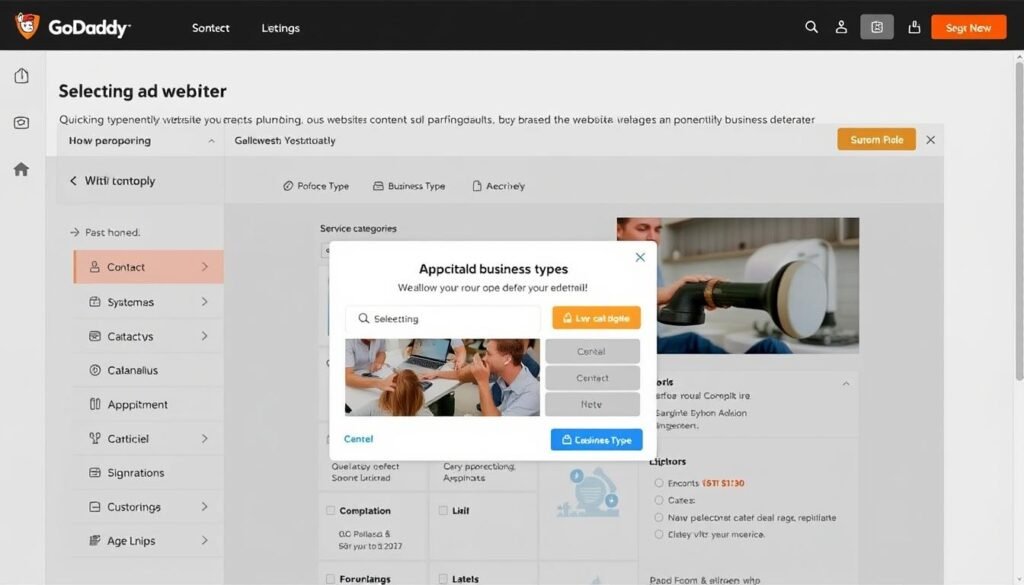
If you need to get your service business online quickly with minimal fuss, GoDaddy Website Builder offers one of the fastest paths to a professional website. Designed specifically for small business owners with limited time and technical skills, this platform uses AI-powered tools to create a complete website in minutes based on your business type.
Pros
- Fastest setup time of any platform (as little as 1 hour)
- AI-powered website creation based on your business type
- Built-in appointment scheduling and payment processing
- Automatic SEO setup for local businesses
- Integrated with Google My Business
- 24/7 phone support available
Cons
- Limited design customization compared to other platforms
- Fewer templates and features than competitors
- Less flexibility for complex service businesses
- Higher long-term cost for basic features
Best For:
GoDaddy Website Builder is perfect for busy trade professionals who need a basic online presence immediately. It’s ideal for new plumbing businesses, solo electricians, or towing operators who need to get online quickly without a learning curve.
Pricing:
| Plan | Price | Best For | Key Features |
| Basic | $9.99/month | Simple service websites | Responsive website, SSL security, 24/7 support |
| Premium | $14.99/month | Growing service businesses | SEO tools, email marketing, social media integration |
| Commerce | $16.99/month | Service + product sales | Online appointments, payments, service listings |
Trade-Specific Features:
- For Plumbers: Emergency service flags, pipe repair galleries, water damage restoration sections
- For Electricians: Service checklists, safety certification displays, electrical repair categories
- For Towing Companies: 24/7 availability badges, service area maps, vehicle type compatibility lists
Get your service business online today
Don’t wait weeks to launch your website. Have your professional service business site up and running in hours with GoDaddy.
5. Shopify: Best for Service Businesses That Sell Products
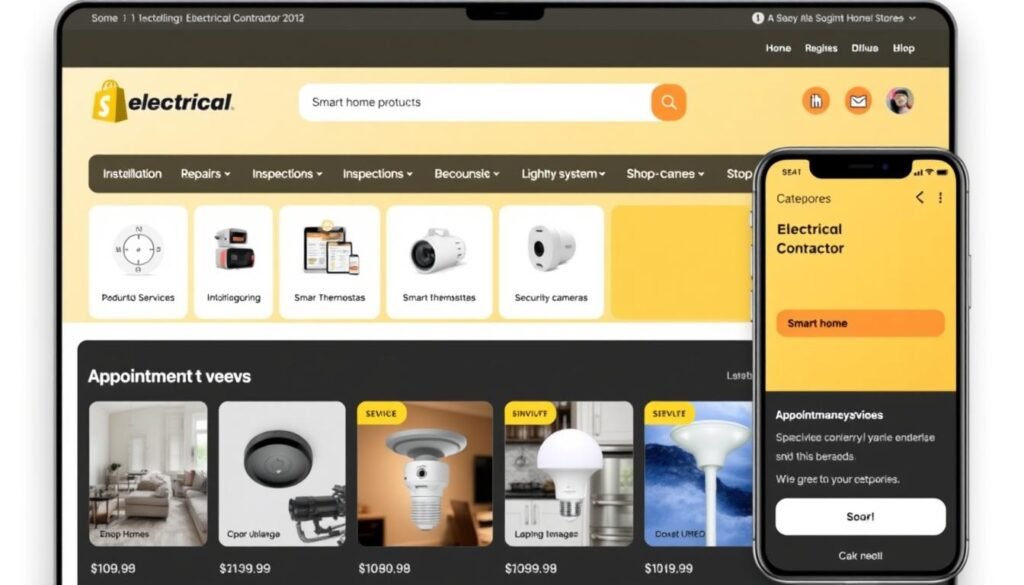
Many trade businesses don’t just provide services—they also sell products. Plumbers might offer water filters, electricians could sell smart home devices, and towing companies may retail car accessories. If your business model combines services with product sales, Shopify provides the perfect platform to handle both aspects seamlessly.
Pros
- Powerful e-commerce capabilities for product sales
- Service booking apps like Bookify integrate seamlessly
- Secure payment processing for both products and services
- Inventory management for product-selling service businesses
- Professional themes designed for service+retail businesses
- Excellent mobile shopping experience
Cons
- Higher cost than website-only builders
- Service-focused features require app installation
- Primarily designed for products rather than services
- Blog and content features less robust than WordPress
Best For:
Shopify is ideal for service businesses that generate significant revenue from product sales. It’s perfect for plumbers who sell water treatment systems, electricians offering smart home products, or towing companies that sell car parts and accessories.
Pricing:
| Plan | Price | Best For | Key Features |
| Basic | $29/month | Starting service+product businesses | Online store, 2 staff accounts, 24/7 support |
| Shopify | $79/month | Growing businesses | 5 staff accounts, professional reports, lower fees |
| Advanced | $299/month | Established businesses | 15 staff accounts, advanced report builder, lowest fees |
Essential Service Business Apps:
- Bookify: Appointment scheduling for service businesses
- Service Map: Display your service area to customers
- Quote Builder: Create custom service quotes
- Testimonial Slider: Showcase customer reviews
- Local Delivery: Set up service area delivery zones
Sell products alongside your services
Create a professional website that handles both service bookings and product sales with Shopify.
Wix vs. Squarespace for Local Trade Business Websites: A Detailed Comparison
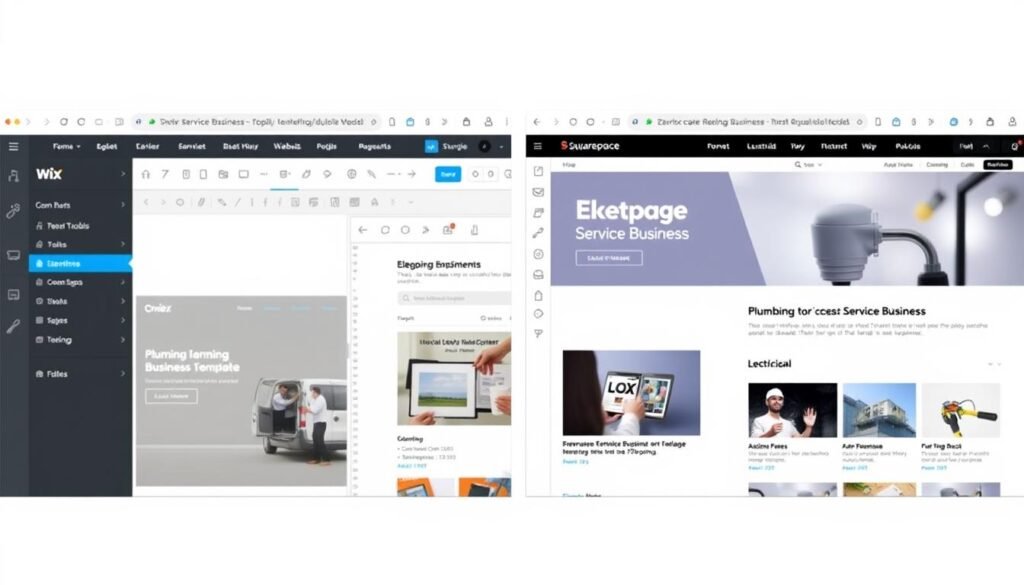
The two most popular website builders for local service businesses are Wix and Squarespace. Both offer excellent features, but they excel in different areas. Let’s compare them directly to help you decide which is better for your specific trade business.
| Feature | Wix | Squarespace | Better for Trades |
| Ease of Use | Very intuitive drag-and-drop editor with absolute positioning | Section-based editor with more structured approach | Wix – Easier for non-technical trade professionals |
| Design Quality | 800+ templates, varied quality | Fewer templates but higher design quality | Squarespace – For premium brand image |
| Appointment Booking | Wix Bookings included in Business plans | Scheduling add-on for additional fee | Wix – More robust booking features |
| Service Area Mapping | Wix Maps with service radius display | Google Maps integration | Wix – Better service area visualization |
| Customer Reviews | Wix Reviews app with star ratings | Basic testimonial blocks | Wix – More review options |
| Mobile Responsiveness | Automatically responsive but may need adjustments | Perfectly responsive by default | Squarespace – Better mobile experience |
| SEO Capabilities | Comprehensive SEO tools | Good but less extensive SEO options | Wix – Better for local SEO |
| Pricing | $27-$59/month (business plans) | $16-$49/month | Squarespace – Better value |
Best Trade-Specific Templates
Best for Plumbers
Wix: “Plumbing Services” template offers emergency call buttons, service lists, and appointment scheduling.
Squarespace: “Doyle” template provides a clean, professional look with excellent before/after image galleries.
Best for Electricians
Wix: “Electrician Pro” template includes service categories, certification displays, and quote forms.
Squarespace: “Bryant” template offers sophisticated project galleries and service descriptions.
Best for Towing
Wix: “24/7 Towing” template features emergency contact display, service area maps, and vehicle compatibility.
Squarespace: “Pursuit” template provides clean service listings and strong call-to-action elements.
“After trying both platforms, we chose Wix for our plumbing business because the booking system was easier for our customers to use. The service area map also helped reduce calls from outside our coverage zone.”
Still can’t decide between Wix and Squarespace?
Try them both free for 14 days to see which platform works better for your specific trade business.
Trade-Specific Website Builder Recommendations
Different trades have unique website requirements. Let’s look at specific recommendations for plumbers, electricians, and towing companies based on their particular business needs.
Best Website Builders for Plumbing Businesses
Plumbing businesses have specific website needs, including emergency service visibility, before/after project galleries, and clear service area definition. Here are the best platforms for plumbers:
- Emergency Call Button: Prominent display for urgent service requests
- Service Categories: Clear sections for residential, commercial, emergency repair
- 24/7 Availability Badge: Shows customers you’re available for emergencies
- Before/After Galleries: Showcase successful plumbing projects
- Service Area Map: Define your coverage zones clearly
Wix for Plumbers
- Quote Calculator: Let customers estimate job costs
- Maintenance Plan Signup: Recurring service subscription options
- Customer Portal: Service history and documentation access
- Dispatch Management: For plumbing companies with multiple technicians
- Parts Catalog: For plumbers who also sell fixtures and parts
WordPress for Plumbers
- Quick Setup: Get online fast with minimal configuration
- Simple Booking: Basic appointment scheduling
- Mobile-First Design: Optimized for customers on smartphones
- Local SEO: Automatic optimization for “plumber near me” searches
- Easy Updates: Update service offerings without technical skills
GoDaddy for Plumbers
Plumber Website Must-Have: Emergency Contact Display
For plumbing businesses, the most critical website feature is a prominent emergency contact display. 78% of emergency plumbing calls begin with a website visit, and customers spend an average of just 8 seconds looking for contact information before moving to another site. Make your phone number visible on every page, preferably with a clickable button for mobile users.
Ready to build your plumbing business website?
Get started with Wix’s plumber-specific templates and have your professional website up in hours.
Best Website Builders for Electrical Contractors
Electrical contractors need websites that showcase certifications, display complex service categories, and highlight safety credentials. Here are the top platforms for electricians:
- Professional Image Galleries: Showcase electrical installations
- Certification Displays: Highlight licenses and safety credentials
- Service Category Pages: Separate residential, commercial, industrial
- Project Portfolio: Feature complex electrical projects
- Clean, Professional Design: Builds trust with customers
Squarespace for Electricians
- Custom Quote Builder: For complex electrical jobs
- Project Management Integration: For larger electrical firms
- Smart Home Showcase: For electricians offering automation
- Energy Efficiency Calculator: Show potential savings
- Customer Login Portal: For project documentation access
WordPress for Electricians
- Product Sales: Sell lighting, smart devices, parts
- Service Booking: Schedule installations and repairs
- Bundle Products + Services: Package deals for customers
- Secure Payment Processing: For deposits and full payments
- Inventory Management: Track electrical supplies and parts
Shopify for Electricians
Electrician Website Must-Have: Certification Display
For electrical contractors, prominently displaying licenses, certifications, and insurance information is crucial for building trust. 84% of customers report that visible credentials are a primary factor in choosing an electrician. Create a dedicated “Credentials” section on your homepage and include certification logos in your footer on every page.
Create your professional electrical contractor website
Showcase your expertise and certifications with Squarespace’s professional templates.
Best Website Builders for Towing Companies
Towing businesses require websites with emergency contact features, clear service area maps, and vehicle compatibility information. Here are the best platforms for towing companies:
- 24/7 Emergency Call Button: Prominent on all pages
- Service Area Map: Visual display of coverage zones
- Vehicle Type Compatibility: Show what vehicles you can tow
- Mobile-Optimized Design: For roadside emergency searches
- GPS Integration: Help customers share their location
Wix for Towing Companies
- Quick Setup: Get online fast with minimal effort
- Simple Contact Forms: Easy for distressed customers
- Google Maps Integration: Show your location and service area
- Basic SEO: Rank for local “towing near me” searches
- Mobile Click-to-Call: One-touch calling for emergencies
GoDaddy for Towing Companies
- Dispatch System Integration: Connect to your dispatch software
- Fleet Management Display: Showcase your tow trucks
- Customer Portal: For insurance companies and partners
- Service Rate Calculator: Estimate towing costs
- Blog/Safety Tips: Share roadside emergency advice
WordPress for Towing Companies
Towing Website Must-Have: Mobile Click-to-Call
For towing companies, the most essential website feature is a prominent mobile click-to-call button. 92% of towing service calls come from mobile devices, often in roadside emergency situations. Ensure your phone number is displayed prominently at the top of every page as a clickable button that immediately initiates a call on mobile devices.
Launch your towing company website today
Create a website that brings in emergency calls and helps customers find you when they need you most.
Implementation Tips: Building Your Trade Business Website
Once you’ve chosen the right website builder for your trade business, follow these implementation tips to create a site that effectively generates leads and bookings:

Essential Content Elements
- Clear Service Descriptions: List all services with detailed descriptions and benefits
- Service Area Definition: Clearly state which neighborhoods, cities, or regions you serve
- Licensing Information: Display all relevant trade licenses, certifications, and insurance
- Pricing Guidance: Provide general pricing information or starting rates
- Customer Testimonials: Feature reviews from satisfied customers with full names and locations
- Emergency Information: Make urgent service details immediately visible
- About Your Business: Share your experience, team, and commitment to quality
Technical Optimization Tips
- Mobile Optimization: Test your site on multiple devices and screen sizes
- Page Speed: Compress images and minimize plugins to ensure fast loading
- Local SEO: Include your city and service keywords in titles and descriptions
- Google Business Profile: Link your website to your Google Business listing
- Click-to-Call Setup: Ensure phone numbers are clickable on mobile devices
- Contact Form Testing: Verify all forms submit properly and notifications work
- Analytics Installation: Set up Google Analytics to track visitor behavior
Local SEO Checklist for Trade Businesses
To ensure customers find your website when searching for local services, implement these local SEO best practices:
| SEO Element | Implementation Tips | Example for Plumbers |
| Page Title | Include service + location | “Emergency Plumbing Services in [City Name] | Company Name” |
| Meta Description | Mention service area and key offerings | “Licensed plumbers serving [City] with 24/7 emergency repairs, drain cleaning, and water heater installation. Free estimates!” |
| Header Tags | Use H1, H2, H3 tags with location keywords | H1: “[City] Plumbing Services” H2: “Emergency Plumbing in [Neighborhood]” |
| Image Alt Text | Describe images with service keywords | “[City] plumber repairing kitchen sink leak” |
| NAP Consistency | Name, Address, Phone must match Google Business | Exact same format on website, Google, and all directories |
| Schema Markup | Add LocalBusiness schema | Include service hours, location, and service area in code |
Pro Tip: Google Business Profile Integration
No matter which website builder you choose, integrate your site with Google Business Profile (formerly Google My Business). This free tool is essential for local service businesses, as it helps you appear in Google Maps and local search results. Ensure your website URL, hours, and services listed on Google Business match your website exactly.
Real-World Examples: Successful Local Trade Business Websites
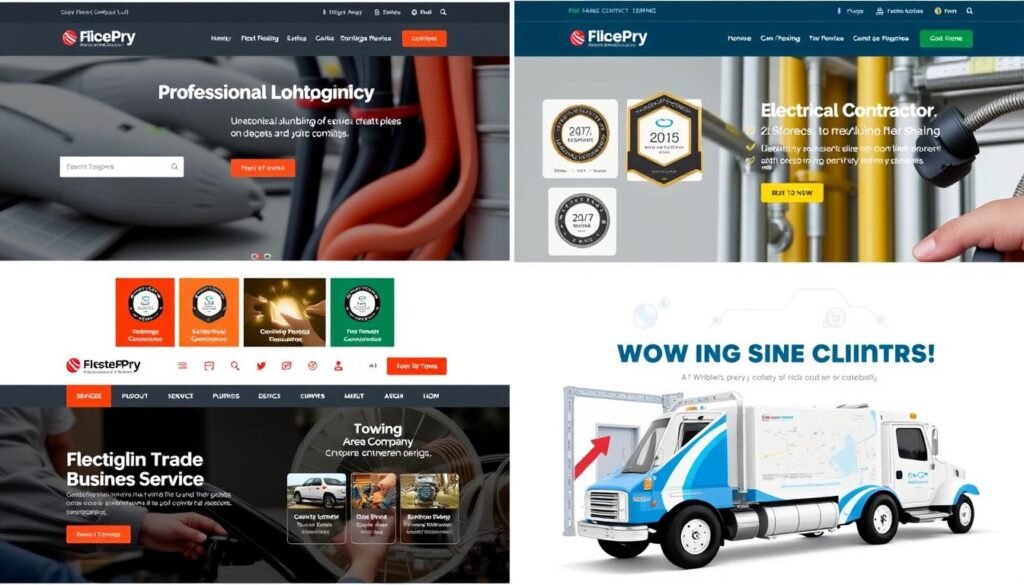
Let’s look at some real-world examples of effective websites from successful plumbing, electrical, and towing businesses to inspire your own site design:
Plumbing Success: Smith’s Plumbing
Platform: Wix
Key Features:
- Prominent emergency call button
- Service area map with zip code search
- Video testimonials from customers
- Before/after project gallery
- Online booking for non-emergency services
Results: 67% increase in service calls after website launch, with 40% of new bookings coming through online scheduling.
Electrical Success: Johnson Electric
Platform: Squarespace
Key Features:
- Certification and license showcase
- Portfolio of commercial projects
- Detailed service category pages
- Customer portal for project tracking
- Smart home installation calculator
Results: 85% increase in commercial inquiries and 52% higher average project value from website leads.
Towing Success: Rapid Towing
Platform: WordPress
Key Features:
- One-touch emergency call button
- Live GPS location sharing
- Roadside assistance booking
- Vehicle compatibility checker
- Insurance company portal
Results: 93% increase in dispatch calls and new partnerships with three insurance companies through the website.
“Our website isn’t just an online brochure—it’s our hardest-working employee. It books appointments while we’re on jobs, answers common questions, and brings in new customers every day. The investment in a quality website builder paid for itself within the first month.”
Pricing Considerations for Trade Business Websites
When budgeting for your service business website, consider these cost factors to find the best value for your specific needs:

| Cost Factor | Budget Option | Mid-Range Option | Premium Option |
| Platform Monthly Fee | $10-15/month (GoDaddy) | $25-35/month (Wix, Squarespace) | $50-300/month (Shopify, WordPress+hosting) |
| Domain Name | Free with plan (subdomain) | $12-15/year (included first year) | $20-100/year (premium domain) |
| Additional Apps/Plugins | $0 (basic features only) | $10-30/month (booking, forms) | $50-200/month (CRM, advanced booking) |
| Professional Setup Help | $0 (DIY setup) | $200-500 (basic setup assistance) | $1,000-5,000 (full professional setup) |
| Ongoing Maintenance | $0 (self-maintained) | $50-100/month (basic updates) | $200-500/month (full management) |
| First Year Total Cost | $120-180 | $500-1,000 | $2,000-10,000 |
Return on Investment Considerations
When evaluating website costs, consider the potential return on investment for your trade business:
- Average Service Call Value: If your average service call is worth $250-500, just 2-4 new monthly customers can cover even premium website costs
- Time Savings: Online booking and automated quote requests can save 5-10 hours weekly in administrative time
- Extended Service Hours: Your website works 24/7, capturing after-hours inquiries that would otherwise be lost
- Geographic Expansion: A well-optimized website can help you expand into new service areas without additional advertising costs
- Customer Retention: Customer portals and service history tracking improve repeat business rates by 30-40%
Hidden Cost Warning
Be aware of potential hidden costs when choosing a website builder. Some platforms advertise low monthly rates but charge additional fees for essential features like appointment booking, removal of platform branding, or additional storage. Always check what’s included in each plan and calculate the total cost including all necessary add-ons before making your decision.
Frequently Asked Questions About Website Builders for Trade Businesses
Do I need technical skills to use these website builders?
No, all the website builders recommended in this guide are designed for non-technical users. Platforms like Wix, Squarespace, and GoDaddy Website Builder use visual editors that require no coding knowledge. You can create a professional website by simply dragging and dropping elements, typing your content, and uploading images. WordPress may require a slightly steeper learning curve, but with modern page builders like Elementor, even WordPress has become accessible to beginners.
How long does it take to build a service business website?
With modern website builders, you can create a basic professional website in as little as 2-8 hours. More complex sites with custom features might take 1-2 weeks of part-time work. The timeline typically breaks down as follows:
- Planning and content gathering: 2-4 hours
- Choosing and customizing a template: 1-3 hours
- Adding your services and content: 2-8 hours
- Setting up contact forms and booking: 1-2 hours
- Testing and launching: 1-2 hours
Many trade professionals build their websites during evenings and weekends while continuing to serve customers during business hours.
Can I take online payments through these website builders?
Yes, all the recommended website builders support online payments. This functionality is particularly useful for:
- Collecting deposits for scheduled service appointments
- Selling maintenance plans or service packages
- Offering online payment options for invoices
- Selling parts or products related to your service
Wix, Squarespace, and Shopify have built-in payment processing, while WordPress requires plugins like WooCommerce. Most platforms support major payment processors including Stripe, PayPal, and Square with transaction fees typically ranging from 2.5-3% plus a small per-transaction fee.
How do I connect my website to Google Maps for service area display?
All major website builders offer Google Maps integration. The general process involves:
- Obtaining a Google Maps API key (free for basic usage)
- Adding a map element to your website page
- Entering your business address as the center point
- Defining your service radius or drawing custom service areas
Wix and Squarespace have built-in map elements that make this process especially simple. For WordPress, plugins like WP Google Maps provide advanced service area mapping capabilities. Most builders also allow you to embed Google Maps directly using iframe code if you prefer.
Which website builder is best if I need to show emergency contact information?
For emergency service businesses like 24/7 plumbers, electricians, or towing companies, Wix offers the best emergency contact display options. Its features include:
- Sticky header with phone number that remains visible as users scroll
- Floating action buttons for mobile click-to-call
- Pop-up emergency contact banners
- Customizable alert bars for urgent service availability
WordPress with appropriate plugins can also create effective emergency contact displays, but requires more setup. GoDaddy Website Builder offers simple but effective emergency contact buttons that work well on mobile devices.
Conclusion: Choosing the Best Website Builder for Your Trade Business
Creating a professional website for your local trade or service business is no longer optional—it’s essential for growth and sustainability in today’s digital marketplace. The right website builder can help you attract new customers, streamline bookings, and build credibility without requiring technical expertise or significant time investment.

Based on our comprehensive analysis, here are our final recommendations:
- Best Overall for Trade Businesses: Wix offers the perfect balance of ease-of-use, trade-specific features, and affordability for most local service businesses.
- Best for Premium Brand Image: Squarespace delivers sophisticated designs that help position your trade business as a premium service provider.
- Best for Customization: WordPress provides unlimited flexibility for growing trade businesses with complex needs.
- Best for Quick Setup: GoDaddy Website Builder gets your service business online fast with minimal effort.
- Best for Product + Service Sales: Shopify excels for trade businesses that sell products alongside their services.
Remember that the best website builder for your specific business depends on your unique needs, technical comfort level, and growth plans. Consider starting with a free trial of your top choices to determine which platform feels most intuitive and offers the features most important to your trade.
No matter which platform you choose, focus on creating a website that clearly communicates your services, makes it easy for customers to contact you, and builds trust through professional design and customer testimonials. Your website is often the first impression potential customers have of your business—make it count!
Ready to grow your trade business online?
Don’t let potential customers slip away to competitors with better websites. Get started today with the platform that best fits your business needs.