

As a freelancer or creator, your online presence is your digital storefront. It’s where potential clients discover your work, understand your services, and decide whether to hire you. But let’s face it – most creative professionals would rather spend time perfecting their craft than wrestling with code to build a website.
That’s where no-code website builders come in. These platforms empower you to create professional, stunning websites without writing a single line of code. With drag-and-drop interfaces and pre-designed templates, you can launch your portfolio or service site in hours, not weeks.
After testing dozens of platforms and speaking with freelancers who use them daily, I’ve compiled this comprehensive guide to the best no-code website builders specifically for creative professionals. Whether you’re a photographer, writer, designer, or consultant, you’ll find the perfect platform to showcase your work and grow your business.
Quick Comparison: Top No-Code Website Builders for Freelancers
Before diving into detailed reviews, here’s a quick comparison of the top platforms to help you narrow down your options:
| Platform | Best For | Starting Price | Free Plan | Portfolio Features | E-commerce | Ease of Use |
| Wix | All-around freelancer websites | $17/month | Yes (limited) | Excellent | Yes (Business plan) | ★★★★★ |
| Squarespace | Visual portfolios | $16/month | No (14-day trial) | Outstanding | Yes (all plans) | ★★★★☆ |
| Webflow | Design-focused creators | $14/month | Yes (limited) | Advanced | Yes (CMS plan) | ★★★☆☆ |
| Shopify | Selling creative products | $29/month | No (3-day trial) | Good | Excellent | ★★★★☆ |
| Carrd | Simple portfolios | $9/year | Yes (limited) | Basic | Limited | ★★★★★ |
| Dorik | Freelancers on a budget | $18/month | No (14-day trial) | Good | Yes (via integrations) | ★★★★☆ |
The interfaces of top no-code website builders for freelancers
What to Look for in a No-Code Website Builder for Freelancers
Before diving into specific platforms, let’s understand what makes a website builder ideal for freelancers and creators:
Essential Features
- Portfolio Functionality: Ability to showcase your work in visually appealing galleries or project pages
- Customization Options: Flexibility to match your website with your personal brand
- Mobile Responsiveness: Websites that look great on all devices
- Contact Forms: Easy ways for potential clients to reach you
- SEO Tools: Features to help your site rank in search results
Nice-to-Have Features
- E-commerce Capabilities: Ability to sell products, templates, or courses
- Booking/Scheduling: Tools for clients to book appointments
- Blog Functionality: Platform to share your expertise
- Client Proofing: Private galleries for client review
- Marketing Tools: Email integration, social media features

1. Wix: Best All-Around Website Builder for Freelancers
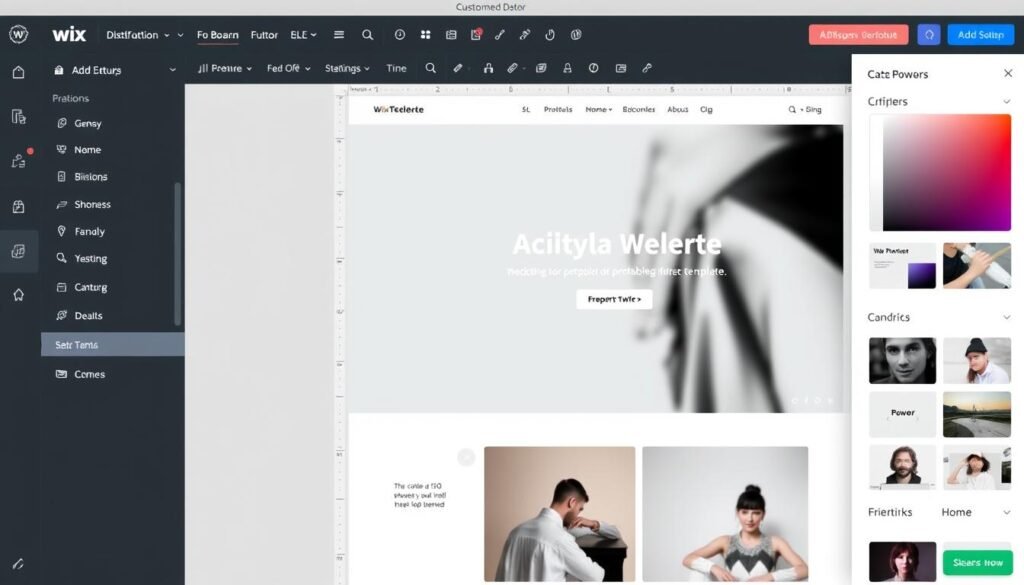
Wix consistently ranks as the top choice for freelancers across various creative fields. Its intuitive drag-and-drop editor makes it accessible to complete beginners, while its extensive feature set satisfies even experienced users who need advanced functionality.
Key Features for Freelancers
- 800+ Templates: Including dozens specifically designed for portfolios and freelance businesses
- Wix ADI: AI-powered website creator that builds a site based on your needs
- App Market: 300+ apps to extend functionality (forms, bookings, marketing tools)
- Portfolio Galleries: Multiple layout options for showcasing work
- Wix Bookings: Built-in scheduling system for client appointments
- SEO Tools: Comprehensive suite for improving visibility
Pricing
- Free: Basic features with Wix branding
- Lite: $17/month (annual plan)
- Core: $29/month (annual plan)
- Business: $36/month (annual plan)
“Wix’s drag-and-drop editor gave me complete creative control over my portfolio. I was able to build a site that perfectly matches my brand without writing a single line of code.”
Portfolio Showcase Features
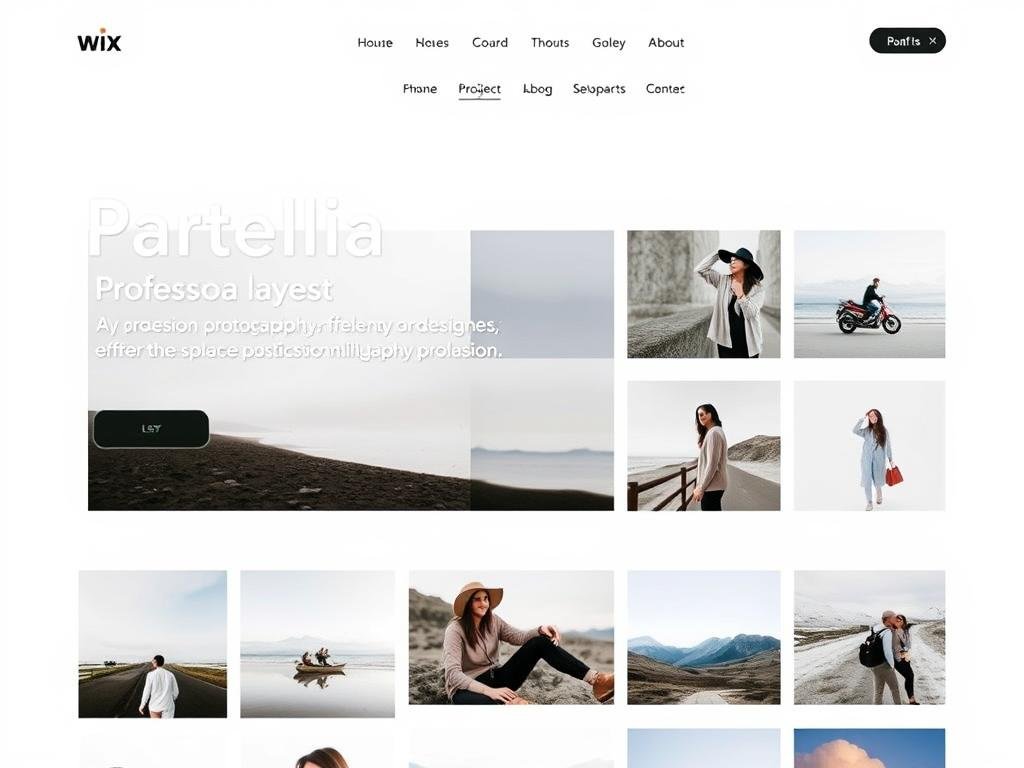
Wix excels at helping freelancers display their work. You can create clickable galleries that open into detailed project pages, organize work by category, and even add video backgrounds to make your portfolio stand out. The platform also supports password-protected pages for client-only access.
E-commerce Capabilities
If you’re looking to sell digital products, courses, or services, Wix’s Business plans include everything you need. You can create product pages, process payments, manage inventory, and even set up subscriptions or membership areas.
Ready to build your freelance website with Wix?
Get started with a free plan to explore the platform, then upgrade when you’re ready to connect your domain and remove Wix branding.
2. Squarespace: Best for Visual Portfolios
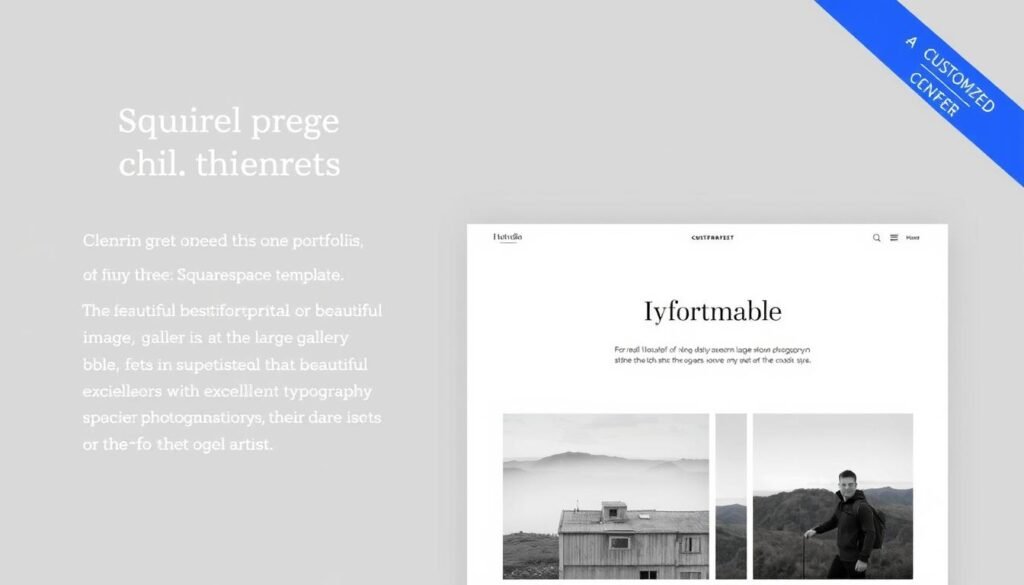
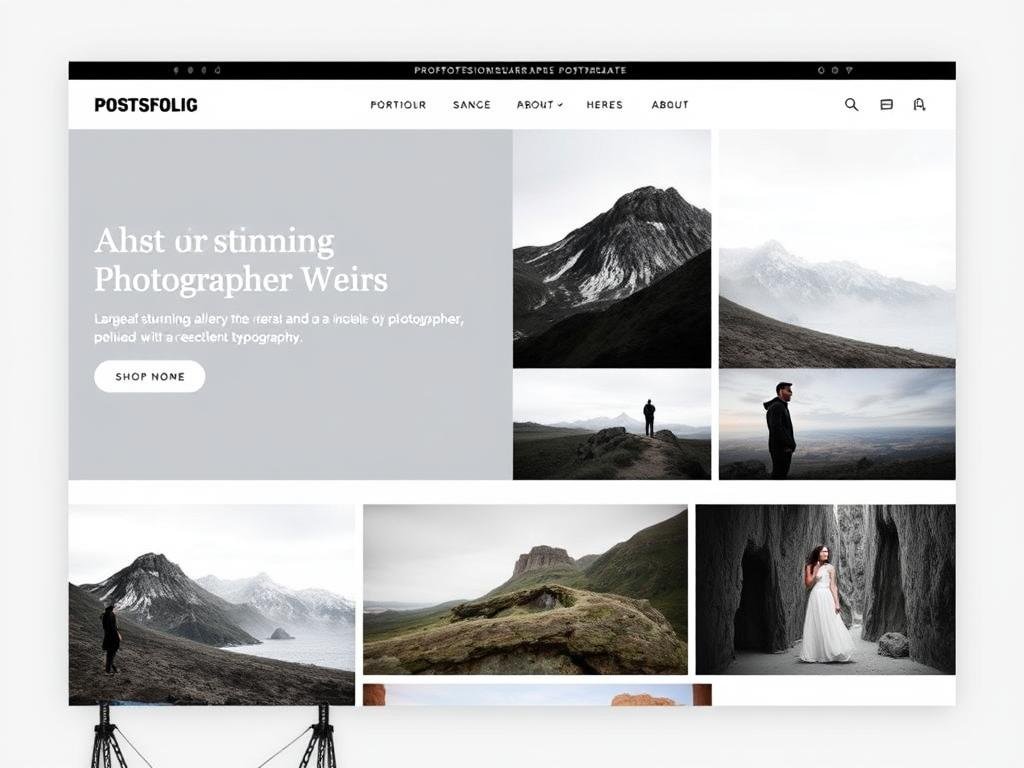
Squarespace has earned its reputation as the go-to platform for visually-oriented freelancers. Its templates are arguably the most aesthetically pleasing in the industry, with clean layouts that put your work front and center.
Key Features for Freelancers
- Award-Winning Templates: Stunning designs perfect for portfolios
- Advanced Image Handling: Multiple gallery styles, image zooming, and lightbox effects
- Squarespace Scheduling: Built-in appointment booking
- Portfolio Index Pages: Create categorized collections of work
- Client Proofing: Share private galleries with clients
- Integrated Email Marketing: Built-in tools to reach your audience
Pricing
- Basic: $16/month (annual plan)
- Core: $23/month (annual plan)
- Plus: $39/month (annual plan)
“Squarespace’s templates make my photography look incredible. Clients often comment on how professional my website looks, which has definitely helped me land more projects.”
Portfolio Showcase Features
Squarespace truly shines when it comes to displaying visual work. Its gallery options include grid, slideshow, carousel, and stack layouts. You can also create project pages with detailed descriptions, multiple images, and embedded videos to tell the story behind your work.
E-commerce Capabilities
All Squarespace plans include e-commerce functionality, making it easy to sell digital downloads, prints, or services. The platform handles inventory management, shipping calculations, and even tax settings. The Core plan and above also include professional email from Google to help you maintain a consistent brand.
Create your visual portfolio with Squarespace
Start with a 14-day free trial to explore Squarespace’s beautiful templates and powerful portfolio features.
3. Webflow: Best for Design-Focused Creators
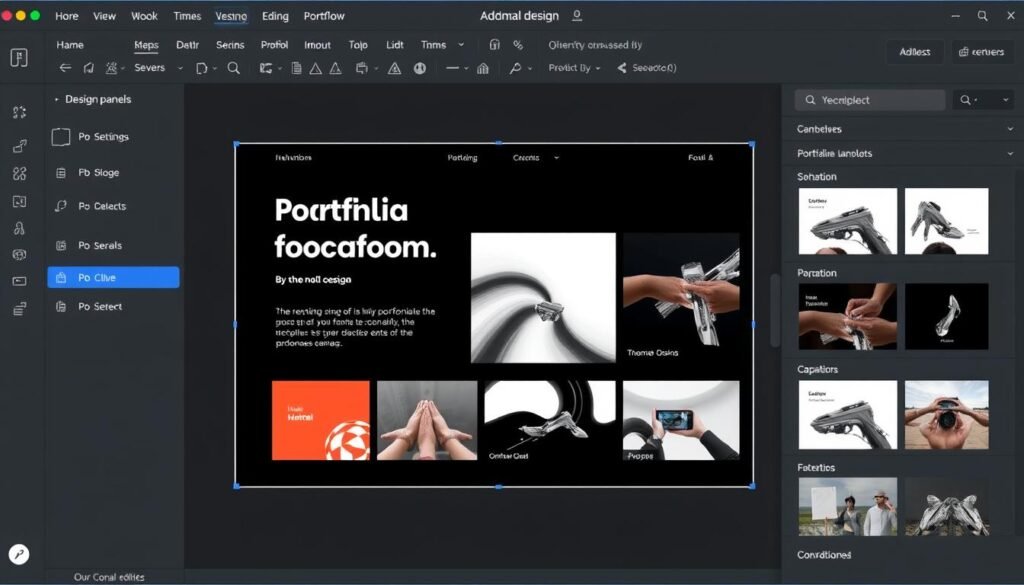
Webflow occupies a unique position in the no-code space. It offers the visual editing experience of platforms like Wix but produces clean, professional-grade code that would impress even developers. For design-savvy freelancers who want maximum control without coding, Webflow is unmatched.
Key Features for Freelancers
- Pixel-Perfect Control: Precise positioning and styling options
- Advanced Animations: Create sophisticated interactions
- CMS Collections: Powerful database for organizing portfolio projects
- Custom Filtering: Allow visitors to filter your work by category
- Responsive Design: Fine-tune your site for all devices
- Clean Code Output: Fast-loading, SEO-friendly websites
Pricing
- Free: Basic features with Webflow subdomain
- Basic: $14/month (annual plan)
- CMS: $23/month (annual plan)
- Business: $39/month (annual plan)
“Webflow gives me the freedom to create exactly what I envision without compromising on design. It’s like having the power of custom development with the ease of a visual editor.”
Portfolio Showcase Features
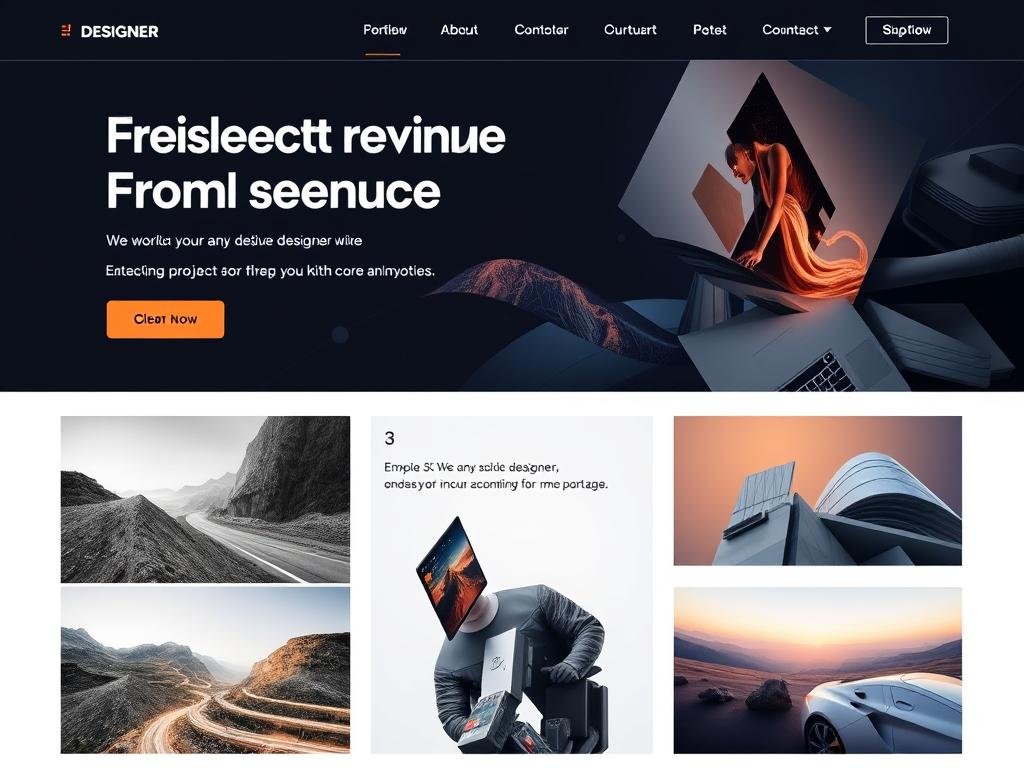
Webflow’s CMS is a game-changer for portfolio sites. You can create a database of your projects with custom fields for client, date, services provided, and more. Then design a template once and have it automatically apply to all your projects. This makes maintaining a large portfolio incredibly efficient.
Learning Curve Consideration
While Webflow is incredibly powerful, it does have a steeper learning curve than Wix or Squarespace. The platform offers extensive tutorials through Webflow University, but expect to spend more time mastering the system. The payoff is a level of design control that other no-code platforms simply can’t match.
Take your portfolio to the next level with Webflow
Start with the free plan to explore Webflow’s powerful design capabilities, then upgrade when you’re ready to connect your domain.
4. Shopify: Best for Selling Creative Products
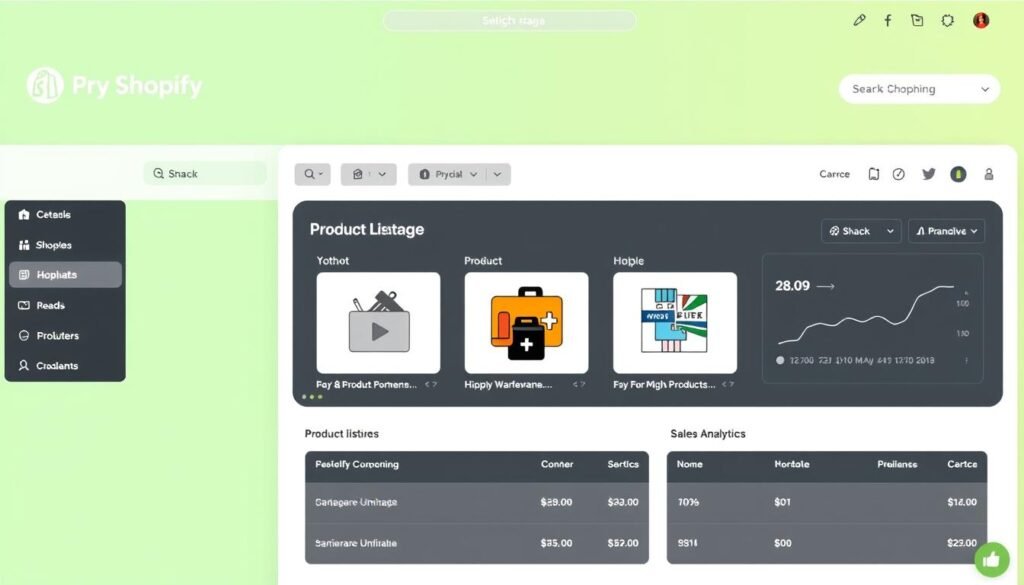
If selling products is a significant part of your creative business, Shopify should be at the top of your list. While it’s primarily an e-commerce platform, it also offers excellent portfolio capabilities, making it ideal for artists, designers, and other creators who want to sell their work online.
Key Features for Freelancers
- Powerful E-commerce: Comprehensive tools for selling physical or digital products
- Portfolio Themes: Templates designed for showcasing creative work
- Print-on-Demand Integration: Sell prints and merchandise without inventory
- Digital Downloads: Sell templates, presets, or other digital products
- Abandoned Cart Recovery: Automatically remind potential customers
- Marketing Tools: Email campaigns, social media integration
Pricing
- Basic: $29/month
- Shopify: $79/month
- Advanced: $299/month
“As an illustrator, I needed a platform that could showcase my portfolio AND sell my prints and digital downloads. Shopify handles both beautifully, and the sales tools have helped me grow my business significantly.”
Portfolio Showcase Features
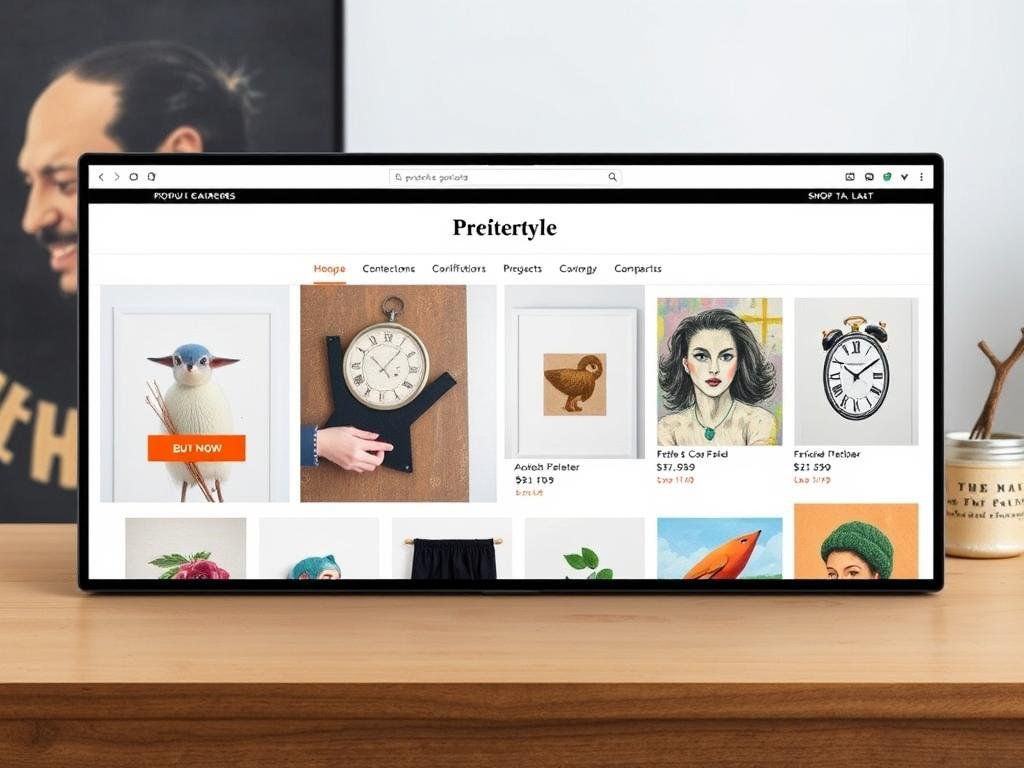
While not as portfolio-focused as Squarespace or Webflow, Shopify offers several themes that effectively display creative work. You can create collection pages to organize your portfolio and product pages that tell the story behind each piece. The platform also supports image zoom and video embeds to showcase details.
E-commerce Capabilities
This is where Shopify truly excels. The platform offers everything from inventory management and shipping label printing to tax calculations and discount codes. For creators selling digital products, Shopify automatically delivers files after purchase. The platform also integrates with print-on-demand services like Printful, allowing you to sell merchandise without handling inventory.
Start selling your creative work with Shopify
Try Shopify free for 3 days to explore its powerful e-commerce and portfolio features.
5. Carrd: Best for Simple, Affordable Portfolios
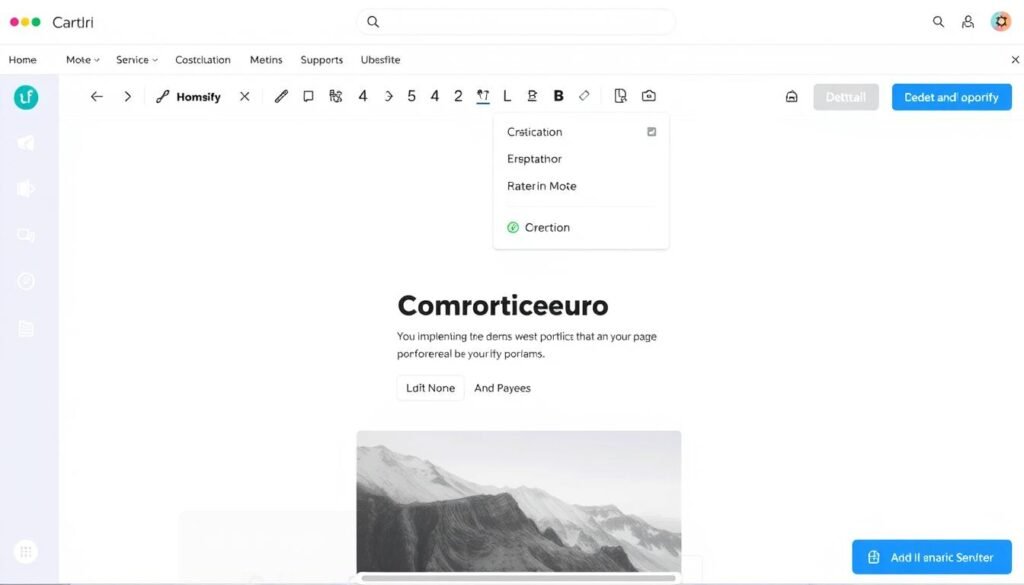
Carrd has carved out a niche as the go-to platform for simple, one-page websites. If you’re looking for an affordable, no-fuss solution to establish an online presence, Carrd offers remarkable value at just $9 per year for the Pro Lite plan.
Key Features for Freelancers
- One-Page Focus: Simple, scrolling websites that load quickly
- Minimalist Templates: Clean designs that highlight your work
- Image Galleries: Showcase your portfolio effectively
- Responsive Design: Looks great on all devices
- Form Elements: Contact forms to connect with clients
- Extremely Affordable: Pro plans start at just $9/year
Pricing
- Free: Basic features with Carrd branding
- Pro Lite: $9/year (up to 3 sites)
- Pro Standard: $19/year (up to 10 sites)
- Pro Plus: $49/year (up to 25 sites)
“Carrd is perfect for my needs as a digital artist. I wanted something simple that would showcase my work without distractions, and I was able to build my site in just a couple of hours.”
Portfolio Showcase Features
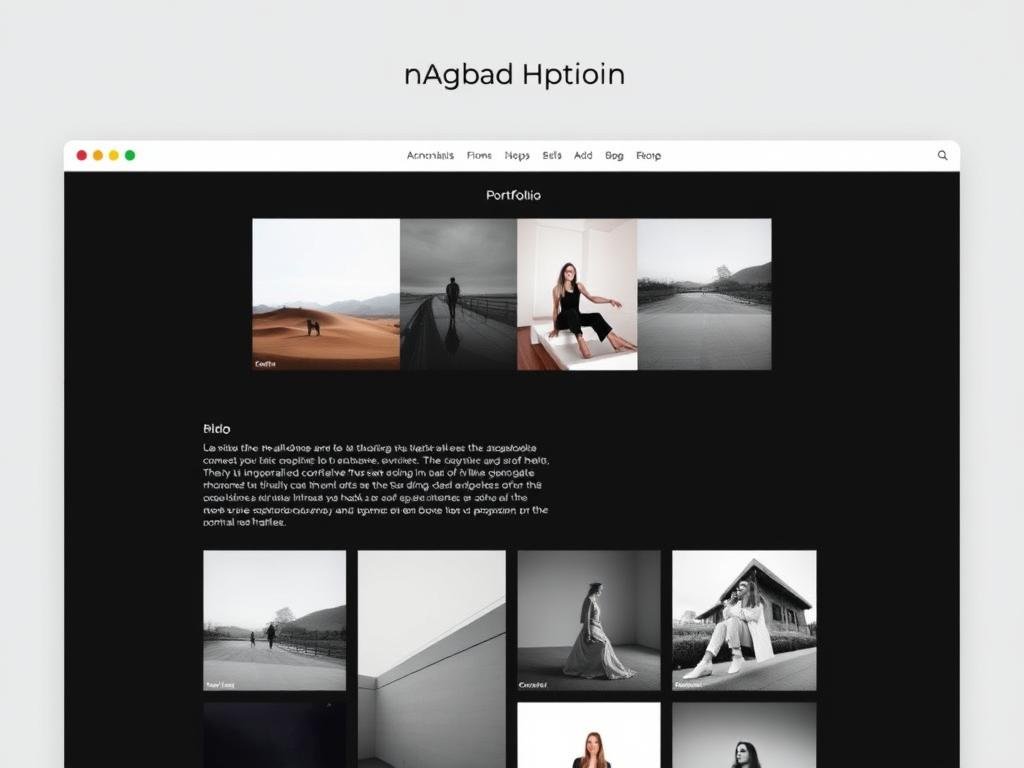
Despite its simplicity, Carrd offers surprisingly effective portfolio features. You can create image galleries, add project descriptions, and even incorporate subtle animations to engage visitors. The one-page format works particularly well for focused portfolios that tell a cohesive story.
Limitations to Consider
Carrd’s strength is also its limitation – it only supports single-page websites. If you need multiple pages, blog functionality, or advanced e-commerce, you’ll want to look elsewhere. However, for freelancers who just need a simple portfolio and contact information, Carrd’s focused approach and unbeatable pricing make it a compelling option.
Create your simple portfolio with Carrd
Start with the free plan to build your one-page portfolio, then upgrade to Pro for just $9/year to connect your domain.
6. Dorik: Best for Freelancers on a Budget
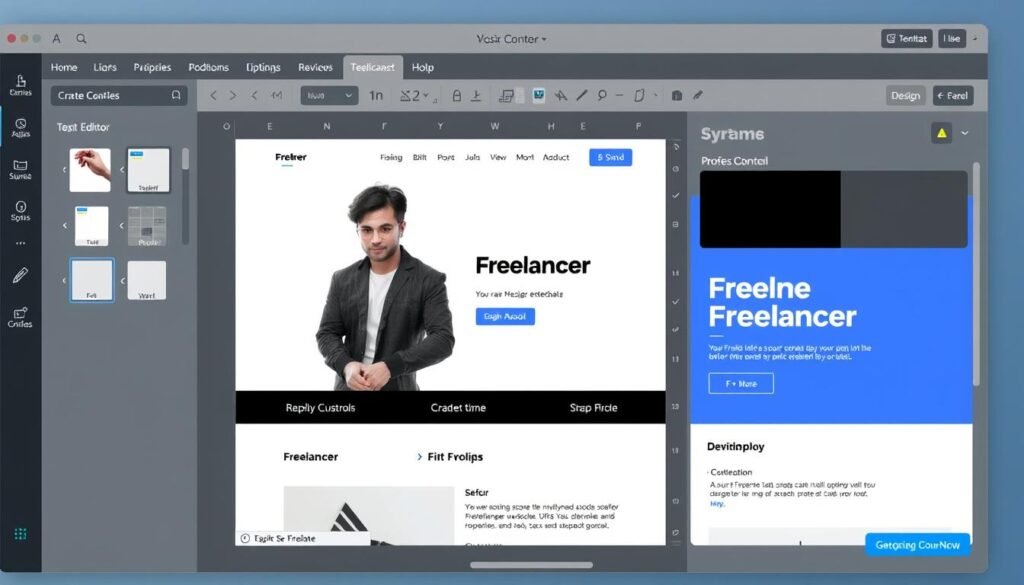
Dorik is a relatively new player in the website builder space, but it’s quickly gaining popularity among freelancers for its combination of powerful features and affordable pricing. It strikes a nice balance between simplicity and flexibility.
Key Features for Freelancers
- Modern Templates: Fresh designs for various creative fields
- AI-Powered Tools: Generate text and images with AI assistance
- Membership Features: Create gated content for clients
- Responsive Design: Websites look great on all devices
- Integrations: Connect with tools like WhatsApp, Mailchimp, and Airtable
- Custom Code: Add custom CSS if needed
Pricing
- Personal: $18/month (annual plan)
- Business: $39/month (annual plan)
- Agency: $99/month (annual plan)
“Dorik offered everything I needed for my UX design portfolio without the higher price tag of some competitors. The AI tools have been surprisingly helpful for generating content quickly.”
Portfolio Showcase Features
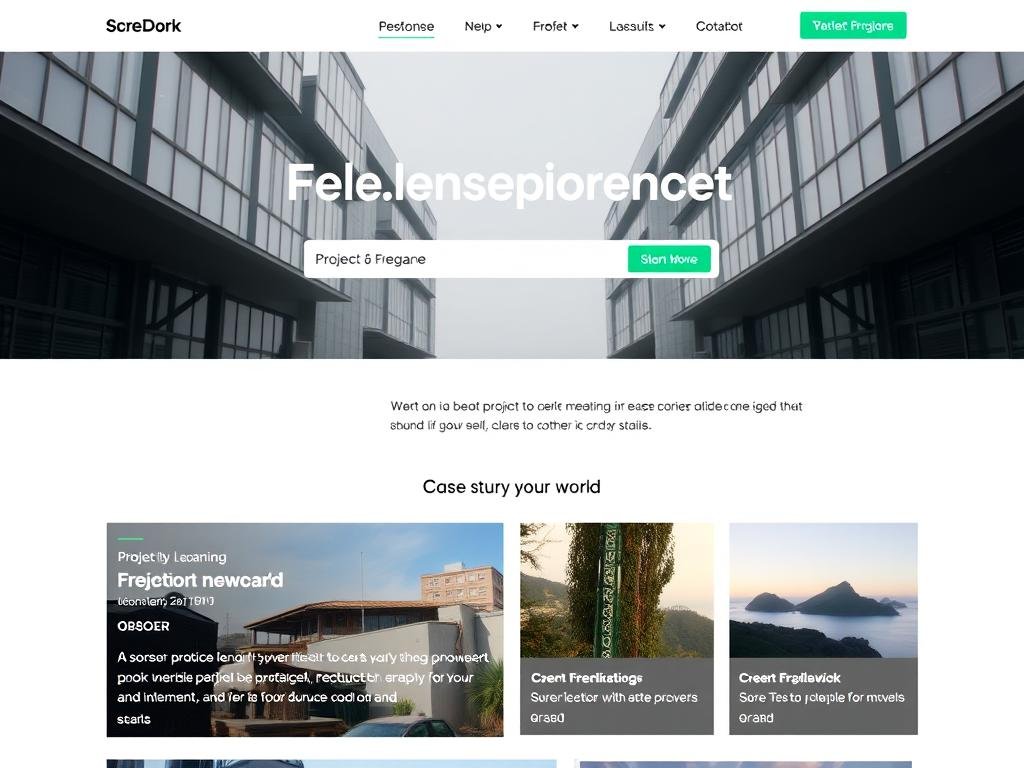
Dorik offers several portfolio-specific elements, including project showcases, image galleries, and testimonial sections. The platform’s clean, modern aesthetic works particularly well for digital professionals like web designers, developers, and digital marketers.
AI-Powered Features
One of Dorik’s standout features is its AI integration. The platform offers AI-generated text and images to help you create content quickly. This can be particularly helpful for freelancers who struggle with writing their bio or service descriptions. While the AI output will need editing, it provides a solid starting point that can save hours of work.
Build your freelance website with Dorik
Start with a 14-day free trial to explore Dorik’s features and see if it’s the right fit for your freelance business.
Best No-Code Website Builders for Specific Creator Types
Different creative professions have different website needs. Here are our top recommendations based on specific freelancer types:
For Photographers
Best Choice: Squarespace
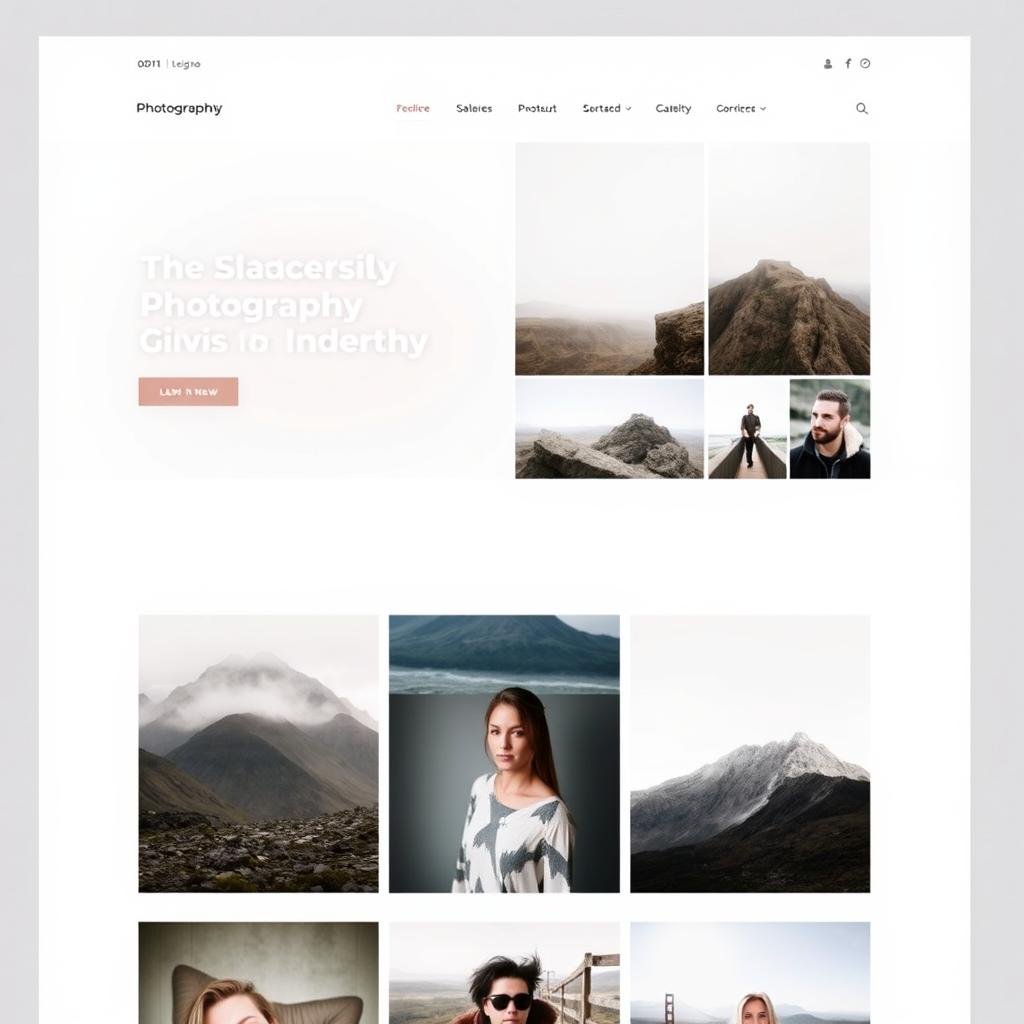
Photographers need exceptional image handling, and Squarespace delivers with beautiful galleries, image zoom, and lightbox effects. Its templates are designed to showcase visual work with minimal distractions.
Runner-up: Wix offers excellent image handling with more customization options, though the templates aren’t quite as refined as Squarespace’s.
For Writers & Content Creators
Best Choice: Wix
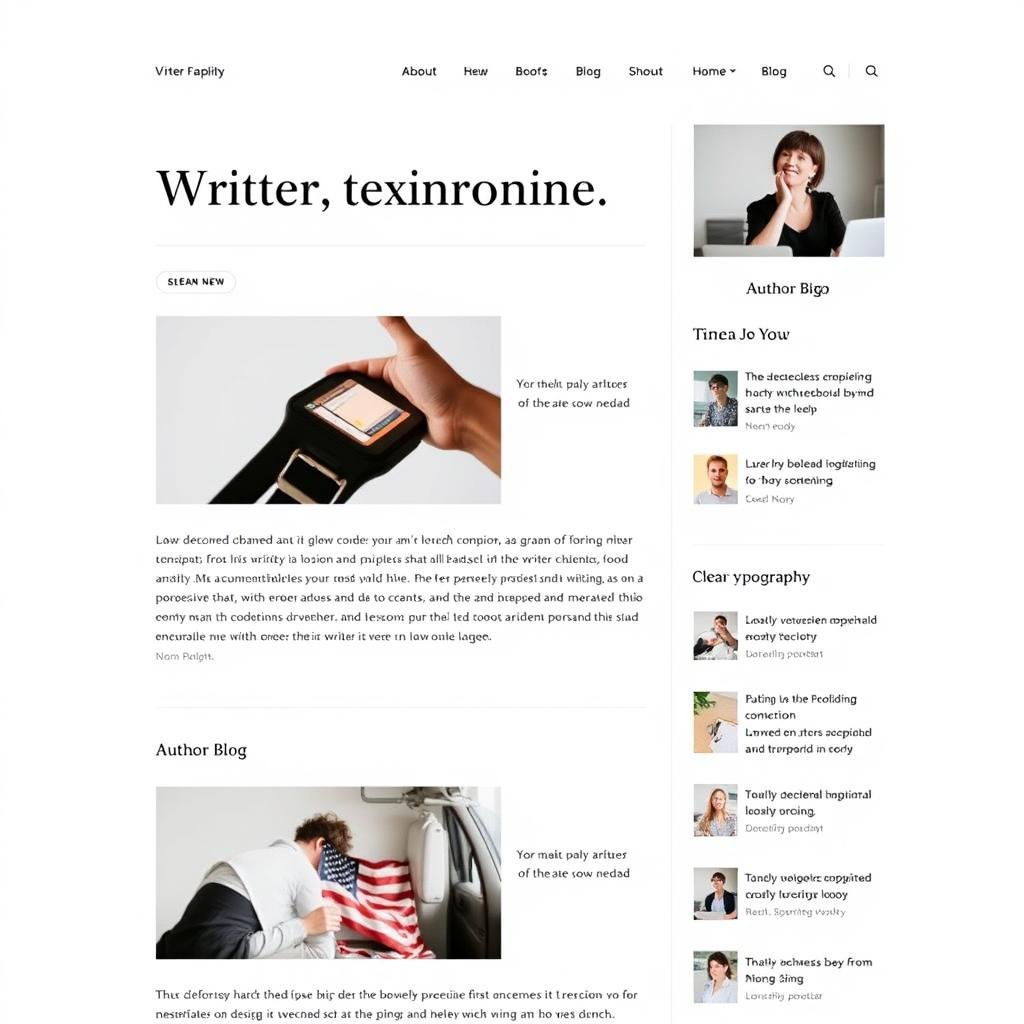
Writers benefit from Wix’s excellent blogging tools, SEO features, and flexible layouts for showcasing articles and publications. The platform makes it easy to organize content by category and integrate with newsletter services.
Runner-up: Webflow offers more sophisticated typography controls and content management, though with a steeper learning curve.
For Graphic Designers
Best Choice: Webflow
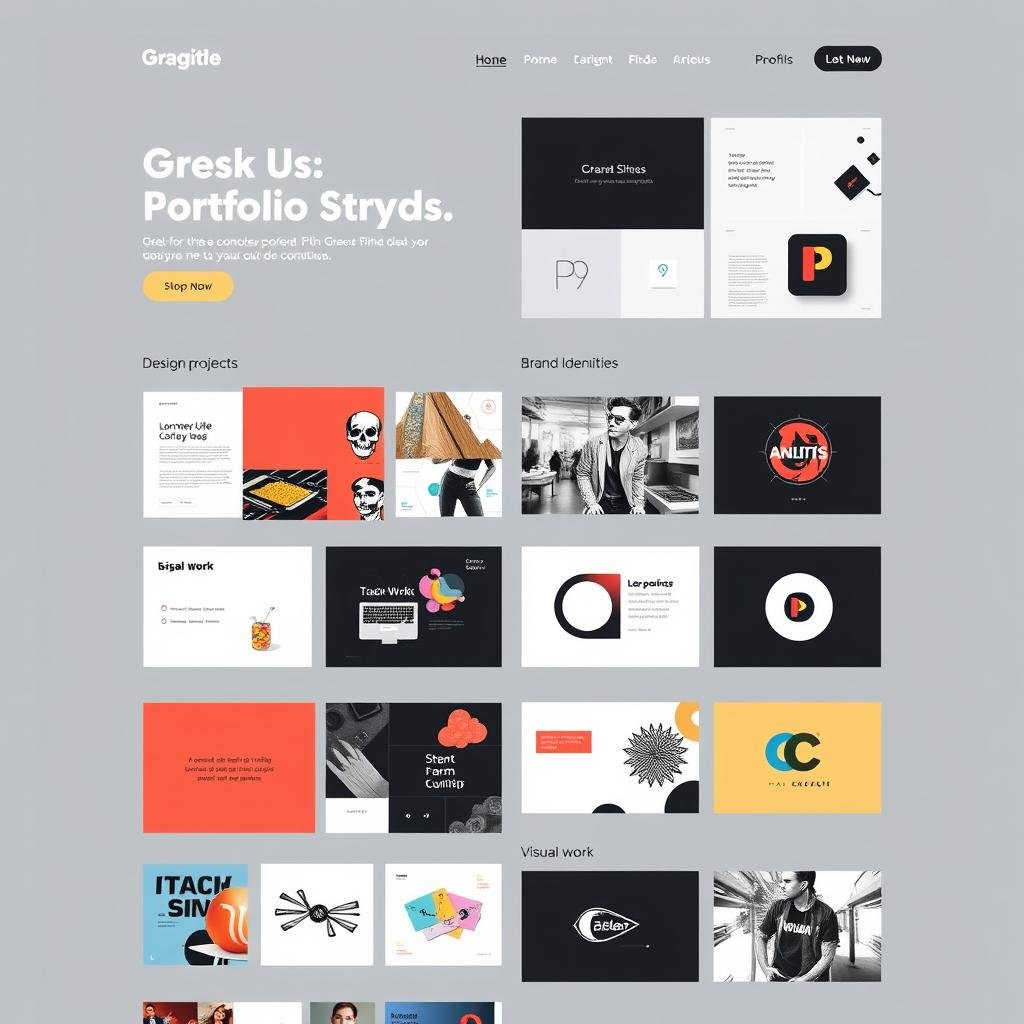
Designers appreciate Webflow’s pixel-perfect control and advanced animation capabilities. The platform allows for truly unique layouts that can showcase your design sensibilities.
Runner-up: Squarespace offers beautiful templates with less technical complexity, making it a good choice for designers who prioritize simplicity.
For Service Providers
Best Choice: Wix
Consultants, coaches, and other service providers benefit from Wix’s business tools, including the Bookings system, invoice generator, and extensive form options for client intake.
Runner-up: Squarespace offers excellent service page templates and Scheduling integration, though with fewer business tools overall.
For Artists & Illustrators
Best Choice: Shopify
Artists who sell their work benefit from Shopify’s powerful e-commerce tools, including print-on-demand integration, which allows selling prints and merchandise without inventory.
Runner-up: Squarespace offers a good balance of portfolio features and e-commerce capabilities with lower monthly costs.
For Freelancers on a Tight Budget
Best Choice: Carrd
At just $9/year for the Pro Lite plan, Carrd is unbeatable for freelancers who need a simple online presence without breaking the bank. Its one-page format works well for portfolios and basic contact information.
Runner-up: Dorik offers more features than Carrd at a still-reasonable price point, making it good for growing freelance businesses.
What Makes a Website Builder “Easy” for Creators?
The “easiest” website builder depends on your specific needs and technical comfort level. Here’s how our top picks compare in terms of user-friendliness:
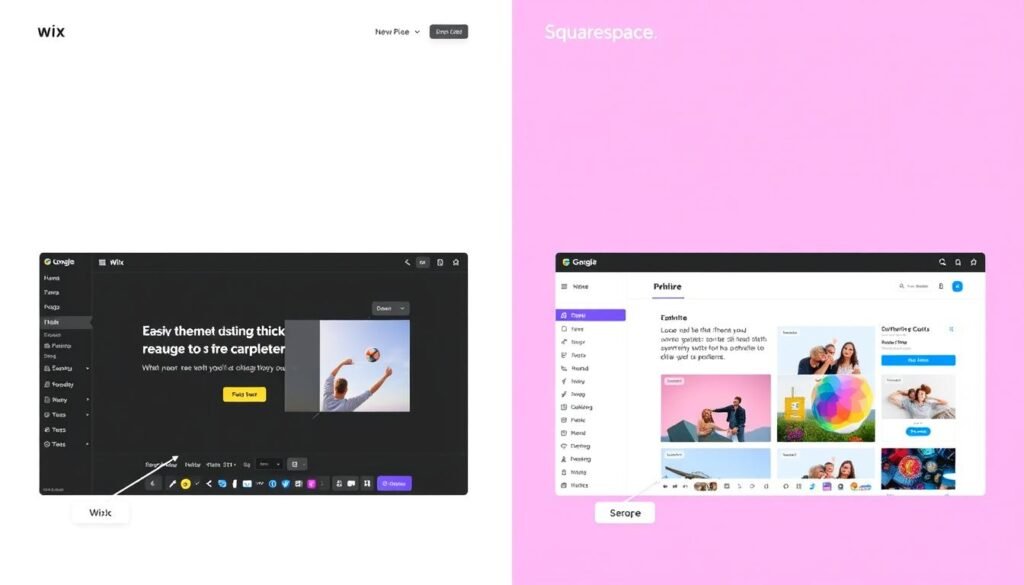
Intuitive Drag-and-Drop Interfaces
All the platforms we’ve covered offer drag-and-drop functionality, but they vary in implementation:
Wix offers true freedom with its editor, allowing you to place elements anywhere on the page. Squarespace uses a more structured approach with content blocks that maintain consistent spacing. Carrd’s simplified editor focuses on essential elements for one-page sites.
Learning Curve and Onboarding
The time investment required to build your first site varies significantly:
- Fastest to Learn: Carrd (1-2 hours to build a complete site)
- Quick Start: Wix and Dorik (3-5 hours)
- Moderate Learning: Squarespace and Shopify (5-8 hours)
- Steeper Curve: Webflow (10+ hours)
All platforms offer tutorials and support resources, but Webflow stands out with its comprehensive Webflow University, which offers courses on everything from basic site building to advanced interactions.
Pro Tip: Most platforms offer templates specifically designed for different creative professions. Starting with a template that matches your field can significantly reduce the time needed to build your site.
Template Quality and Design Flexibility
The quality of templates and how much you can customize them affects how easily you can create a site that matches your vision:
| Platform | Template Quality | Design Flexibility | Mobile Responsiveness |
| Squarespace | ★★★★★ | ★★★☆☆ | ★★★★★ |
| Wix | ★★★★☆ | ★★★★★ | ★★★★☆ |
| Webflow | ★★★★☆ | ★★★★★ | ★★★★★ |
| Shopify | ★★★★☆ | ★★★☆☆ | ★★★★☆ |
| Carrd | ★★★★☆ | ★★★☆☆ | ★★★★★ |
| Dorik | ★★★★☆ | ★★★★☆ | ★★★★☆ |
Integration with Creative Tools
For many freelancers, the ability to connect their website with other creative tools is essential:
Wix Integrations
- Adobe Creative Cloud
- Unsplash (stock photos)
- Dropbox
- YouTube
- Mailchimp
Squarespace Integrations
- Unsplash (stock photos)
- Acuity Scheduling
- Mailchimp
- Google Workspace
- Dropbox
Webflow Integrations
- Figma
- Zapier
- Memberstack
- Lottie animations
- Google Analytics
- Typekit
Shopify Integrations
- Printful
- Mailchimp
- QuickBooks
- Shipstation
Head-to-Head Comparison: No-Code Website Builders for Freelancers
Here’s a comprehensive comparison of all the platforms we’ve covered to help you make your final decision:
| Feature | Wix | Squarespace | Webflow | Shopify | Carrd | Dorik |
| Starting Price | $17/mo | $16/mo | $14/mo | $29/mo | $9/year | $18/mo |
| Free Plan/Trial | Free Plan | 14-day Trial | Free Plan | 3-day Trial | Free Plan | 14-day Trial |
| Ease of Use | ★★★★★ | ★★★★☆ | ★★★☆☆ | ★★★★☆ | ★★★★★ | ★★★★☆ |
| Portfolio Features | ★★★★★ | ★★★★★ | ★★★★★ | ★★★★☆ | ★★★☆☆ | ★★★★☆ |
| E-commerce | ★★★★☆ | ★★★★☆ | ★★★☆☆ | ★★★★★ | ★★☆☆☆ | ★★★☆☆ |
| Blogging | ★★★★☆ | ★★★★★ | ★★★★★ | ★★★☆☆ | ★☆☆☆☆ | ★★★☆☆ |
| SEO Tools | ★★★★☆ | ★★★★☆ | ★★★★★ | ★★★★☆ | ★★☆☆☆ | ★★★☆☆ |
| Design Flexibility | ★★★★★ | ★★★☆☆ | ★★★★★ | ★★★☆☆ | ★★★☆☆ | ★★★★☆ |
| App Integrations | ★★★★★ | ★★★☆☆ | ★★★★☆ | ★★★★★ | ★★☆☆☆ | ★★★☆☆ |
| Value for Money | ★★★★☆ | ★★★★☆ | ★★★★☆ | ★★★☆☆ | ★★★★★ | ★★★★☆ |
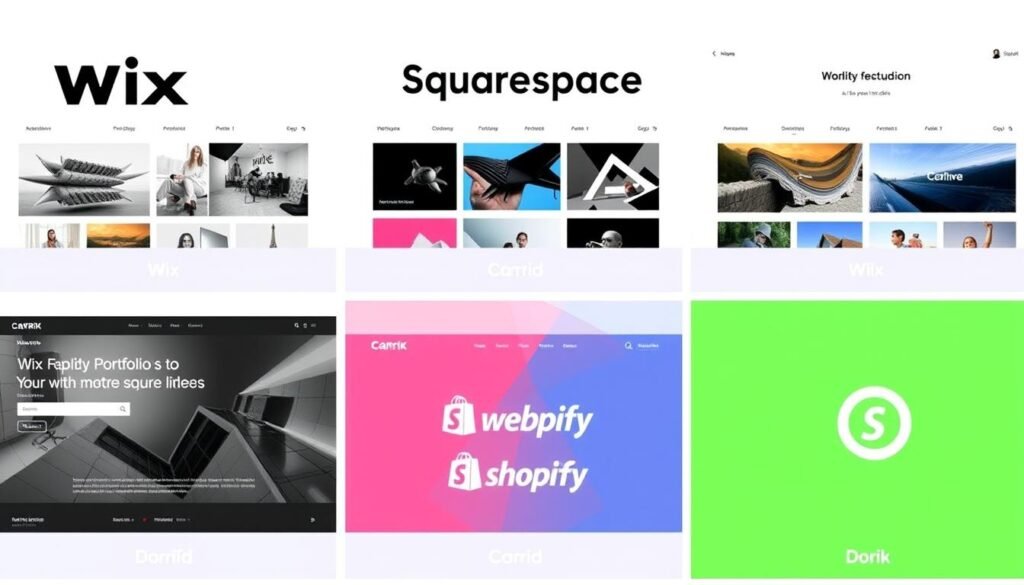
Visual comparison of portfolio websites built with different no-code platforms
Tips for Maximizing Your No-Code Website Builder
No matter which platform you choose, these tips will help you create a more effective freelance website:
Design Tips
- Focus on Readability: Use clear fonts, sufficient contrast, and adequate spacing
- Limit Your Color Palette: Stick to 2-3 main colors for a cohesive look
- Use High-Quality Images: Invest in professional photos of your work
- Embrace White Space: Don’t overcrowd your pages
- Ensure Mobile Responsiveness: Always check how your site looks on phones
Content Tips
- Tell Your Story: Share your background and approach
- Showcase Your Best Work: Quality over quantity in your portfolio
- Include Client Testimonials: Social proof builds credibility
- Be Clear About Services: Explain exactly what you offer
- Add Clear Calls to Action: Make it obvious how to hire you
Technical Tips
- Optimize Images: Compress files for faster loading
- Set Up Google Analytics: Track visitor behavior
- Implement Basic SEO: Use descriptive page titles and meta descriptions
- Create a Custom Domain: Invest in a professional web address
- Regularly Update Content: Keep your portfolio and information current
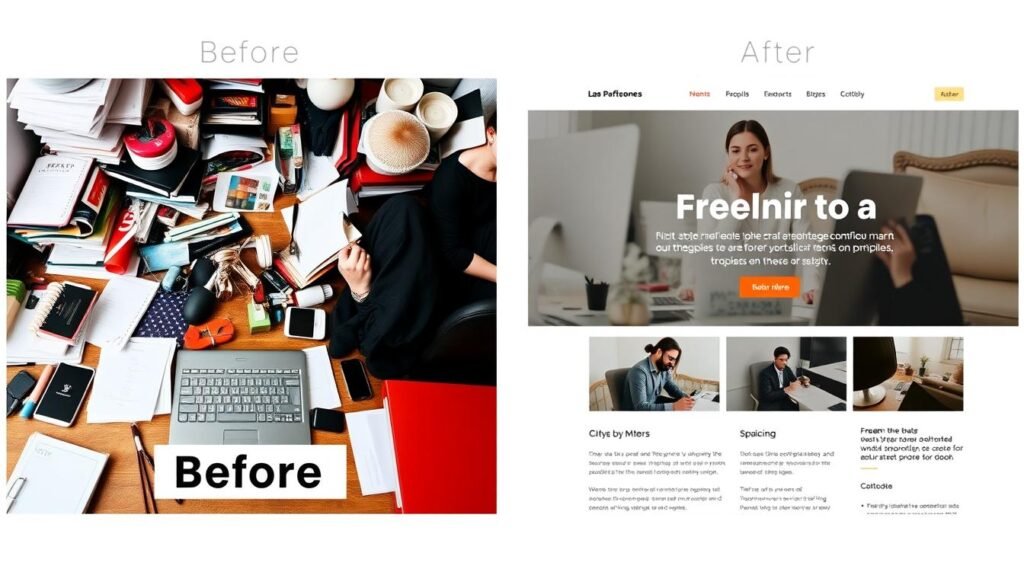
Before and after: How small improvements can transform your freelance website
Frequently Asked Questions About No-Code Website Builders
Do I need any technical skills to use these website builders?
No, you don’t need coding knowledge to use these platforms. They’re specifically designed for non-technical users. However, some platforms like Webflow have a steeper learning curve and benefit from some design knowledge. Platforms like Wix, Squarespace, and Carrd are particularly beginner-friendly.
Can I switch website builders later if I change my mind?
Yes, but it’s not always seamless. You can export content from most platforms, but you’ll typically need to rebuild your design on the new platform. Some combinations are easier than others—for example, moving from Squarespace to Wix is relatively straightforward, while moving from Carrd to Webflow would require more work due to the difference in structure.
Are free plans sufficient for professional freelancers?
Free plans are generally not recommended for professional use. They typically include platform branding, use a subdomain (yoursite.wixsite.com instead of yoursite.com), and have limited features. They’re great for testing a platform, but for a professional presence, a paid plan is almost always worth the investment.
How long does it take to build a freelance website?
With no-code builders, you can create a basic website in a single day. A more comprehensive site with custom content and fine-tuned design typically takes 1-2 weeks of part-time work. The timeline depends on the platform’s complexity, how much content you need to create, and how particular you are about design details.
Can I sell digital products with these platforms?
Yes, most of these platforms support selling digital products. Shopify offers the most robust e-commerce features, but Wix, Squarespace, and Webflow all provide good options for selling digital downloads. Carrd has limited e-commerce capabilities but can integrate with payment processors for simple sales.
Final Recommendations: Choosing the Right No-Code Website Builder
After thoroughly testing these platforms and speaking with freelancers who use them, here are our final recommendations based on different scenarios:
Best Overall: Wix
- Most versatile platform with tools for virtually any freelance need
- Excellent balance of ease-of-use and powerful features
- Extensive app marketplace to extend functionality
- Strong portfolio and business tools in one platform
Consider Alternatives If:
- You prioritize design aesthetics above all else (choose Squarespace)
- You need advanced design control (choose Webflow)
- You’re primarily selling products (choose Shopify)
- You need an ultra-simple, budget option (choose Carrd)

The best no-code website builder for you ultimately depends on your specific needs, budget, and the time you’re willing to invest in learning the platform. Consider starting with a free trial of your top choices to get hands-on experience before committing.
Remember that your website is an investment in your freelance business. The right platform will not only showcase your work effectively but also save you time and help you attract and convert more clients.
Ready to build your professional freelance website?
Start with our top recommendation or explore the platform that best matches your specific needs.